96
GB
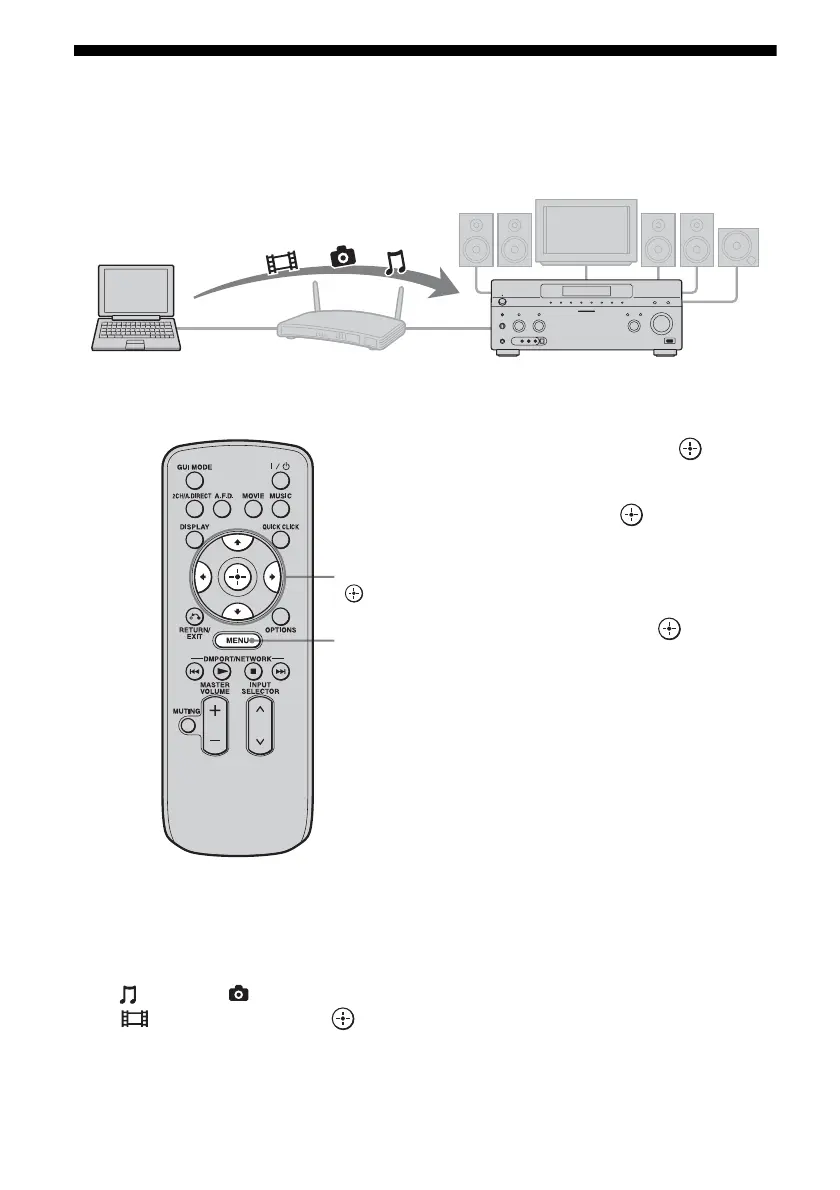
Enjoying content stored on the server
A server is a device which delivers content (music, photos, and videos) to a DLNA device on a
home network.
You can play back music, photos, and videos stored on the server using the receiver.
1 Press MENU.
The menu is displayed on the TV screen.
2 Press V/v repeatedly to select
“ Music,” “ Photo,” or
“ Video,” then press or b.
3 Press V/v repeatedly to select
“Server,” then press .
The server list appears on the TV screen.
4 Press V/v and to select the
server which holds the content
you want to play.
The content list appears on the TV screen.
5 Press V/v/B/b and
repeatedly to select content
you want to play from the
content list.
The playback screen appears on the TV
screen, and content you selected is played
back.
Computer STR-DA5500ES
V/v/B/b,
MENU















 To Next Page