88
GB
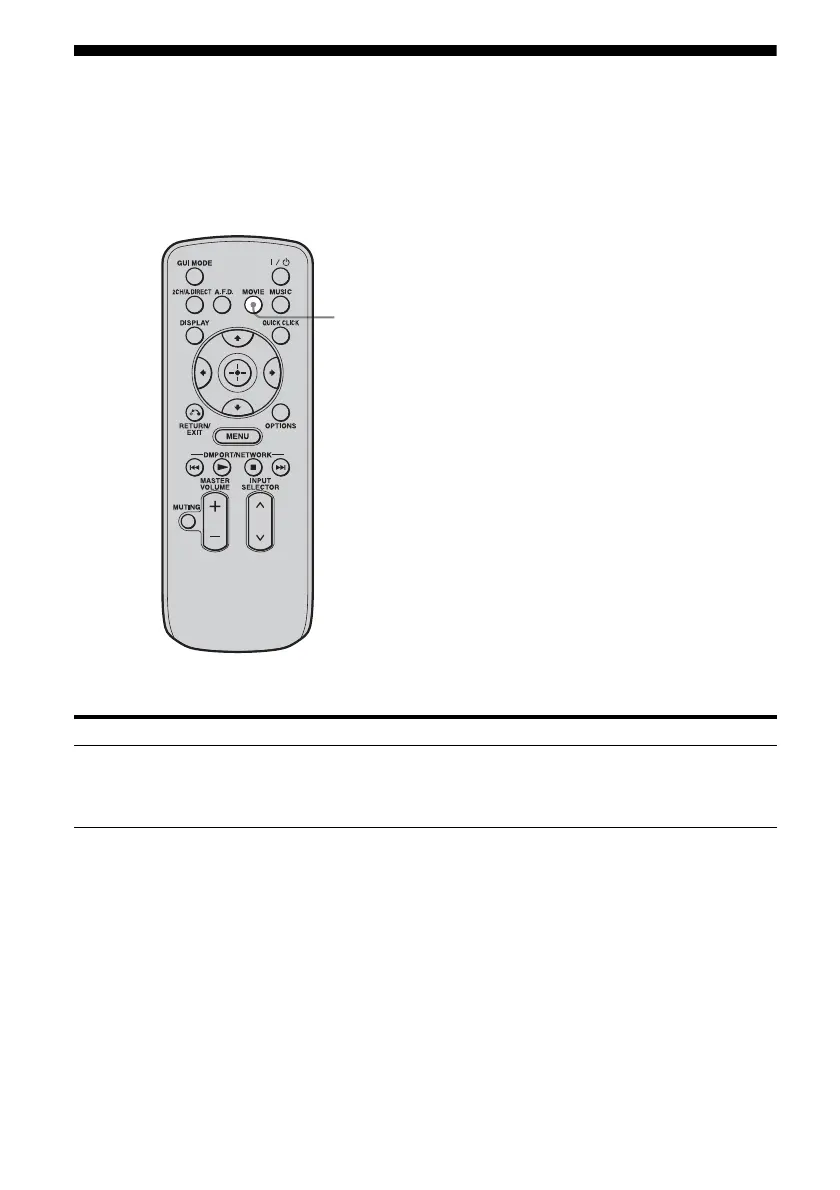
Enjoying a surround effect for movies
You can take advantage of surround sound simply by selecting the receiver’s preprogrammed HD-
D.C.S. (HD Digital Cinema Sound) sound field. It brings the exciting and powerful sound of movie
theaters into your home.
For details on HD-D.C.S. technology, see “Glossary” (page 180).
Press MOVIE.
To turn off the surround effect for MOVIE
Press 2CH/A.DIRECT or A.F.D.
Sound field Effect
HD-D.C.S. HD-D.C.S. can realize precisely sound effect on the movies watching through
Blu-ray and DVD software, etc. like how Movie Sound Designers’ intended to
be. You can select the Effect Type for HD-D.C.S. For details, see “Sound Field
Setup” (page 134).
MOVIE















 To Next Page