78
GB
4 Press V/v repeatedly to select
the preset number you want to
use as the preset channel, then
press .
Preset channels from 1 to 30 are available,
and a default channel is preset for all the
preset channels when you purchase the
receiver.
The selected channel is registered as the
preset channel you selected in step 1.
5 Repeat steps 1 to 4 to preset
another channel.
You can store channels from 1 to 30.
1 Press MENU.
The menu is displayed on the TV screen.
2 Press V/v repeatedly to select
“ XM” or “ SIRIUS,” then
press or b.
3 Press V/v to select the preset
number from the preset list,
then press .
You can select stored preset channels
from 1 to 30.
Notes
• The channel information you have preset may be
changed if XM Satellite Radio Inc. or SIRIUS
Satellite Radio Inc. change their channel
programming.
• When the “Category Mode” screen is displayed,
press OPTIONS, then press V/v to select “Preset
Mode.”
Restricting access to
specific channels
(Parental Lock) (SIRIUS only)
You can restrict access to certain channels
using your own lock code. The lock code is set
to “0000” as the default. Use the multifunction
remote for this operation. This operation
cannot be performed using the simple remote.
Change the lock code before you use this
function for the first time. See “To change the
lock code (Lock Code)” (page 79).
1 Select a channel you want to
lock using Category Mode
(page 75) or Direct Tuning
(page 76).
2 Press OPTIONS.
The option menu appears.
3 Press V/v to select “Parental
Lock,” then press or b.
Selecting preset channels
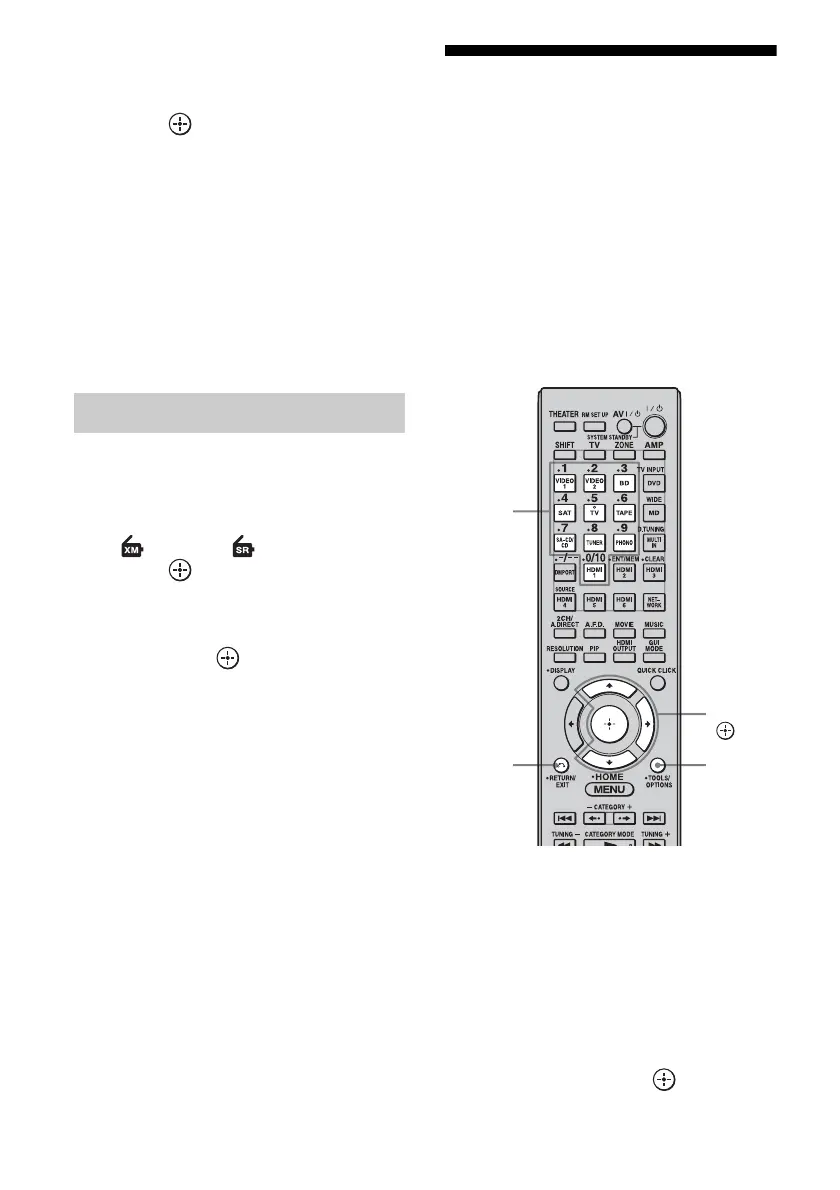
V/v/b,
OPTIONS
Numeric
buttons
RETURN/
EXIT O















 To Next Page