35
GB
Getting Started
To enjoy TV multi channel
surround sound broadcasting
You can listen to TV multi channel surround
sound broadcasting from the speakers
connected to the receiver.
Connect the OPTICAL output jack of the TV
to the OPTICAL IN jack of the receiver.
Tips
• Connect to at least one of the audio cords (B or
C).
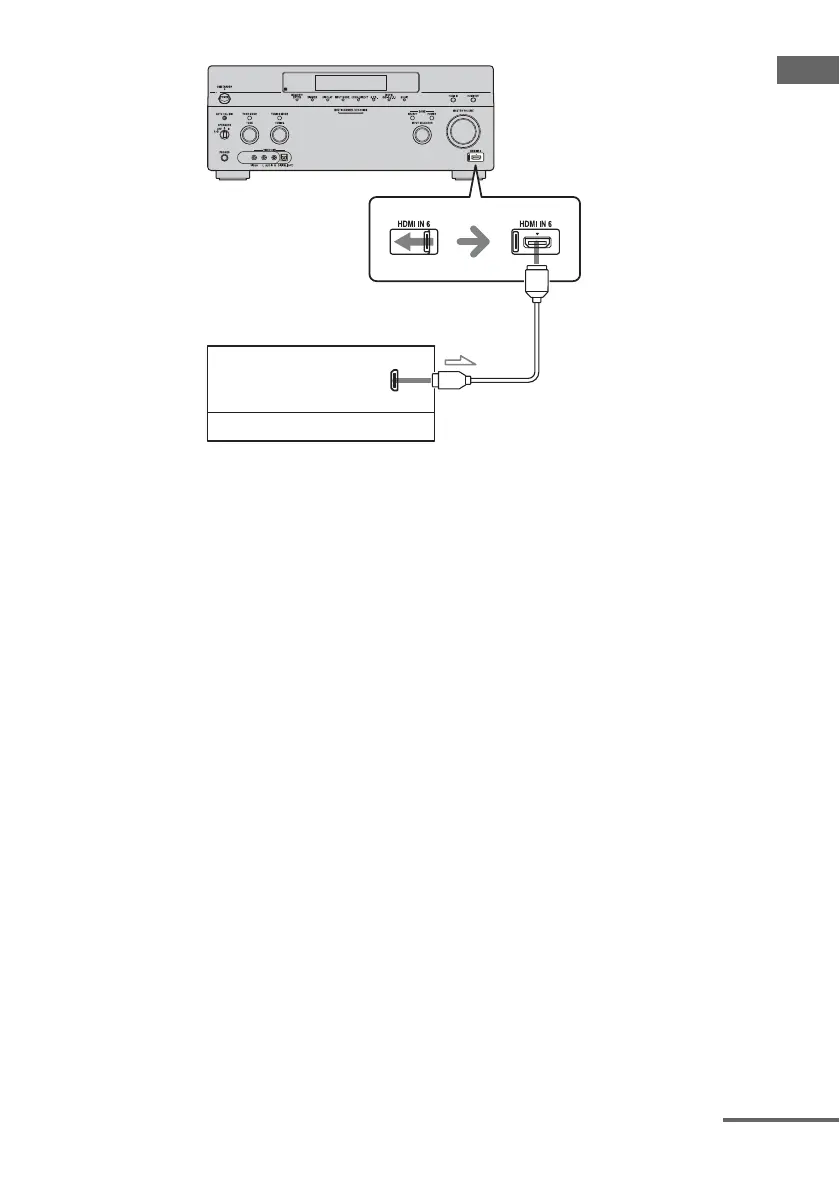
• You can watch the image of the camcorder easily
with connecting your camcorder to the HDMI
IN 1, IN 2, and IN 6 jacks (page 114).
A
Camcorder
Audio/video signals
A HDMI cable (not supplied)
We recommend that you use a Sony HDMI cable.
continued















 To Next Page