The CONTROL Al control system has been
updated to the CONTROL AIR which is
the
standard system in the Sony 300 disc CD changer
and other recent Sony components. Components
with CONTROL Al jacks are compatible with
components with CONTROL AIR, and can be
connected to each other. Basically, the majority of
the functions available with the CONTROL Al
control system will be available with the
CONTROL AlII control system.
However, when making connections between
components with CONTROL Al jacks and
components with CONTROL AlR jacks, the
number of functions that can be controlled may be
limited depending on the component. For detailed
information, refer to the operating instructions
supplied with the component(s).
naural
mini-plug cords in series to
OL Ali II jacks on the back of each
coq9onent. You can connect up to 10
fXPWROL Al II compatible components in
my order. However, you cm connect only me
of each type of corqornent (i.e., 1 CD player, H
MD deck, I tape deck md I receiver).
(Yw may be able to connect more than one CD
player 01
&cgC, depending on the modeL
Refer to the operaking instmcti~ns sq@ied
with the respective component for details.)
Example
.e...
Amplifier CD
(Receiver) player dMeDck
-l-ape
Other
deck
component
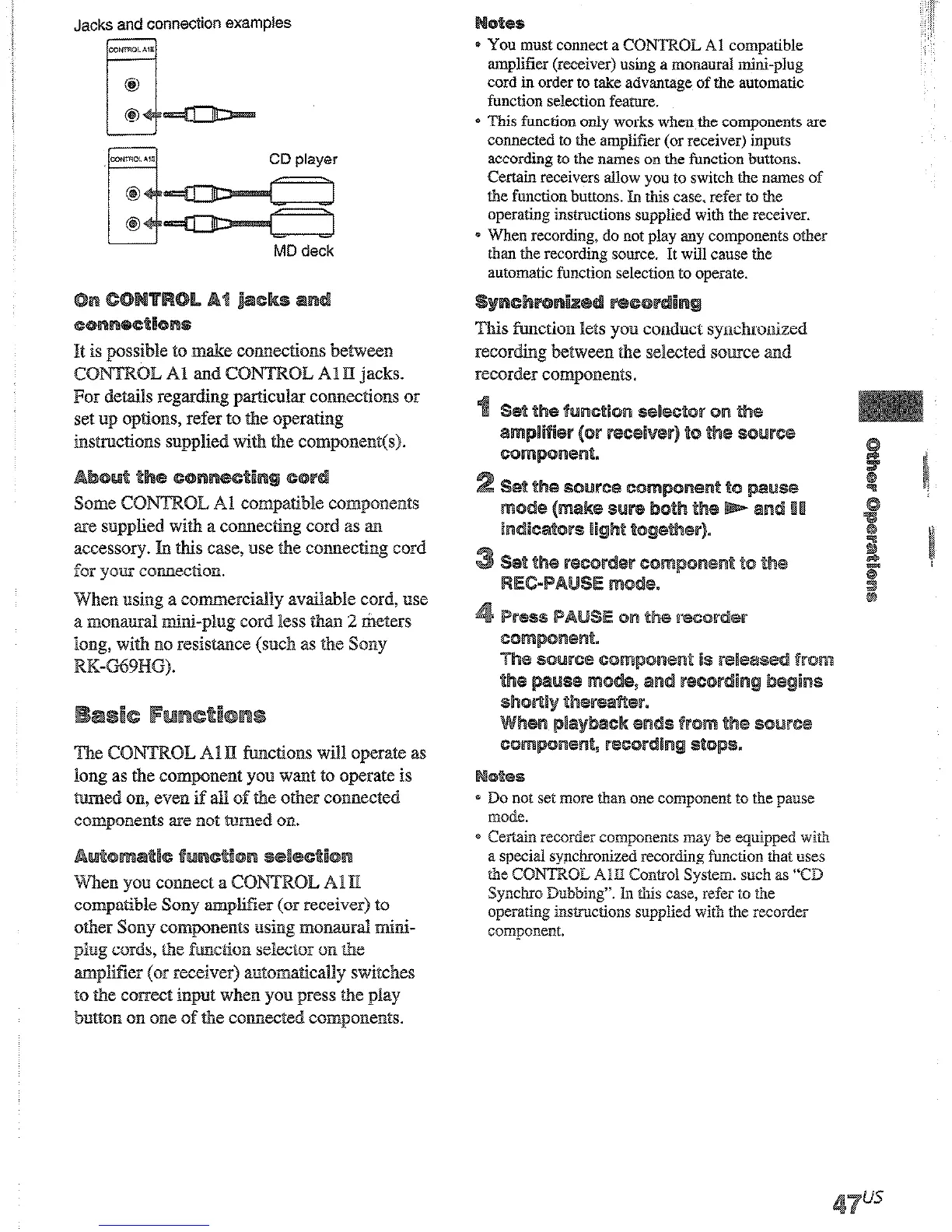
Jacks and connection examples
It is possible to make connectiohls between
CWTROL A AllI jacks.
Pm &s.i~s reg omections or
set up options, refer to the operathg
instructions suppEed with the connpone~~t(s).
ax.2 supplied with a connecting cord as an
accessory. In this case, use the connecting cord
for ymr connection.
When using a connmerciaDy available cord, nse
a monaural mini-plug cord less than
2 tieters
long, with no resistance (such as the Sony
RK-G69HG).
The CONTROL Al II functions will operate as
long as the component you want to operate is
turned 0~1, even if ii@ of the other connected
components are not tmned on.
When you connect a COEVTROL APE
compatible Sony ampliEer (or receiver) to
other Sony components using momurd mini-
plug cords, the fmctim selector on the
amplifier (or receiver) ~utomaticdly switches
to the correct input when you press the play
button on one of the connected compoxxents.
* You must connect a CONTROL Al compatible
amplifier (receiver) using a monaural mini-plug
cord in order to take advantage of the automatic
function selection feature.
* This function only works when the components are
connected to the amplifier (or receiver) inputs
according to the names on the function buttons.
Certain receivers allow you to switch the names of
the function buttons. In this case, refer to the
operating instructions supplied with the receiver.
s When recording, do not play any components other
than the recording source. It will cause the
s function lets you conduct synchronized
recording between the selected souxe and
corder components.
e Do not set more than one component
to the pause
IllOde.
* Certain recorder components may be equipped with
a
special synchronized recording function that uses
the CONTROL AID Control System. such as “CD
Synchro Dubbing”. IIn this case, refer to the
operating instructions supplied with the recorder
component.











 To Next Page