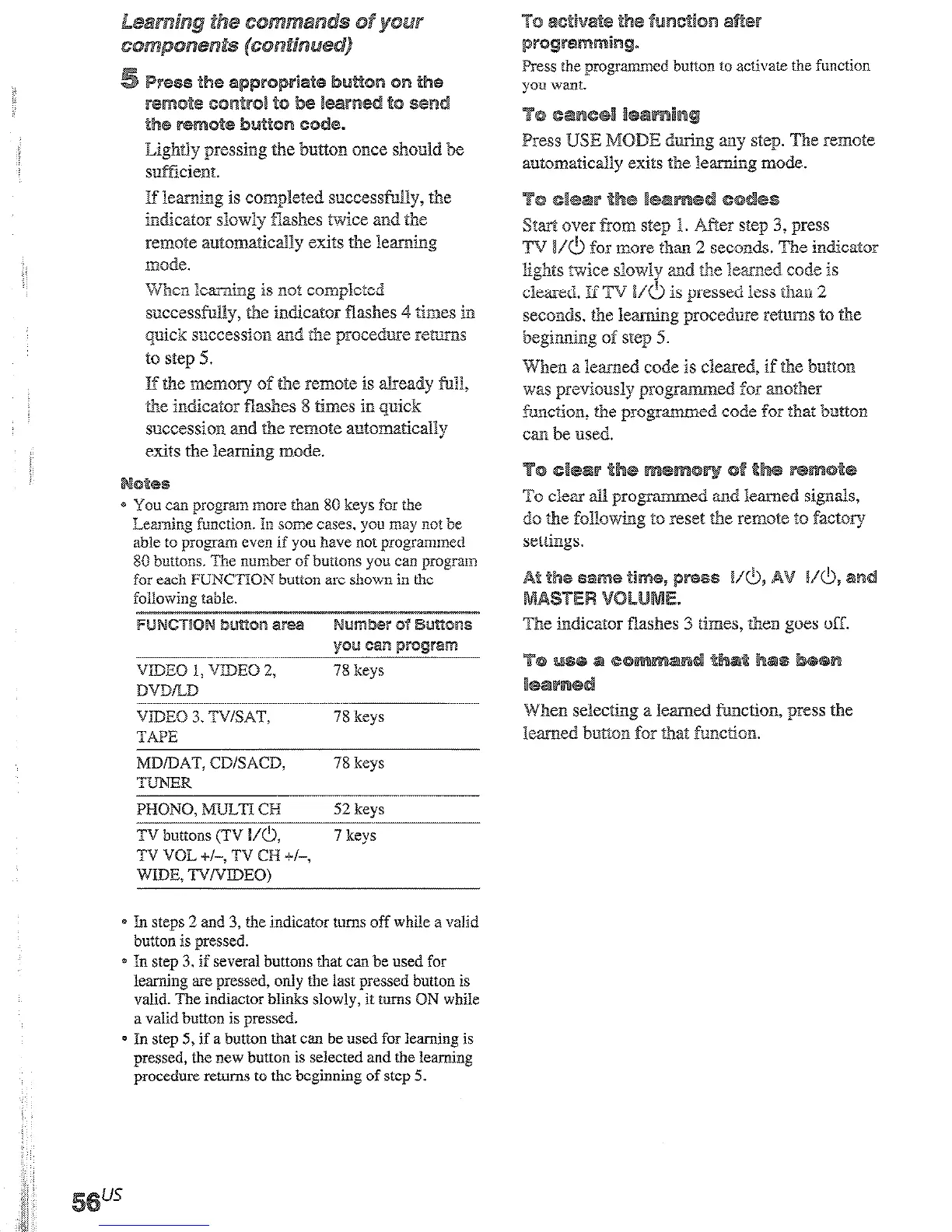
Ligkltly pressing the bwxon once shcpnld be
sufikient.
If learhg is completed successfnlly, the
indicator slowly Bashes twice and the
ret-note automa?icically exits the leamtig
mode.
When learning is not conlpleteed
successful3y, the indicator Washes 4 times in
pick succession md the proced3xe returns
to step 5.
If tb.c mem5ry of the remote is already 8.113,
the indicator Washes 8 times in quick
succession and the remote autom&icaGy
exits the iearning mode.
otes
* You can program mo~c than 80 keys for the
Learning function. In some cases. you may ~IO? be
able to program even if you have not programmed
85
buttons. The number of buttons you can prograin
fOi
each PUNCTIOW button iire
shown
in the
following table.
VIDEO 3. TV/SAT,
78 keys
TAPE
MDDAT, CD/SACD,
78 keys
TUNER
PMONO, ?aJ.Lm CB
52
keys
TV buttons (TV I/O,
7
keys
TV VOL +I-, TV CH +i-,
rnE. TYNDEO~
e In steps 2 and 3, the indicator turns off while a valid
button is pressed.
* In step 3.
if several buttons that can be used for
leaming are pressed, only the last pressed button is
valid. The indiactor blinks slowly, it turns ON while
a valid button is pressed.
0 In step 5, if a button that can be used for learning is
pressed, the new button is selected and the learning
procedure returns to the beginning of step 5.
cd button to activaie the function
Press USE MODE d
g imy step. The remote
autornattica3ly exits the learning mode.
) press
TV I/O
f5r
more than 2 seconds. The indkator
liglats twice siowly and the learned code is
cleared. If TV Vf$ is pressed less than 2
seconds, the leaming procedure returns to the
beginning 0% step 5.
When a learned code is cleared, if the button
was previously programmed for another
function, the progranuned code 6~ that button
cm be used.
To clear 11 pqyammed and learned signals,
do &a followiklg to reset the rem& t5 factory
set&1gs.
3 times, then goes off.
on lets you link several
W codes in a sequeralial order as a single
he remote jXOQidW 2 macr5 lists
). You cm specify up lo 10 IR
codes
for each macro list.
0 program step
3, press I.
The indicamr blinks slowly.
Lightly pressing the
button once should be
sufficient.
If learning is completed successfully, the
indicator slowly flashes twice and the
remote a~to~a~c~~y exits the learning
mode.
en learning is not completed
successfully, the indicator flashes 4 times in
quick succession and the procedure returns
If programming is unsuccessfui, check the
follwing:
- If the indicator does not light up in step 1, the
batteries are weak. Replace both batteries.
- If the indicator lights 4 times in quick
succession in step 3, an error has occured. Start
again from step I.
autonx&all
* PressIW
isM1.
e Press M2
M2.
I second de1
step. The im
remote auto
IBOde.
Clear each I
0 PressMZ
is Ml.
Q Press M2
T code
twice slowl:
exits the ma
If the Macro I
program a
de1
delay the ouq











 To Next Page