Performance Verification
VX4792 User Manual
F-9
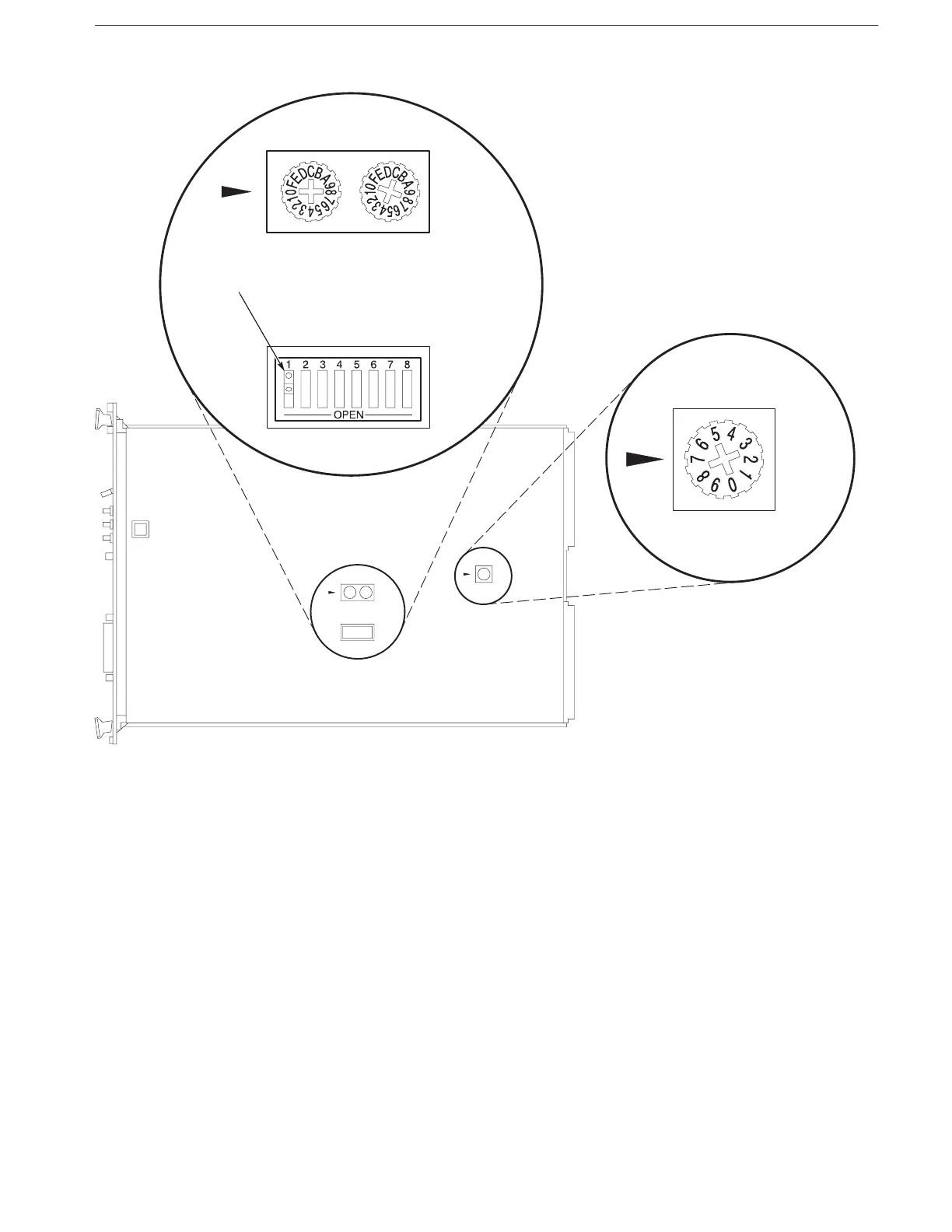
CLK 10
INT
EXT
Closed for secondary
addressing
INT
HANDLER
CONFIGURATION
SWITCH
LOGICAL
ADDRESS
Figure F-1: Setting Switches on the Resource Manager
4. Install the Slot 0 Resource Manager into Slot 0 of the mainframe (refer to the
resource manager user manual for instructions).
5. Install the VX4792 Arbitrary Waveform Generator into the slot next to the
Slot 0 Resource Manager (see page 1–3 for instructions).
6. Install the GPIB cable between the computer and Slot 0 Resource Manager.
Your system should match the configuration shown in Figure F–2.



 To Next Page