Performance Verification
F-10
VX4792 User Manual
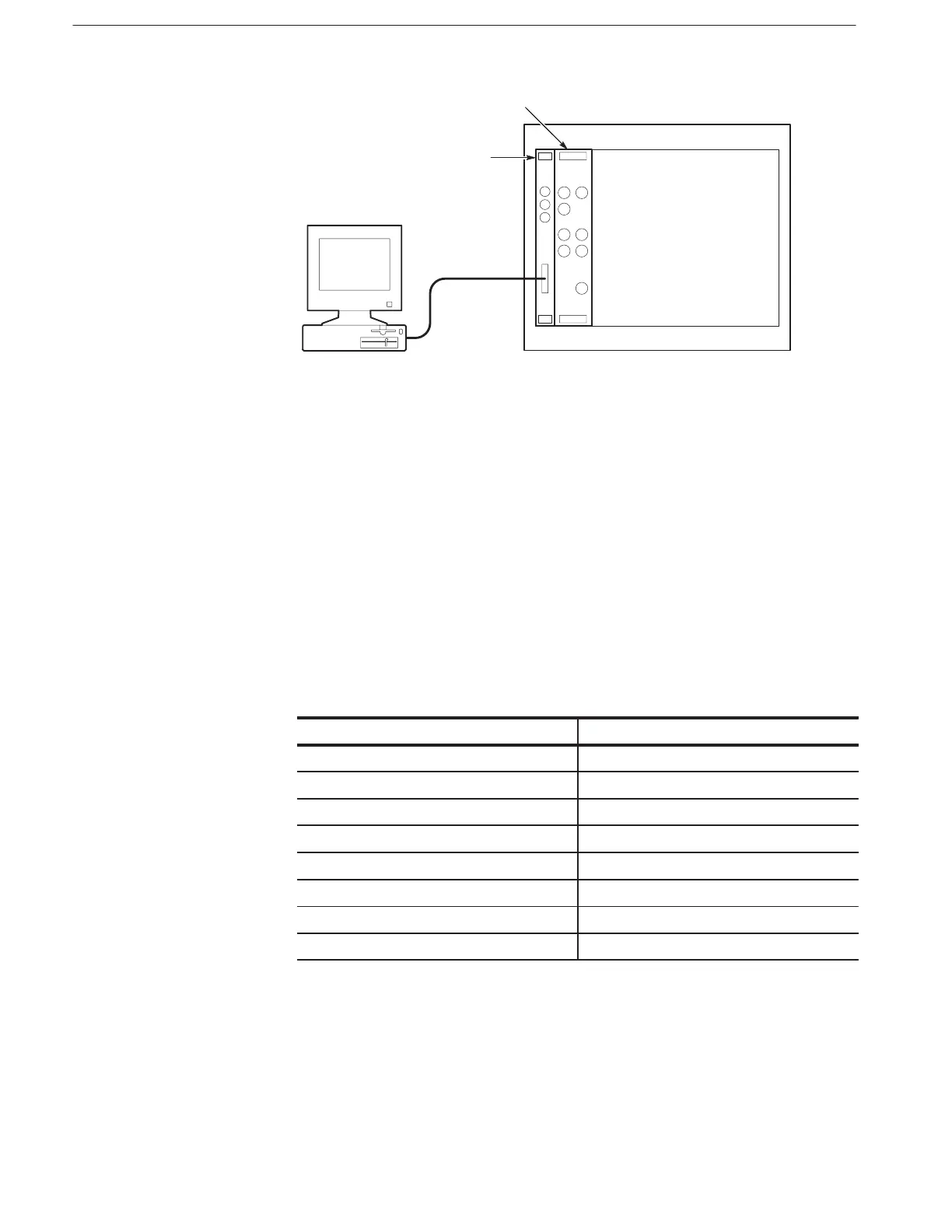
VXIbus Mainframe
Controller
GPIB Cable
Slot 0 Resource Manager
VX4792
Figure F-2: Basic System Configuration
7. Load the Performance Check Disk onto the hard disk of the computer at the
directory that contains IBIC.
8. On the computer, change the directory to the directory where IBCONF is
located.
9. To invoke IBCONF, type:
Change the Device Characteristics Parameters for DEV1 as shown in
Table F–4.
Table F-4: VX4792 Device Characteristics Parameters
Parameter Setting for VX4792 (DEV1)
Primary GPIB Address 1
Secondary GPIB Address 97
Timeout Setting T10s
EOS Byte 0AH
Terminate Read on EOS NO
Set EOI with EOS on Write NO
Type of Compare on EOS 7ĆBit
Set EOI with Last Byte of Write YES
10. Reboot your computer if necessary.



 To Next Page