Performance Verification
VX4792 User Manual
F-11
11. On the computer, change the directory to access IBIC.
12. To invoke IBIC and select device 1 (the VX4792 Arbitrary Waveform
Generator), type the following commands:
Now your computer will display the prompt.
13. Perform the Functional Check Procedure located on page 1–11. This
procedure verifies that your system is operational, and runs a self-calibration
to optimize waveform generator performance.
Operating Mode Checks
This procedure checks the operation of the Continuous, Triggered, Burst, Gated,
Waveform Advance, and Autostep modes.
This procedure checks the operation of the Continuous mode.
Electrical Characteristic Checked: Operating mode, Continuous, on page E–4.
Equipment Required: A 50 coaxial cable and an oscilloscope.
Prerequisites: The instrument must meet the prerequisites listed on page F–3.
Procedure:
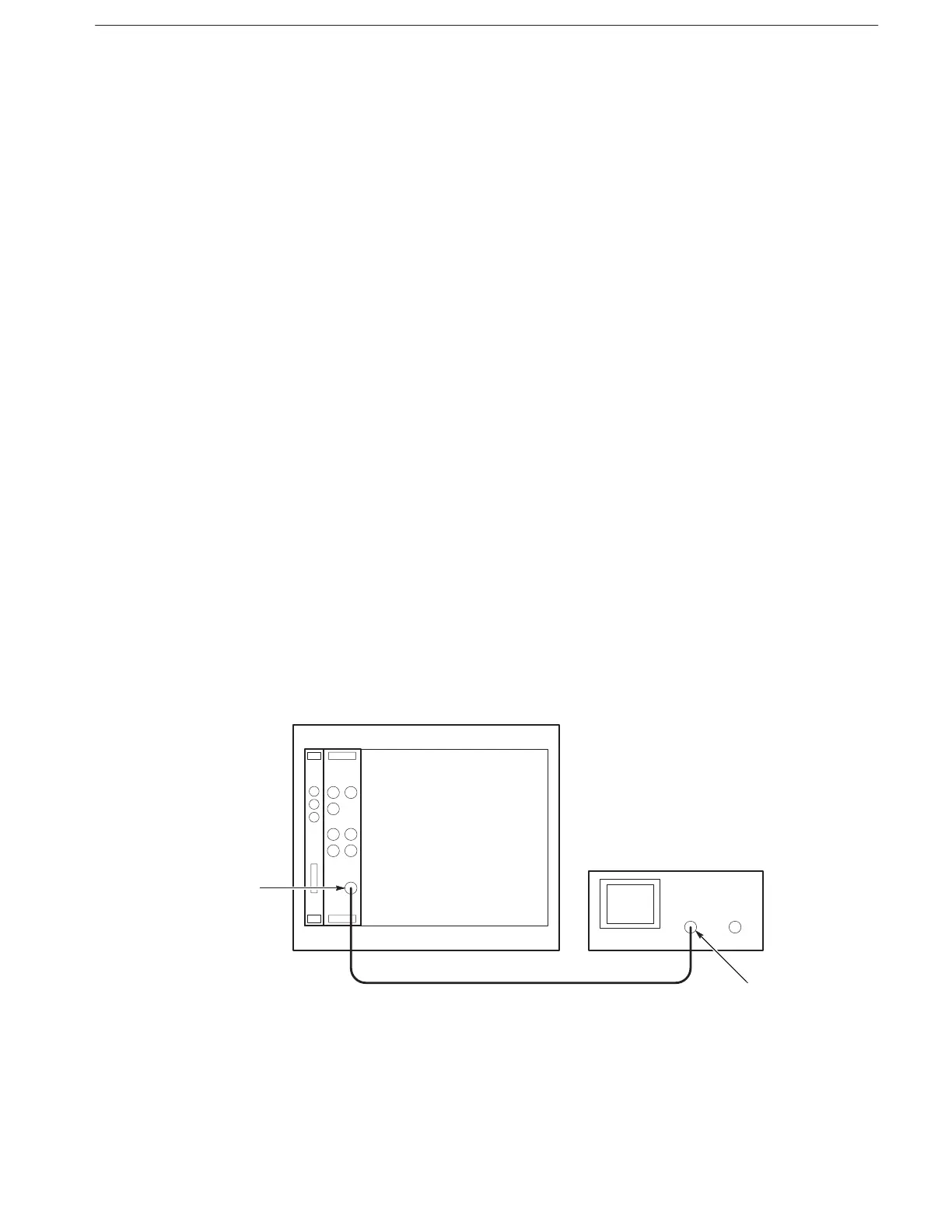
1. Install the test setup and set test equipment controls (see Figure F–3):
Figure F-3: Cont Mode Initial Test Setup
Check Continuous Mode



 To Next Page