Performance Verification
F-18
VX4792 User Manual
2. To set the VX4792 Arbitrary Waveform Generator controls and select the
waveform file, type:
3. To check gated mode with manual trigger:
a. Type:
Check that the oscilloscope continuously displays a sine wave.
b. Type:
Check that the oscilloscope continuously displays a line.
4. Check gated mode with gate signal:
a. Apply gate signal: Turn function generator output on.
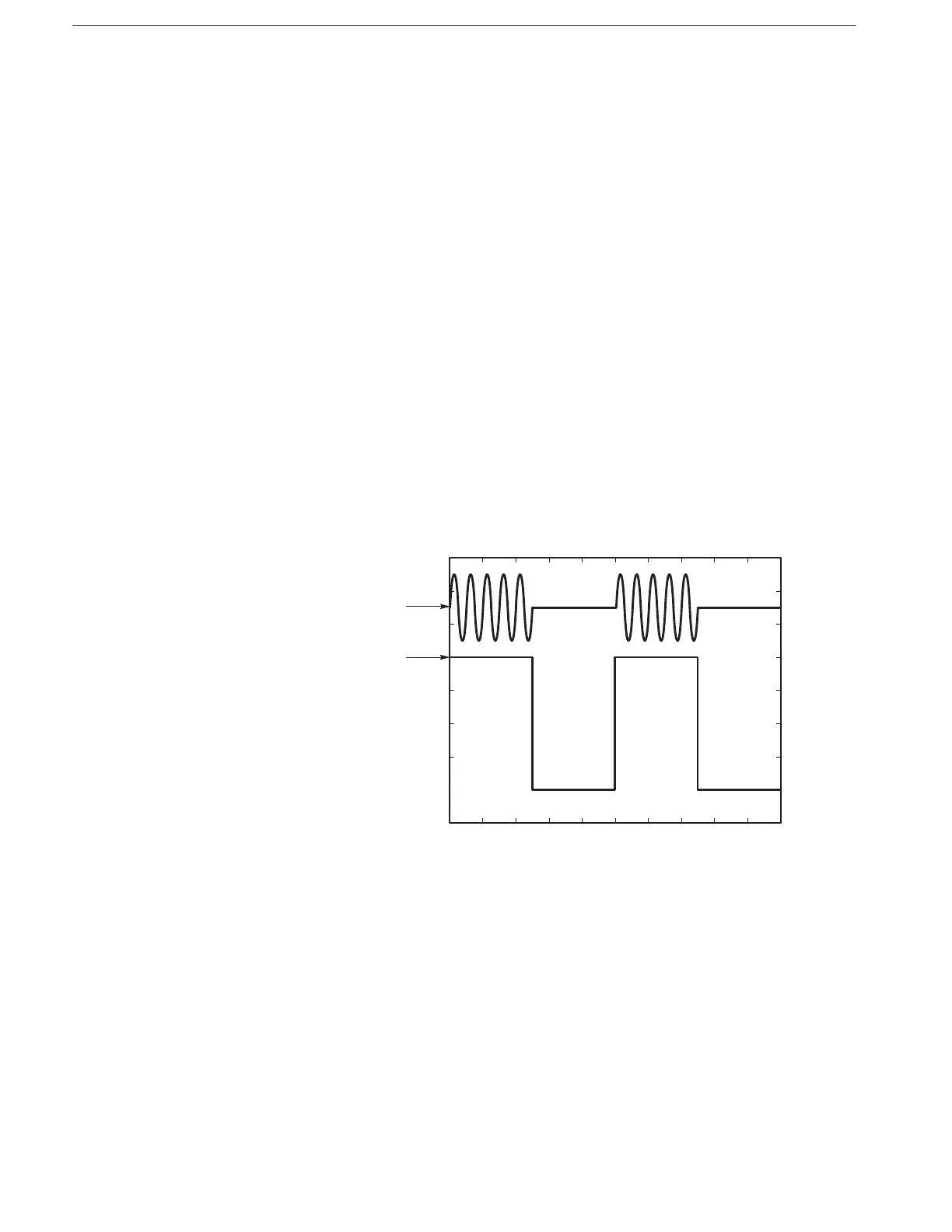
b. Check gated mode with positive gate signal: Check that the oscilloscope
displays a sine wave when the gate signal is high (Figure F–7).
Figure F-7: Waveform Output Signal with Positive Gate Signal
c. To change the trigger polarity to negative, type:
d. Check gated mode with a negative gate signal: Check that the oscillo-
scope displays a sine wave while the gate signal is low (Figure F–8).



 To Next Page