Record & Disk Management
DVR User Manual
37
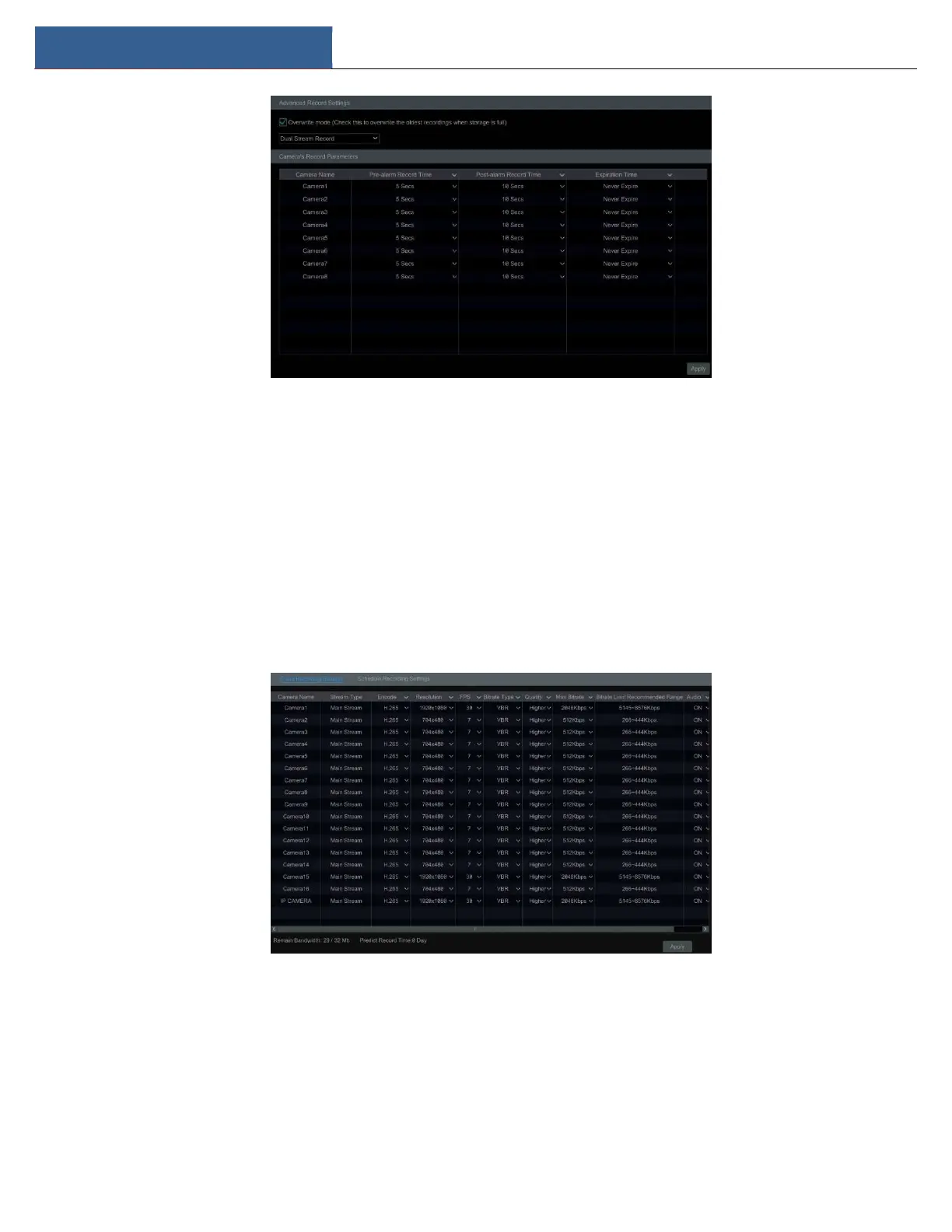
Pre-alarm Record Time: set the time to record before the intended recording begins.
Post-alarm Record Time: set the time to record after the intended recording is finished.
Expiration Time: set the expiration time for recorded video. If the set date is overdue, the recorded data will be deleted automatically.
7.2 Encode Parameters Setting
Click StartSettingsRecordEncode Parameters to go to the interface as shown below. Set the encode, resolution, FPS, GOP, bitrate type,
quality, max bitrate and audio of the main stream for each camera in “Event Recording Settings” and “Schedule Recording Settings” interfaces. Click
“Apply” to save the settings. You can set the record stream of each camera one by one or batch set them for all cameras.
Click StartSettingsRecordStream Settings to go to “Sub-stream” interface. Set the encode, resolution, FPS, GOP, bitrate type, quality and max
bitrate of sub-stream for each camera in the interface and then click “Apply” to save the settings.



 To Next Page