Alarm Management
DVR User Manual
52
8.4.4 Event Search
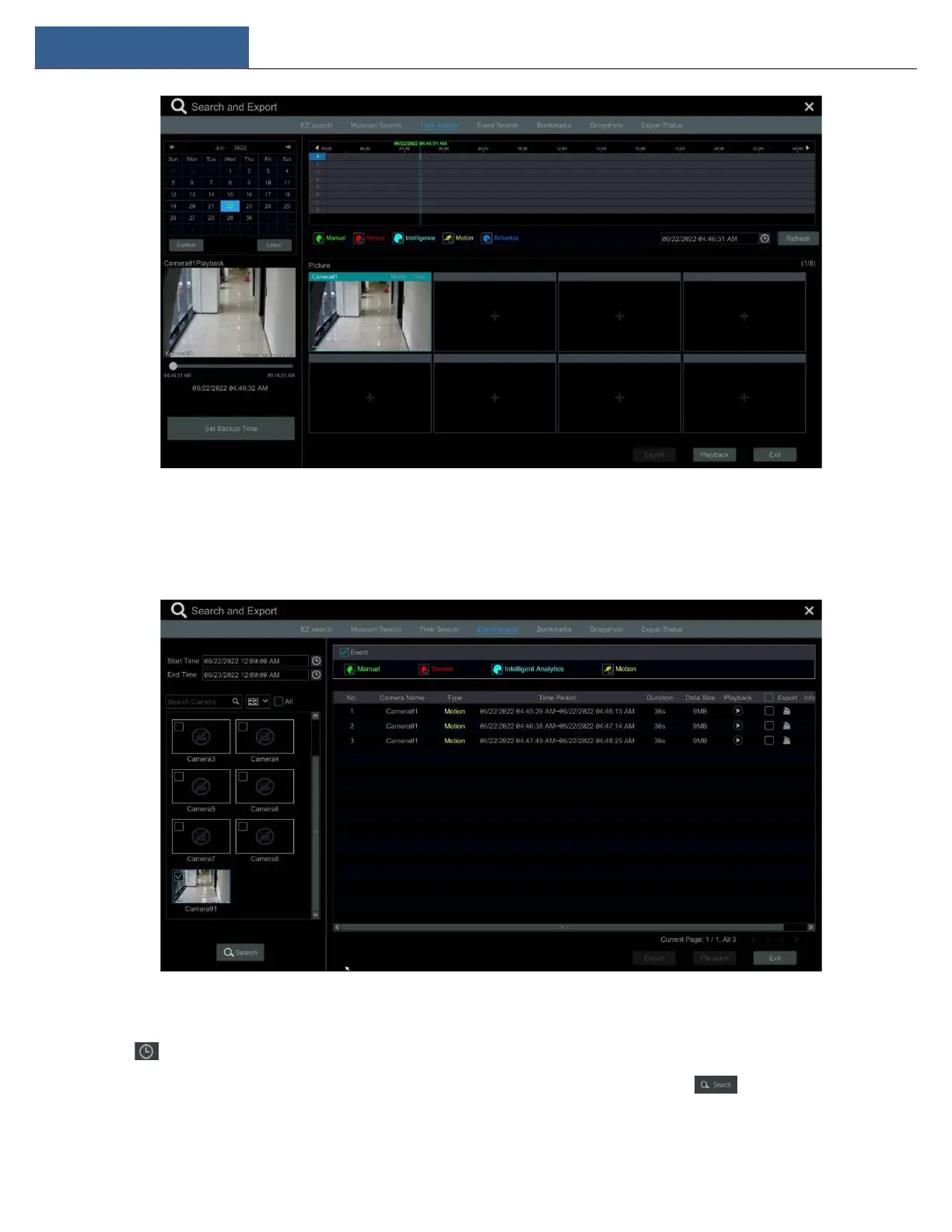
① Click StartSearch and ExportEvent Search to go to “Event Search” tab as shown below.
② Check the event type in the interface as required.
③ Click to set the start time and end time on the top left of the interface.
④ Check cameras on the left side of the interface or check “All” to select all the cameras and then click to search the recording. The
searched record will be displayed in the list.



 To Next Page