Record & Disk Management
DVR User Manual
38
7.3 Schedule Setting
7.3.1 Add Schedule
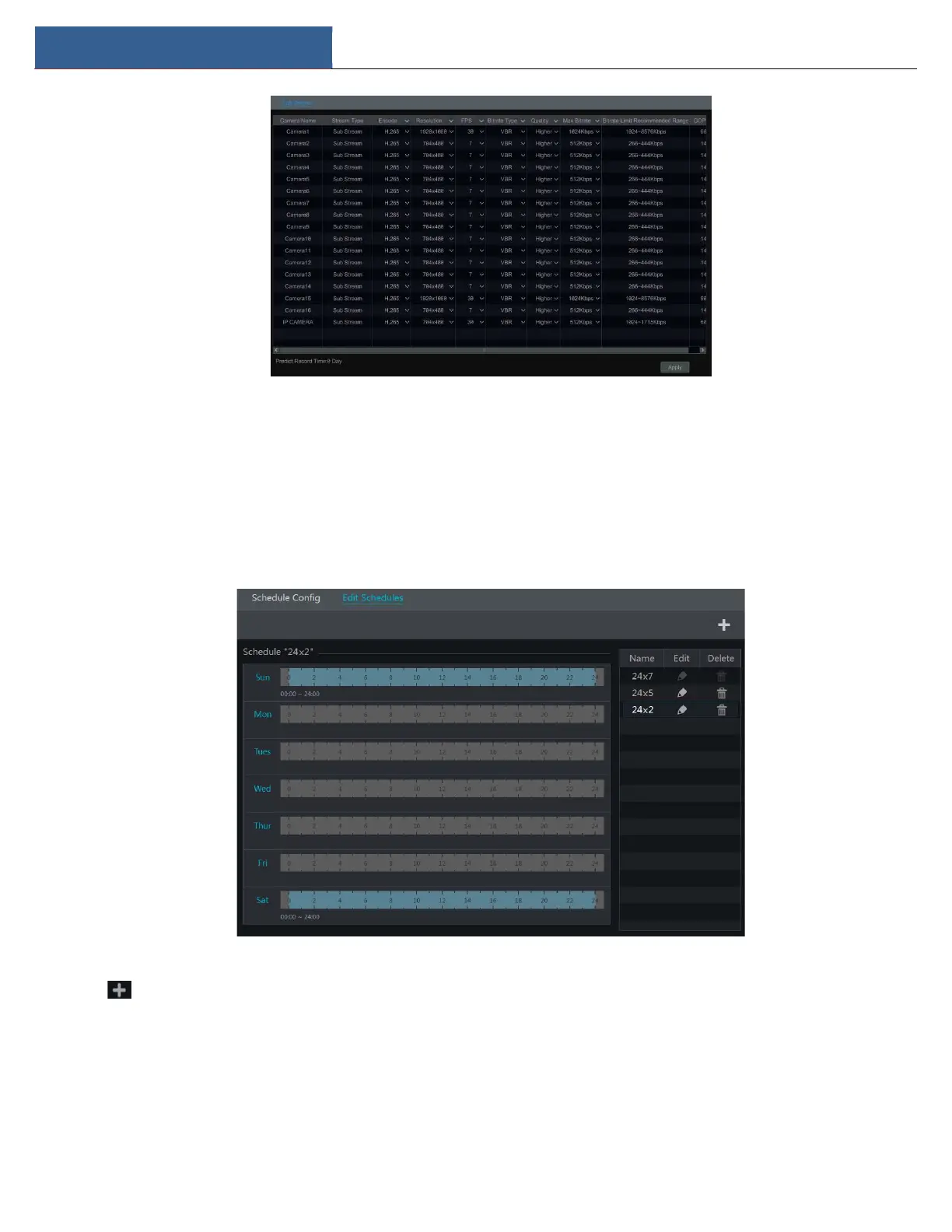
Click StartSettingsRecordRecord ScheduleEdit Schedules to go to the interface as shown below. “24×7”, “24×5” and “24×2” are the default
schedules; you cannot edit or delete “24×7” while “24×5” and “24×2” can be edited and deleted. Click the schedule name to display the detailed
schedule information on the left side of the interface. The seven rows stand for the seven days in a week and each row stands for 24 hours in a day.
Blue stands for the selected time and gray stands for unselected time.
Click to add a new schedule. Refer to the picture below.



 To Next Page