Device Management
DVR User Manual
79
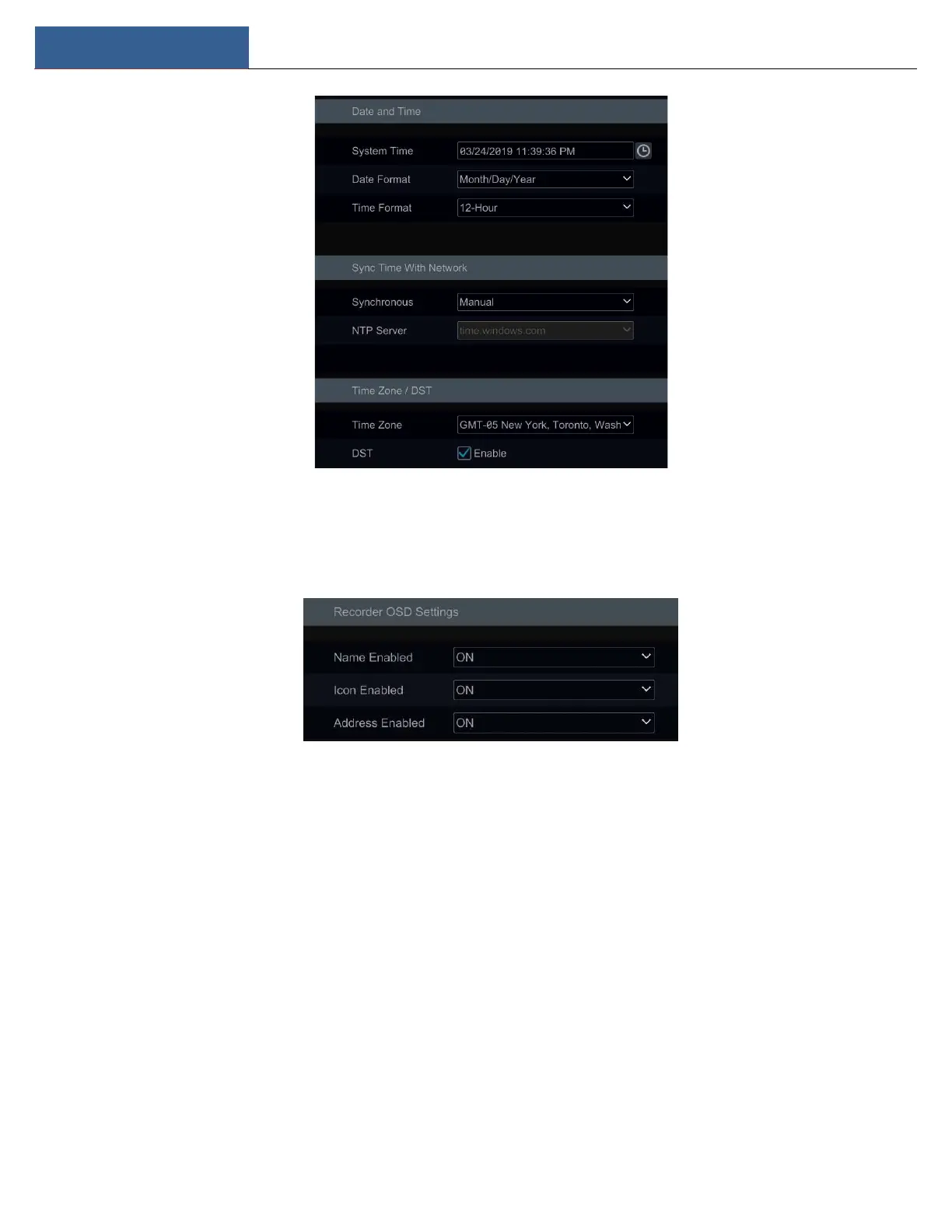
11.2.3 Recorder OSD Settings
Click StartSettingsSystemBasicRecorder OSD settings to go to the following interface. Name, icon and address OSD can be enabled here.
11.3 Factory Default
Click StartSettingsSystemMaintenanceFactory Default and then click “Reset to factory default” button in the interface to reset to the
factory default settings(check “All except the network” to retain the network settings).
Note: Resetting to the factory default settings will not change time zone.
11.4 Device Software Upgrade
Upgrade
You can click StartSettingsSystemInformationBasic to view MCU, kernel version and firmware version and so on. Before upgrade, please
get the upgrade file from your dealer.
The upgrade steps are as follows:
① Copy the upgrade software onto the USB storage device.
② Insert the USB storage device into the USB interface of the DVR.
③ Click StartSettingsSystemMaintenanceUpgrade to go to “Upgrade” interface. Select the USB device in “Device Name” option and go



 To Next Page