Account & Permission Management
DVR User Manual
68
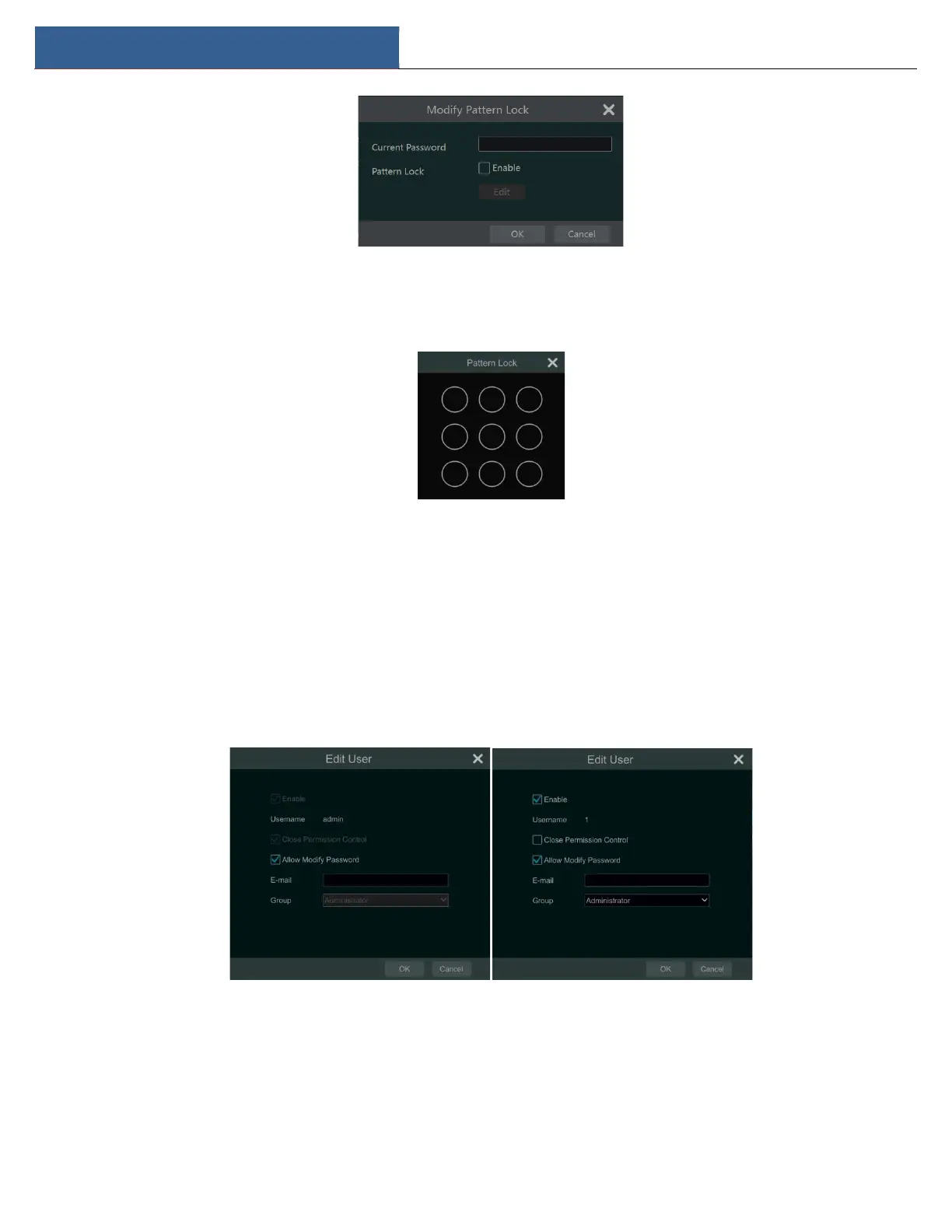
Enter current password and then check “Enable” to input pattern lock.
Recover Password
Click “Recover Password” to reset the password.
Edit User
Click “Edit User” to pop up the window as shown below. Admin is enabled, its permission control is closed and permission group cannot be
changed by default. You can enable or disable other users (if disabled, the user will be invalid), open or close their permission control (if closed, the
user will get all the permissions which admin has) and set their permission groups. Click “OK” to save your settings.
10.2 User Login & Logout
Login: Click StartLogin or directly click the preview interface and then select username and enter the password in the popup window. Click
“Login” button to log into the system.
Logout: Click StartLogout or click StartShutdown to pop up the “Shutdown” window. Select “Logout” in the window and then click “OK”
button to log out of the system.



 To Next Page