EZ Setup & Main Interface
DVR User Manual
8
3 EZ Setup & Main Interface
3.1 EZ Setup
The disk icons will be shown on the top of the startup interface. You can view the number and status of each disk quickly and conveniently through
these icons ( : no disk; : unavailable disk; : RW available disk).
You must configure the wizard if you start the DVR for the first time (or click “Skip” to cancel the EZ Setup next time).
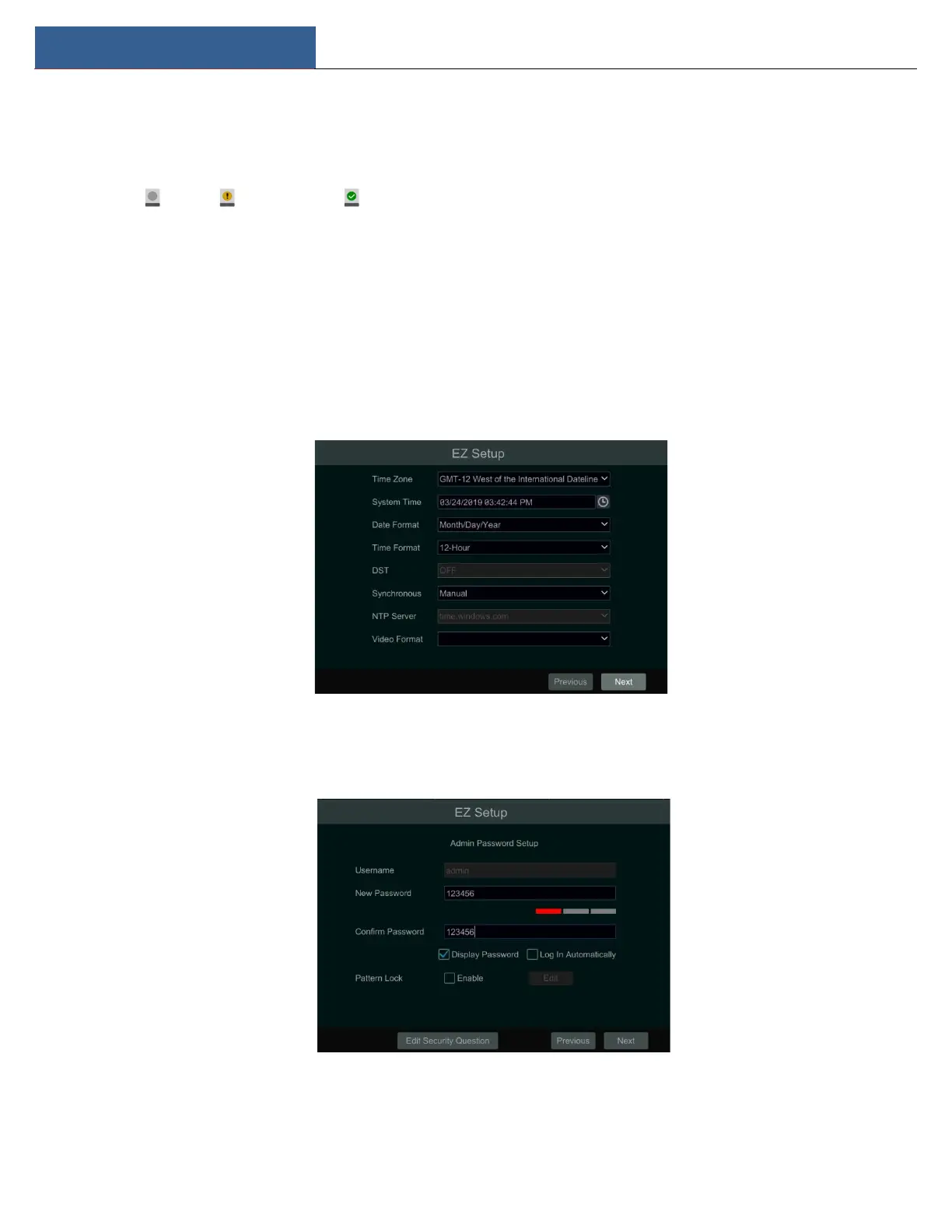
The first time you start up your DVR, you should choose the language and locality as needed. After that, you will configure date and time.
System Time: Set the time and date format of the system
DST: Toggle Daylight Saving Time On or Off
Time format: Choose between 24-hour mode and 12-hour mode.
NTP: Specify an NTP server to synchronize the time (optional).
Click “Next” to continue.
System Login. Set your own password when you use the wizard for the first time; select the login username and enter the corresponding password
next time.



 To Next Page