EZ Setup & Main Interface
DVR User Manual
9
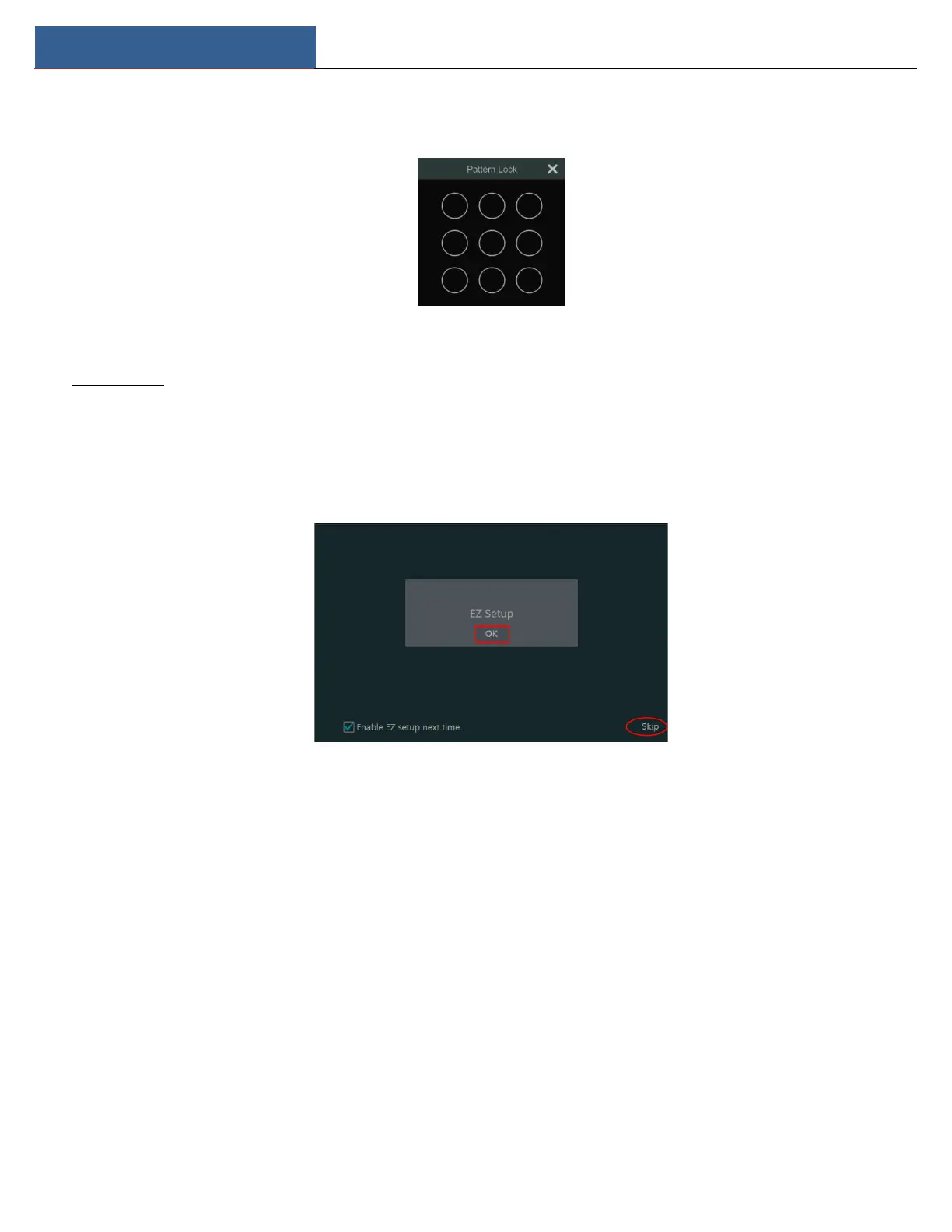
Enable pattern lock and click “Edit” to set the pattern lock.
Click “Edit Security Question” to set questions and answers for password security of admin. If you forget the password, please refer to Q4 in
Appendix A FAQ for details.
Click “Next” to continue.
After you log in, you will see an EZ setup interface as shown below.
Click “OK” to start wizard. The EZ Setup steps are as follows.
① System Login. Set your own password when you use the wizard for the first time (the default username of the system is admin); select the
login username and enter the password you set by yourself.



 To Next Page