Alarm Management
DVR User Manual
60
Tripwire Alarm Handling Configuration:
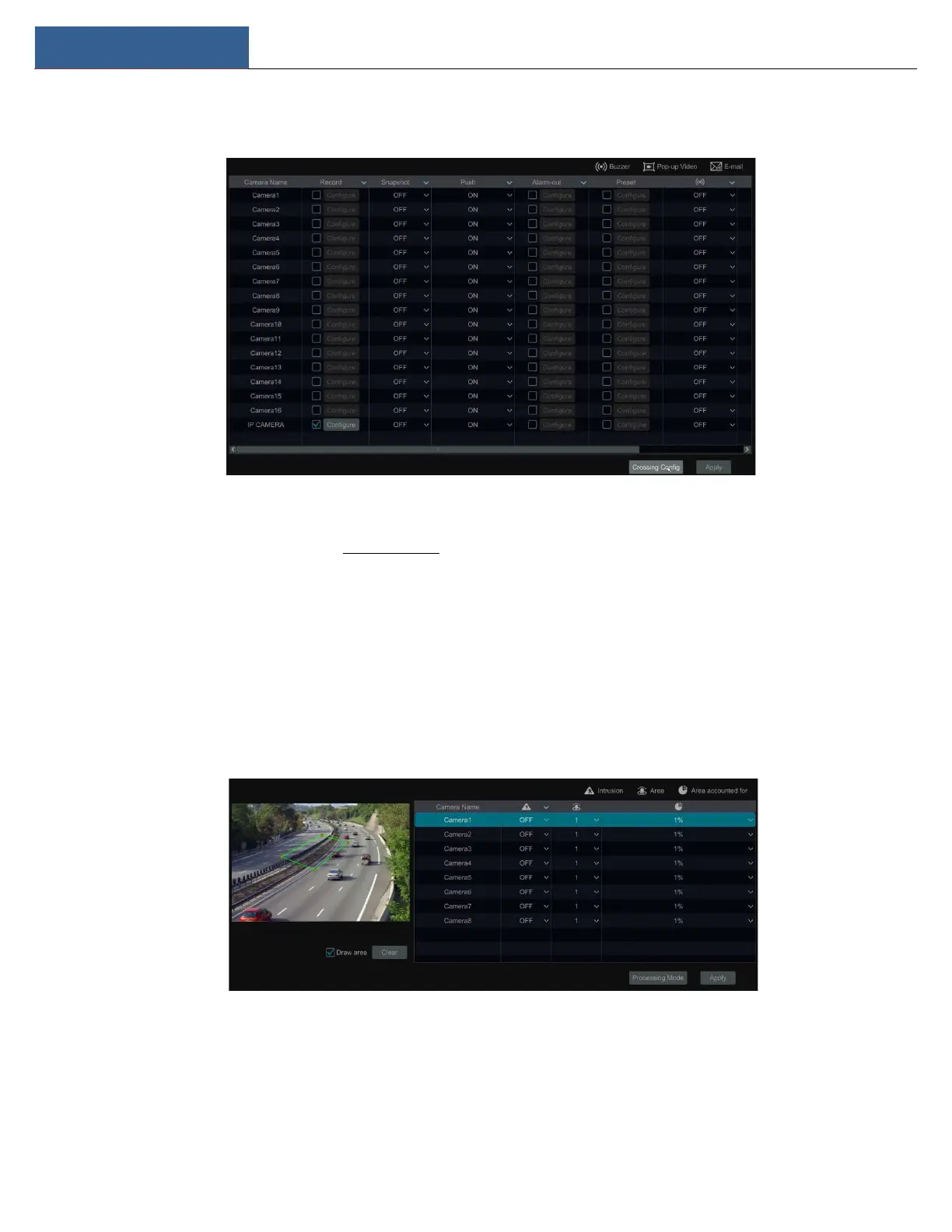
① Click StartSettingsAlarmIntelligence AlarmTripwire to go to the following interface.
② Enable or disable “Snapshot”, “Push”, “Alarm-out”, “Preset”, “Buzzer”, “Pop-up Video” and “E-mail”. The alarm handling setting of line crossing
alarm is similar to that of the sensor alarm (see 9.1 Sensor Alarm for details).
③ Click “Apply” to save the settings. You can click “Crossing Config” to go to the line crossing configuration interface.
9.3.4 Intrusion Detection
Intrusion Configuration:
Alarms will be triggered if someone or something intrudes into the pre-defined area.
① Click StartSettingsCameraIntelligent AnalyticsIntrusion Detection to go to the following interface.
② Select the camera and enable the intrusion detection.
③ Select the alarm area. Up to 4 alarm areas can be set.
④ Draw the alarm area of intrusion detection. Refer to the interface as shown below. Check “Draw Area” and then click around the area where
you want to set as the alarm area in the image (the alarm area should be a closed area). Uncheck the “Draw Area” when you finish the drawing.



 To Next Page