48
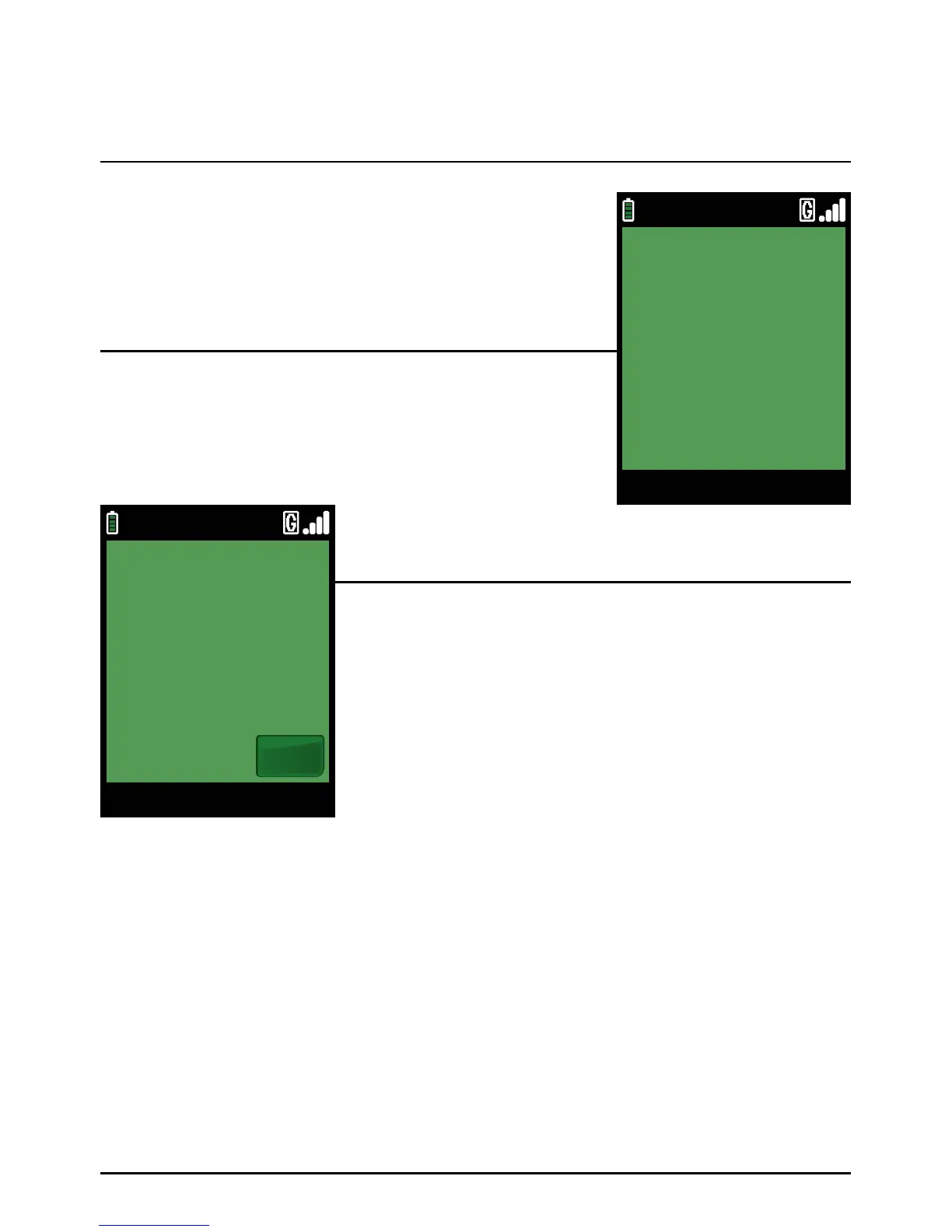
Remove the card.
The terminal will then print the customers copy of the receipt.
Hand this receipt to the card holder and return their card.
The transaction is now complete. The terminal will automatically
return to the Welcome screen.
The terminal will then print the merchant’s copy of the receipt.
Then press the green ‘ENTER’ k ey.
Step 3
Step 5
Step 4
Sale (Inserting A Chip Card) (Cont.)
Page 48.
09/11/13 12:00
SMART CARD
PLEASE REMOVE CARD
09/11/13 12:00
SMART CARD
REMOVE MERCHANT COPY
Ok



 To Next Page