4
Start POSITool
ID 442233.05
WE KEEP THINGS MOVING
Operation manual
14
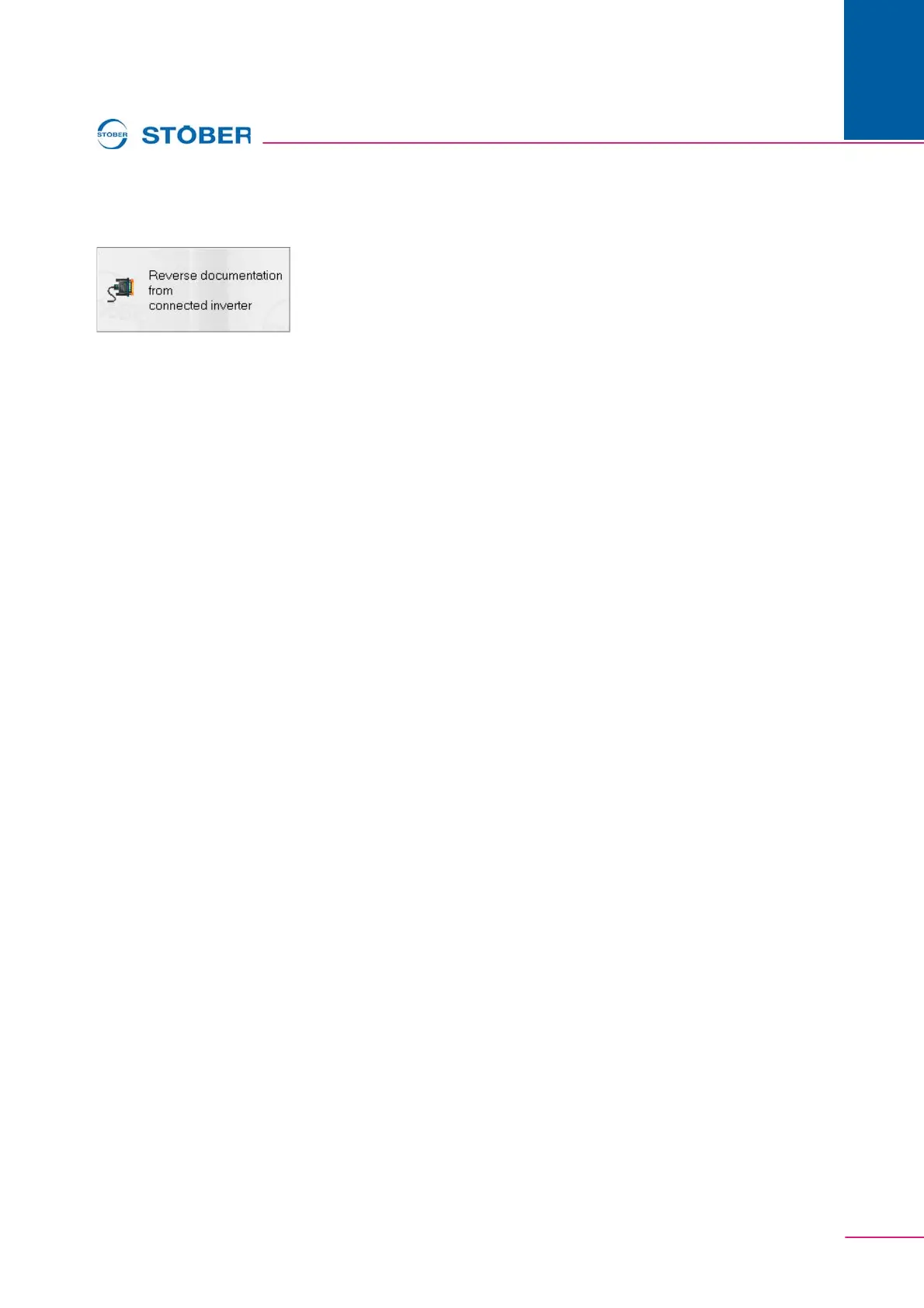
4.3 "Reverse documentation from connected inverter"
When a reverse documentation is created, the data stored on the inverter is read
during online operation and indicated in POSITool (see chap. 5.5). The inverter
must be connected with the PC. For further information on the communication
between PC and inverter, see chapter 7 Communication. Note that, with the SDS
5000, a reverse documentation can be prepared with a direct connection or a
remote maintenance connection. For information on the direct connection, see
chap. 7 Communicationof this manual. Remote maintenance is explained in
operating manual SDS 5000 (see chapter 1.2 Other manuals).
If you are using the POSITool via EtherCAT function, you can read out an
EtherCAT network using this button. The POSITool via EtherCAT function is
described in the EtherCAT operating manual (see chapter 1.2 Other manuals).


 To Next Page