7
Communication
ID 442233.05
WE KEEP THINGS MOVING
Operation manual
40
7.2.8 Writing data to the inverter
To write data to the inverter, proceed as shown below:
Writing data to the inverter
1. Click the Send to IGB... button in the IGB: display connected devices dialog
screen.
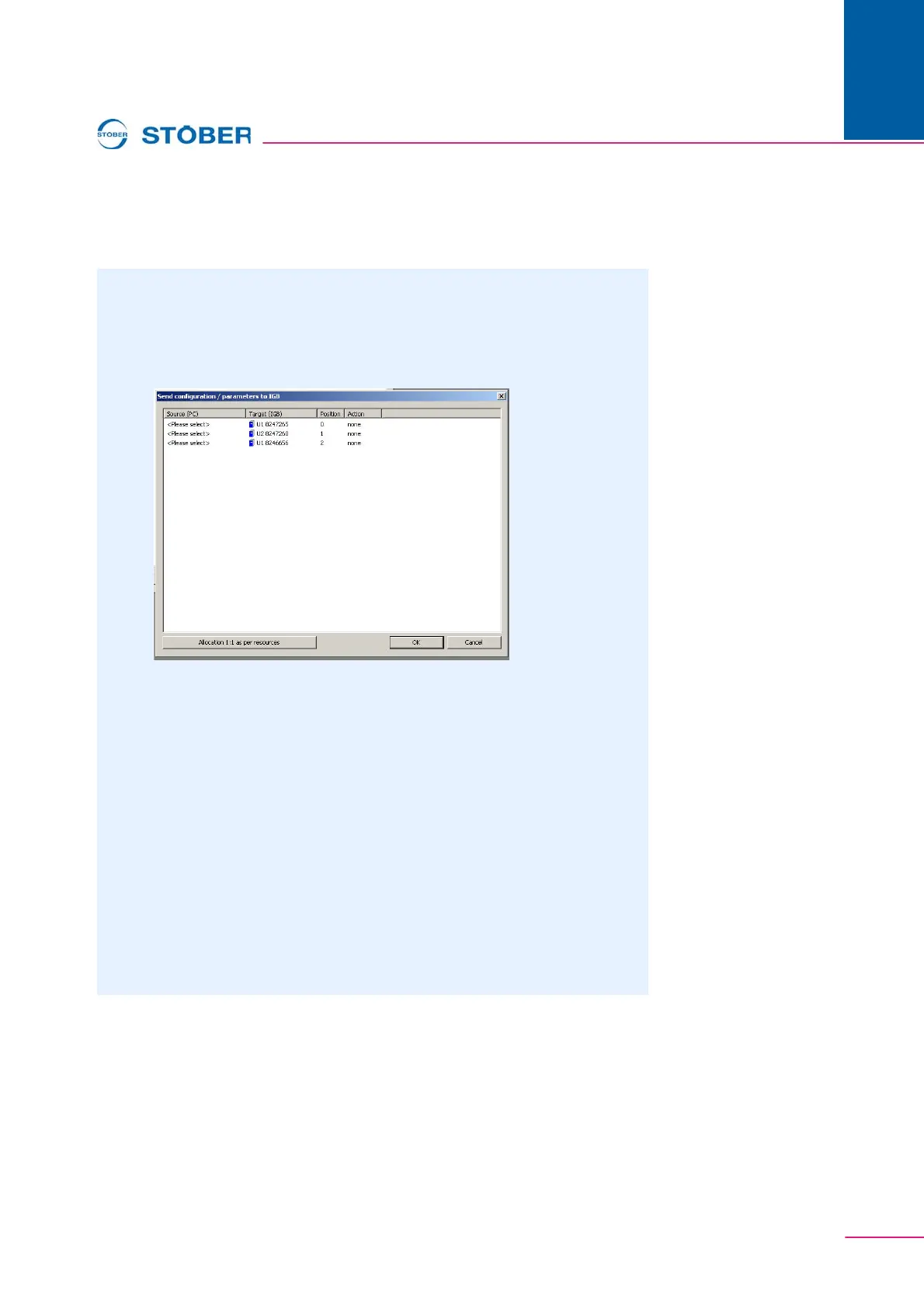
The following dialog screen appears:
2. Highlight the line of the inverter to which you want to write data.
3. In this line, double click the first column Source (PC).
A selection list appears in which all inverter entries are listed which
contain your project.
4. Select the inverter entry which you want to write to the selected inverter.
5. In this line, double click the Action column.
A selection list appears in which you can set whether you want an
automatic adjustment or whether the previously stored configuration and
the parameters are to be overwritten.
6. Select one of the actions.
7. Repeat steps 2 to 6 for each inverter to which you want to write data.
8. Click the OK button.
The data are written to the inverters as specified by you.



 To Next Page