8
Diagnosis
ID 442233.05
WE KEEP THINGS MOVING
Operation manual
50
8.4.10 Print Scope pictures
When Scope pictures are printed, this includes saved and current pictures.
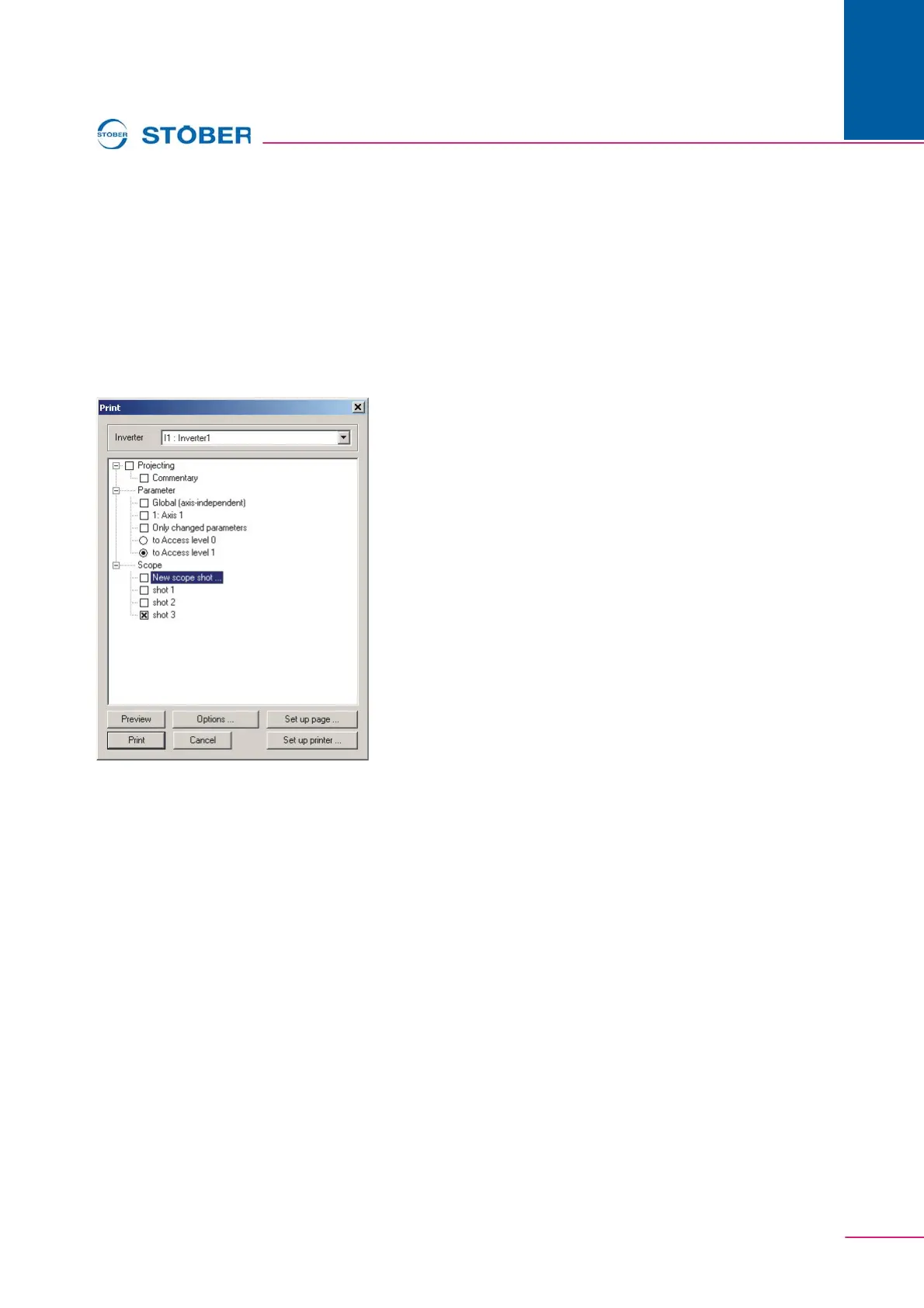
Printing can be started from Scope or from the general print dialog. After start, the
print dialog is indicated as shown in Fig. 8-10.
One picture is printed to a page. Printing consists of a graphic area showing the
picture and an area showing additional information. The print options offer a
choice of black and white or color (print dialog, Options button, Scope page). The
Scope commentary can also be printed as an option.
Fig. 8-10 View of the print dialog
Graphic area
The graphic area includes the current display from Scope. The curve number is
specified via the curve on the zero point for a black and white printout. The
identifier of the individual bits is handled with Bxx for binary split curves. When a
color printout is selected the colors of the curves are used.



 To Next Page