Communication
Operation manual
ID 442233.05
WE KEEP THINGS MOVING
35
7
A possible IP address for the device could therefore be:
1000 0000.1100 1111.0001 0001.1011 0001 = 128.207.17.177
7.2.4 Determining the IP address and subnet mask of the PC
You can determine the IP address and subnet mask of the PC network interface
in the system control of the PC but POSITool offers an easier way of finding this
information:
IP address: 1000 0000.1100 1110.0001 0001.1011 0001
Network section, must be
identical in the device and
PC
Device section, must be
different in the device and PC
Determining the IP address and subnet mask of the PC
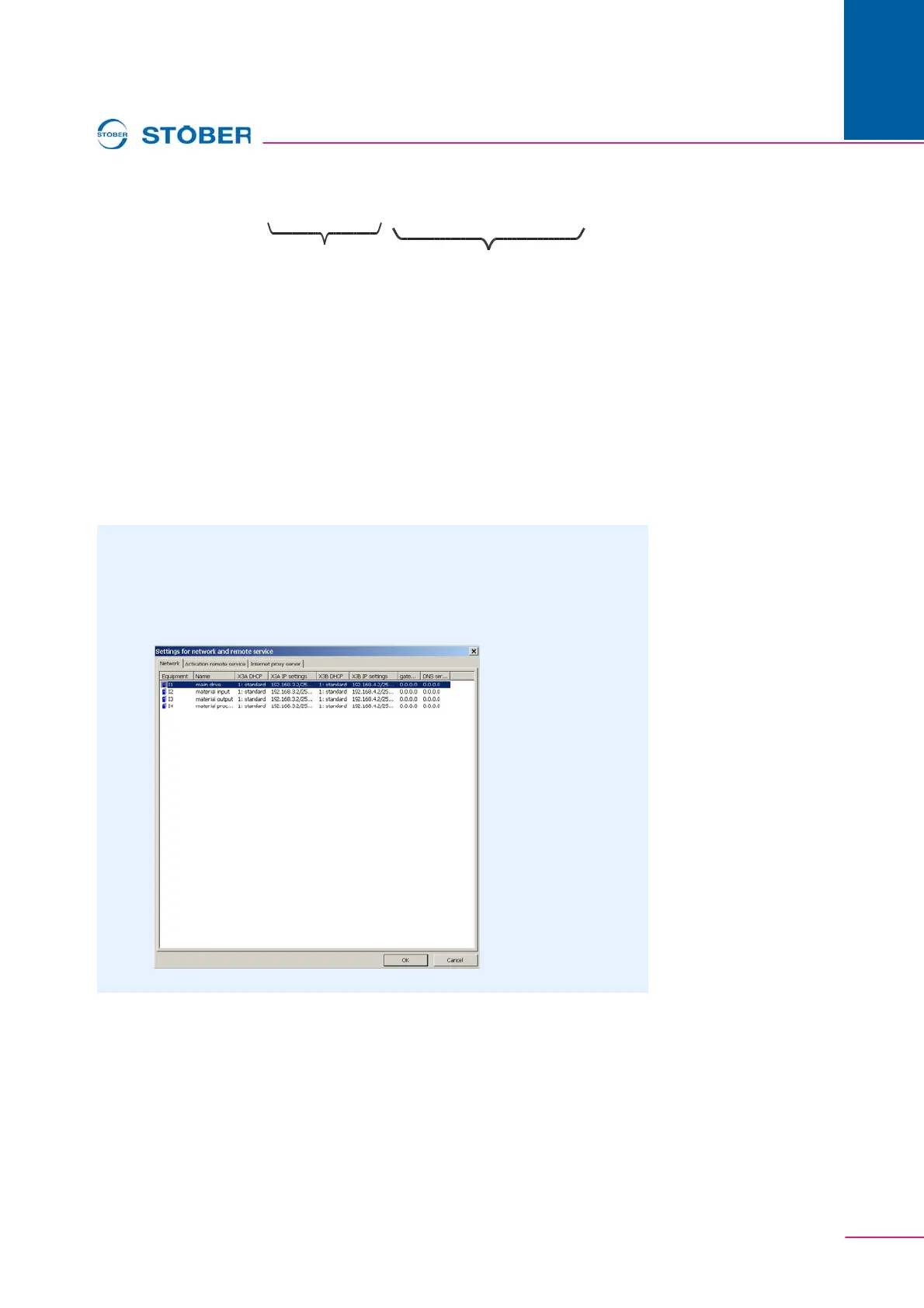
1. In the Project view of POSITool, open the Network and remote service
assistant.
The following dialog screen appears:



 To Next Page