7
Communication
ID 442233.05
WE KEEP THINGS MOVING
Operation manual
36
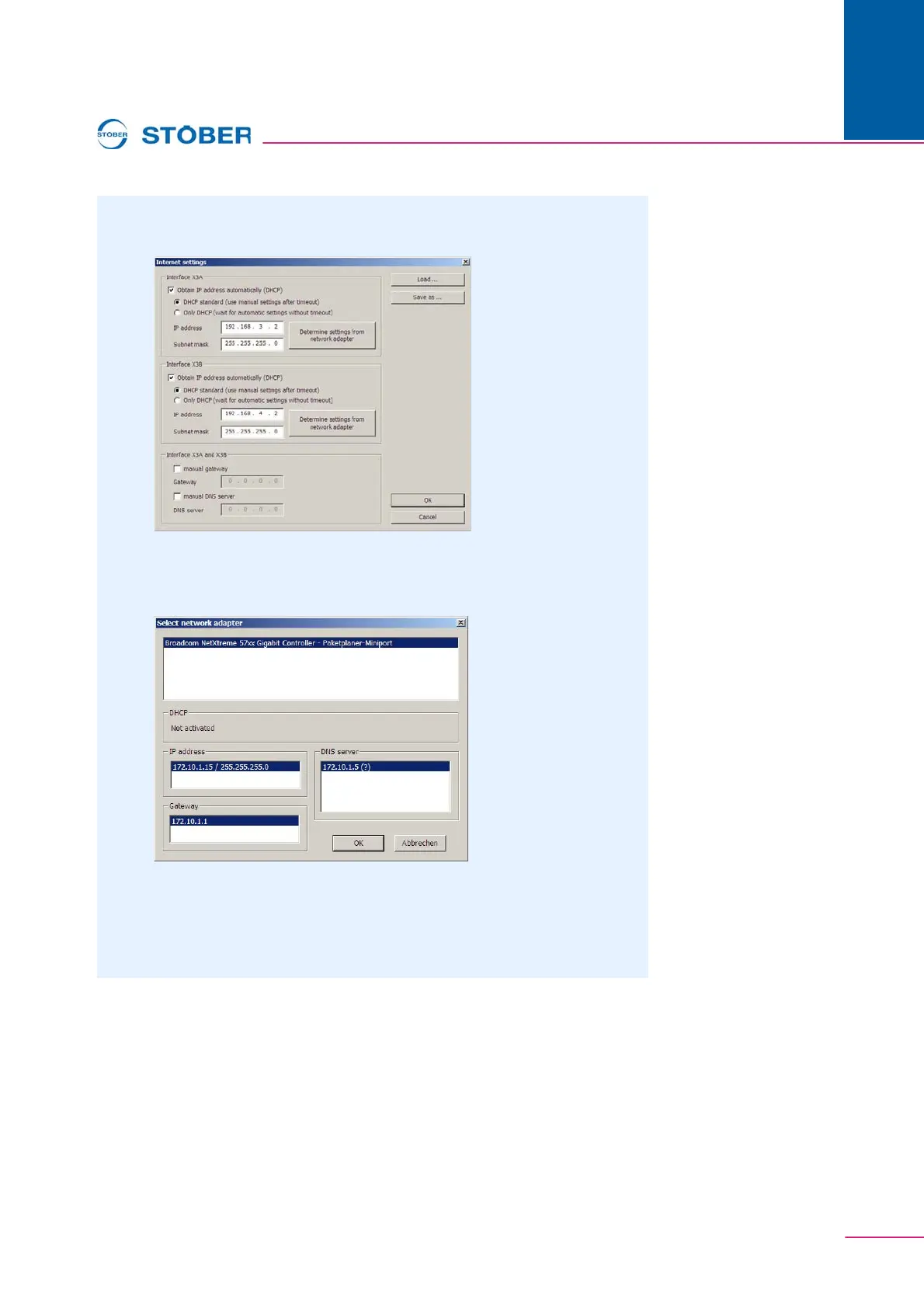
2. Double click an inverter in the list.
The following dialog screen appears:
3. Click one of the two Determine settingsfrom network adapter buttons.
The following dialog screen appears:
4. In the top part of the dialog screen, select the network interface which is
connected with the direct connection to the inverter.
The IP address and the subnet mask of the PC on this interface are indicated
in the IP address field.



 To Next Page