5
Setup of POSITool
ID 442233.05
WE KEEP THINGS MOVING
Operation manual
16
5.2 Project view
The project view offers a complete view of the project. When a new file is opened,
the project has an inverter entry. You can add the following to the project view:
• Additional inverters (MDS 5000, FDS 5000, SDS 5000, see chapter 5.3) or
• An IGB entry (Integrated Bus) or
• An EtherCAT entry (POSITool over EtherCAT).
The File menu is used for project management, among others. The following
menu items are available:
• New project for creation of a new project.
• Open project for opening an existing project.
• Close project to close current file.
• Save project for saving the currently opened project.
• Save project under for saving the project in another directory or under a
different name.
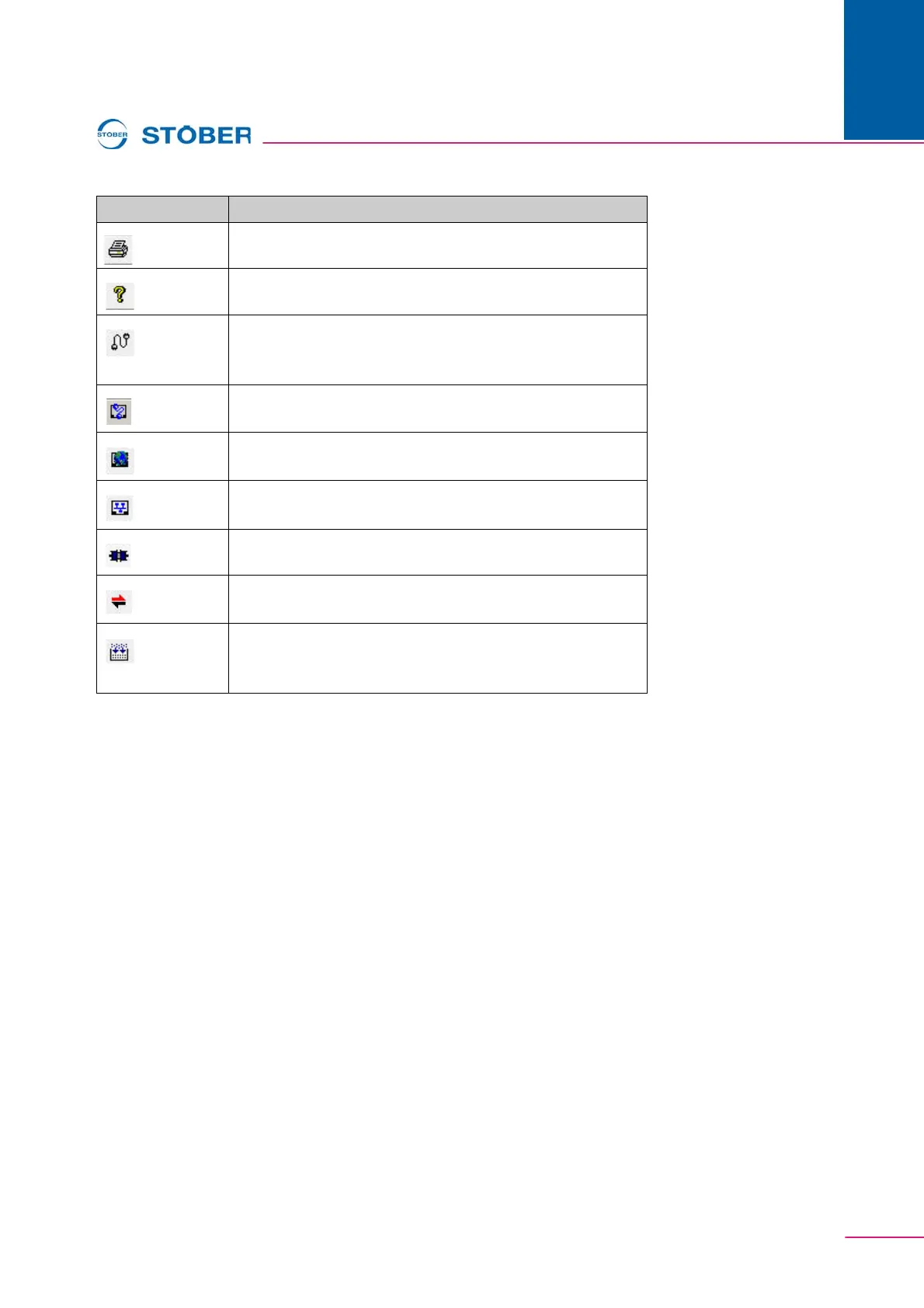
Print
Info about POSITool
Establish connection to inverter (MDS 5000 and FDS 5000),
see section 7.1 Communication with MDS 5000 and FDS
5000
Establish direct connection (SDS 5000), see section 7.2.6
Establishing a direct connection
Establish Internet connection (SDS 5000), see section 7.2
Communication with SDS 5000
Establish LAN connection (SDS 5000), see section 7.2
Communication with SDS 5000
Disconnect
Establish connection by POSITool over EtherCAT, see
EtherCAT opening manual, see section 1.2 Other manuals
Check wiring on all levels, function for Free Programming
option, see programming manual, see section 1.2 Other
manuals
Button Function



 To Next Page