8
Diagnosis
ID 442233.05
WE KEEP THINGS MOVING
Operation manual
44
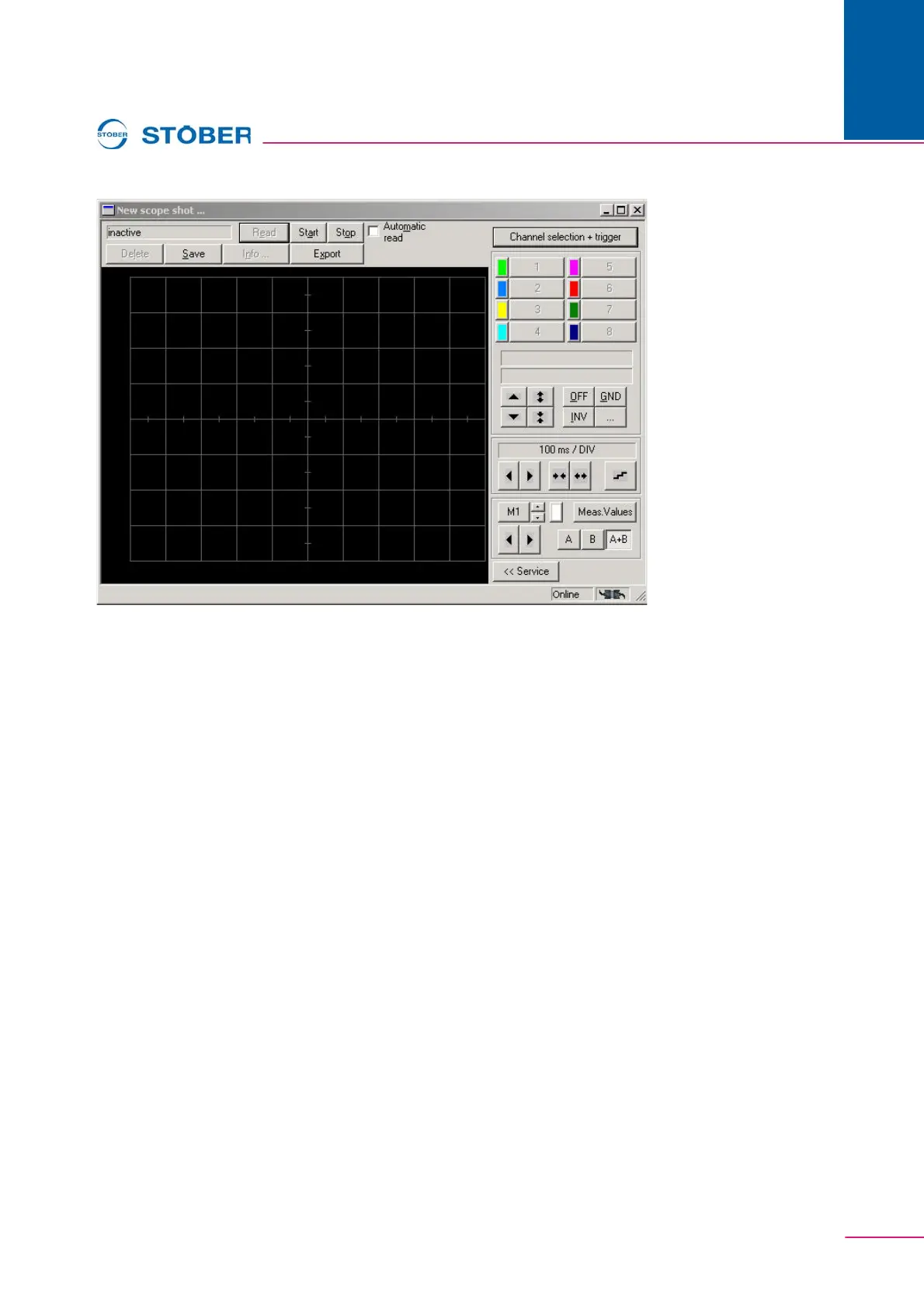
Fig. 8-4 Scope
8.4.1 Setup
The status is indicated in the upper, left-hand corner of the screen. The buttons
Read, Start and Stop are used to control the picture. When this box is checked,
the picture is automatically read from the inverter when the status of the picture
reaches Done.
Pictures are managed with Save, Delete, Info…, and Export. A stored picture
appears in the inverter entry under Commissioning. It can be called again from
there. Names and remarks pertaining to a stored picture can be called under Info.
The dialog is automatically called during saving. The measured values are
exported to an Excel file (CSV file) with Export.



 To Next Page