Setup of POSITool
Operation manual
ID 442233.05
WE KEEP THINGS MOVING
23
5
5.7 Other Areas
5.7.1 Libraries
Blocks for the free, graphic programming option are entered in the library
directory. The user can drag them to the configuration screen and link them. The
user level determines which blocks are visible and can be used (see chapter 6).
5.7.2 Hierarchy view
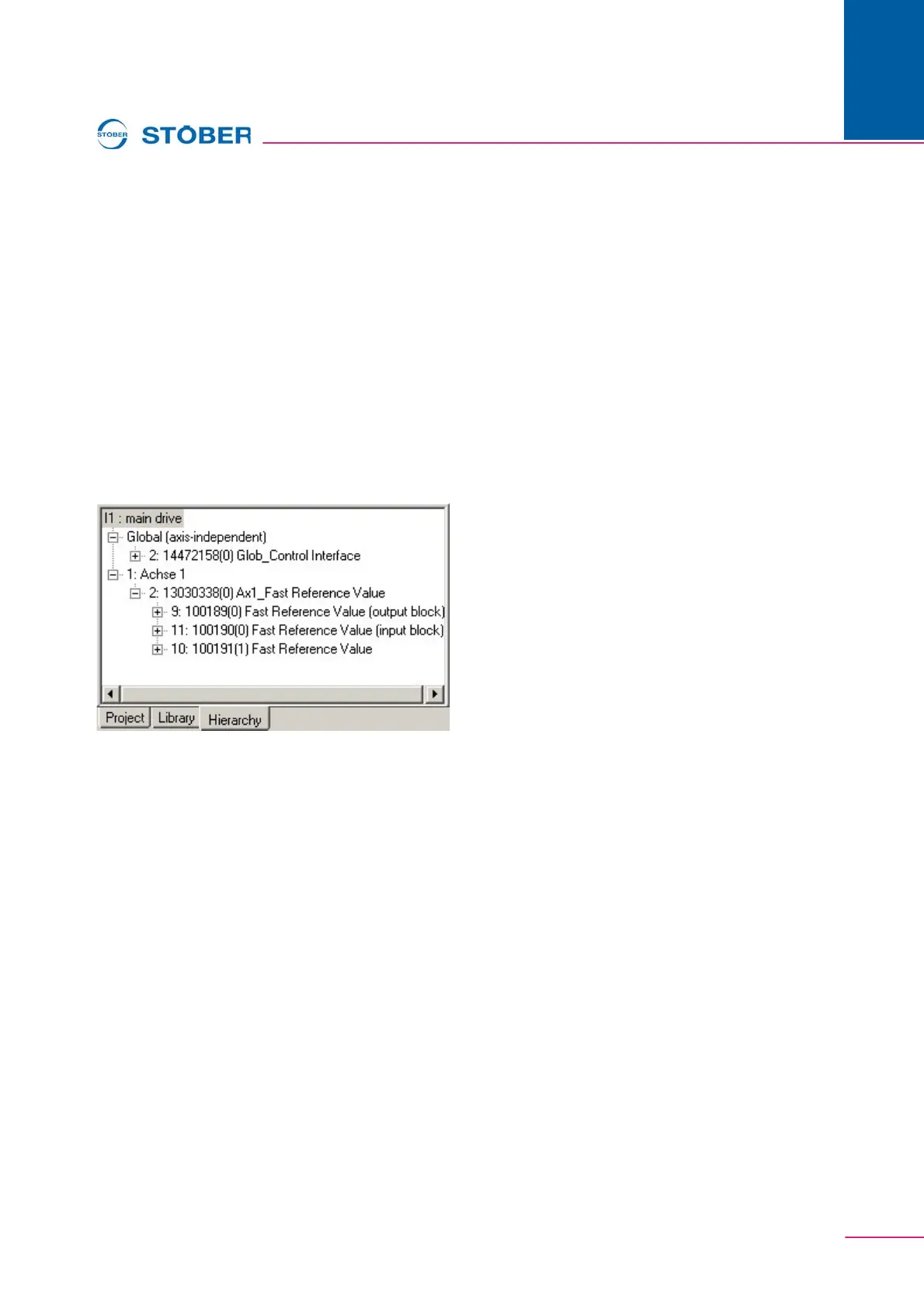
The hierarchy view shows a tree structure of the hierarchy of the current
configuration (see ). To indicate, double click the applicable block in the
configuration.
Fig. 5-6 Hierarchy view
5.7.3 "View" menu
In the View menu the user can adjust the indication of the status bar and the tool
bar as well as the administrative area.
5.7.4 "Screen" menu
In the Screen menu the arrangement of the screens in the working area can be
set. When several screens are open, they can be directly selected in this menu.



 To Next Page