Diagnosis
Operation manual
ID 442233.05
WE KEEP THINGS MOVING
49
8
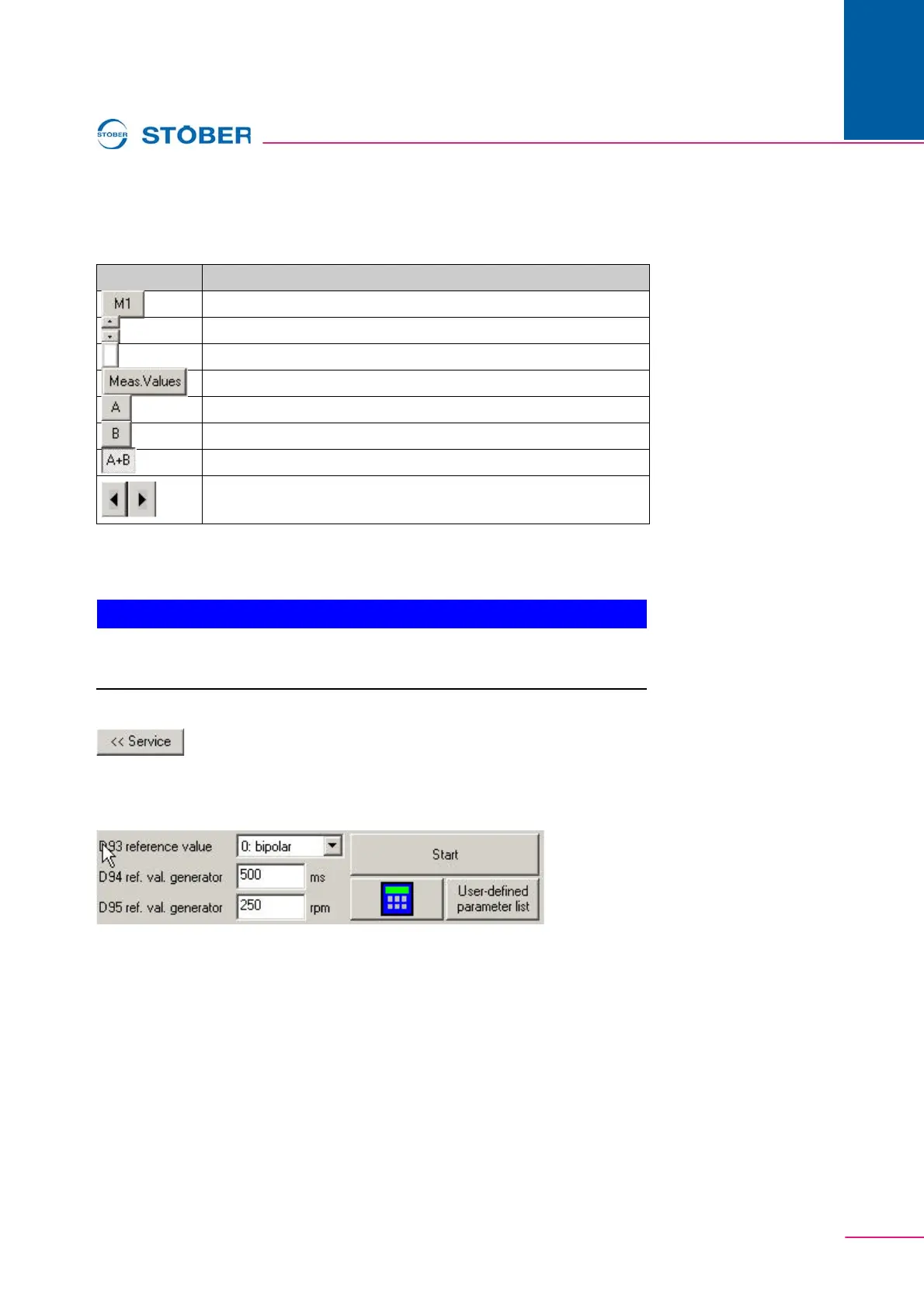
Eight markers (M1 to M8) are available for precise analysis of the recorded
values. Each marker has two measuring points (A and B). The buttons control the
following functions:
8.4.9 Service
NOTICE
During this action, the motor shaft will move.
Make sure that the motor can turn freely during the action!
The Service button can be used to indicate an area in which the Start reference
value generator action, the Simubox and the free parameter list can be called in
Scope.
Fig. 8-9 Reference value generator
The functions are used for quick optimization. The user can proceed as shown
below:
1. Set the reference value generator via the parameters D93, D94 and D95 and
start the drive via the button.
2. Make a picture of the movement with Scope.
3. The parameters to be changed are entered in the Free parameter list and
adjusted.
This procedure is repeated until the drive is optimally adjusted.
Button Function
Switch on/off the selected marker.
Selection of a selected marker.
Selection of the color for the selected marker.
Indication of the measured value window.
Select the left marker point (A) for the shift.
Select the left marker point (B) for the shift.
Select both marker points (A+B) for the simultaneous shift.
Shift the selected marker to the left or to the right (A, B or
A+B);Shift key: Shift by 1 pixel.



 To Next Page