Diagnosis
Operation manual
ID 442233.05
WE KEEP THINGS MOVING
47
8
The user can specify the color of the channel by clicking the colored field with the
left mouse button.
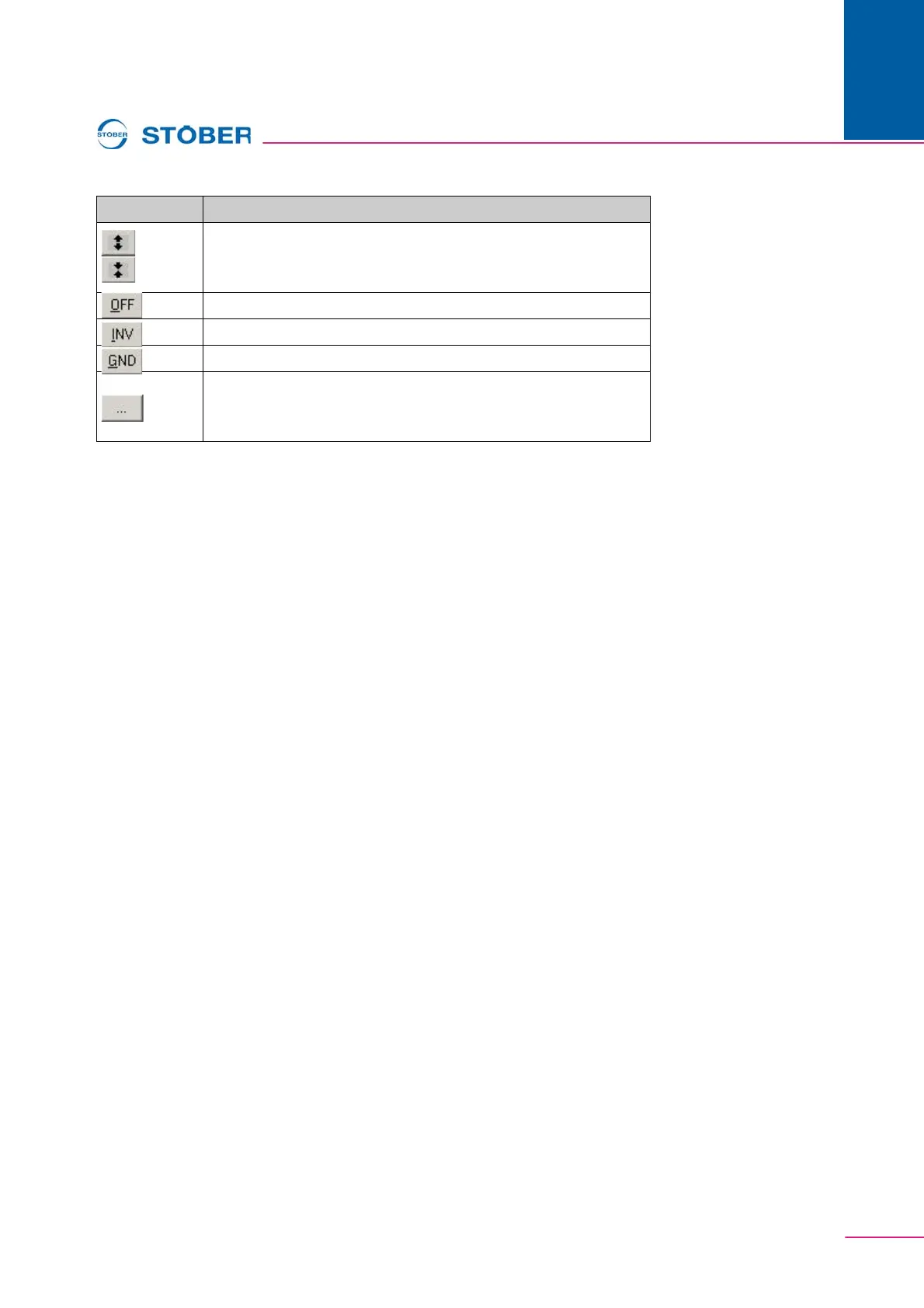
Enlarge/reduce the scaling of the channel;
+ Ctrl key: Auto scaling
Indicate/hide the channel.
Inverted indication of the channel.
Indicate the zero line of the channel.
Indication of a value in individual bits. Can only be used for
whole-number parameters without positions after the decimal
point and not with selection parameters.
Button Function



 To Next Page