POSITool – Options
Operation manual
ID 442233.05
WE KEEP THINGS MOVING
53
9
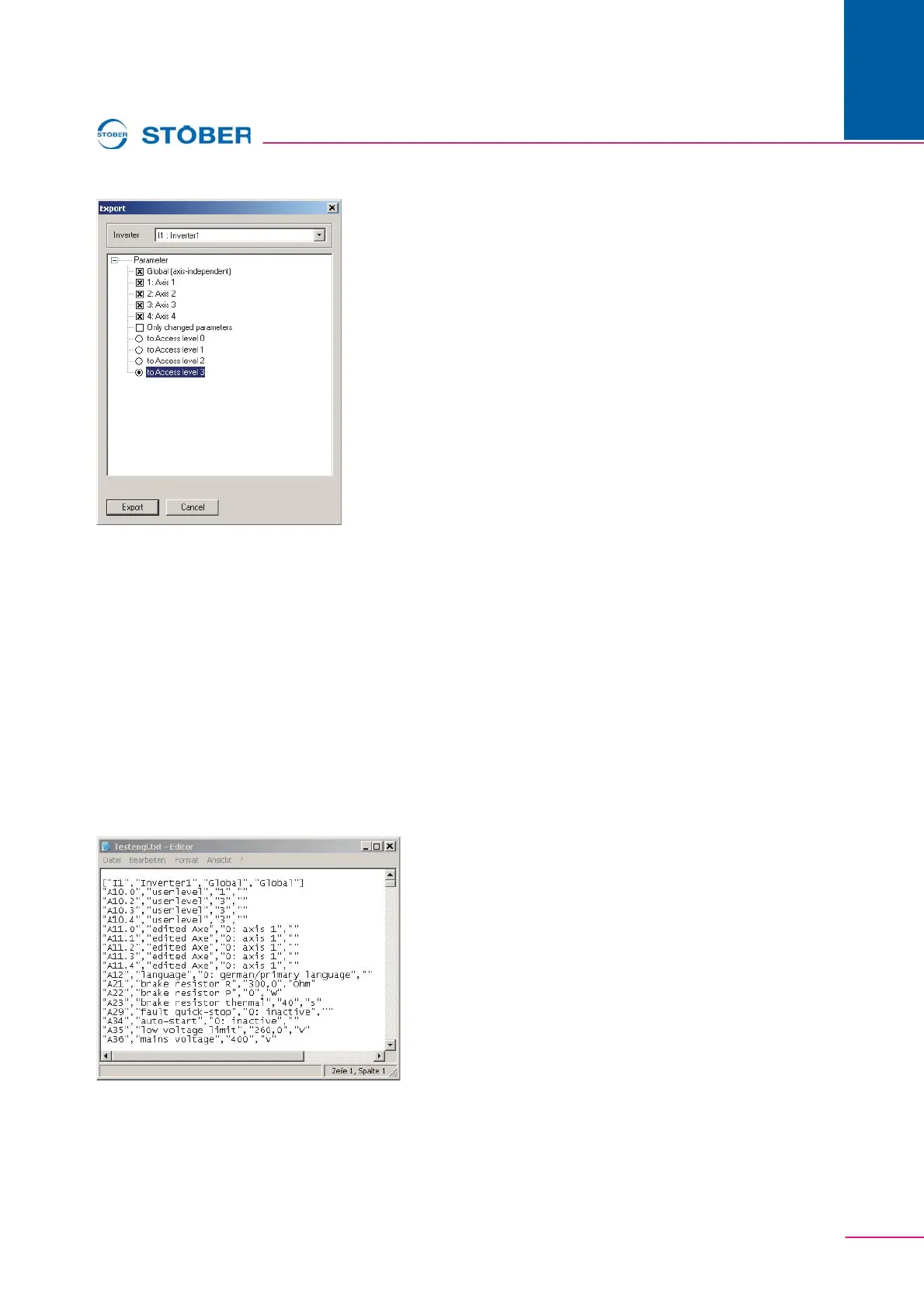
Fig. 9-1 Export window
The export procedure is started by pressing the Export button. A dialog appears
in which the target folder and file name are entered.
The parameter values are exported in CSV format (comma separated value). A
CSV file contains one area for each axis and global area. Each area is identified
with the following title:
["U1","inverter1","Global","Global"]
The first sections indicate the resource identifier and the designation of the
inverter from the configuration Assistant. The resource identifier and designation
of the axis or the global area from the configuration Assistant are indicated next.
Then the parameters are listed. One parameter is indicated per line with
coordinate, designation, value and unit:
"A21","Brake resistor R","300,0","Ohm"
Fig. 9-2 View of exported parameters in CSV format



 To Next Page