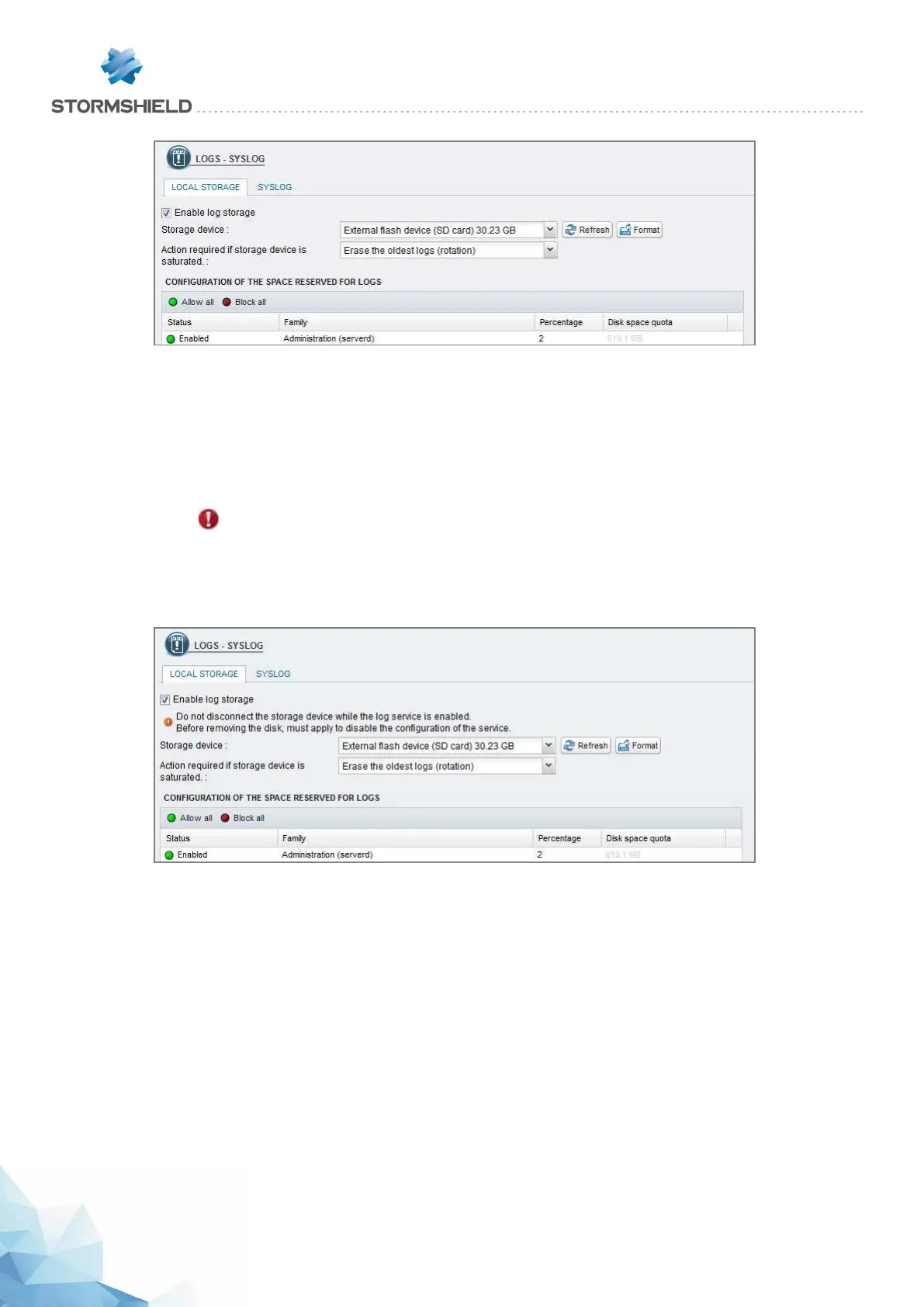
If you wish to save logs on an SD card, hard disk or SSD, select Enable log storage, then select
your medium from the list of storage media. A message will prompt you to format it.
After this operation, your SD card, hard disk or SSD will be ready to receive all logs.
Loading the SD card
IMPORTANT
Before ejecting the SD card from the drive (to change media, for example), you must first
shut down the service by unselecting the option to enable log storage, in the Logs - Syslog
module.
To eject the SD card, press lightly and horizontally on it, then let go.
Log consultation
These logs can be read in the SN Activity Reports web interface in the form of reports.
In SN Activity Reports, 5 reports are enabled by default. The number of reports enabled can be
increased on models that are equipped with hard disks or an SSD or with the help of an SD card
with the “External storage” option.
Refer to the User Manual, under the Reports section, at: https://documentation.stormshield.eu
SNS - PRODUCT PRESENTATION AND INSTALLATION 2019
APPENDIX B: LOG STORAGE
Page 58/66 sns-en-SNrange_installation_guide-2019 - 09/2019



 To Next Page