4
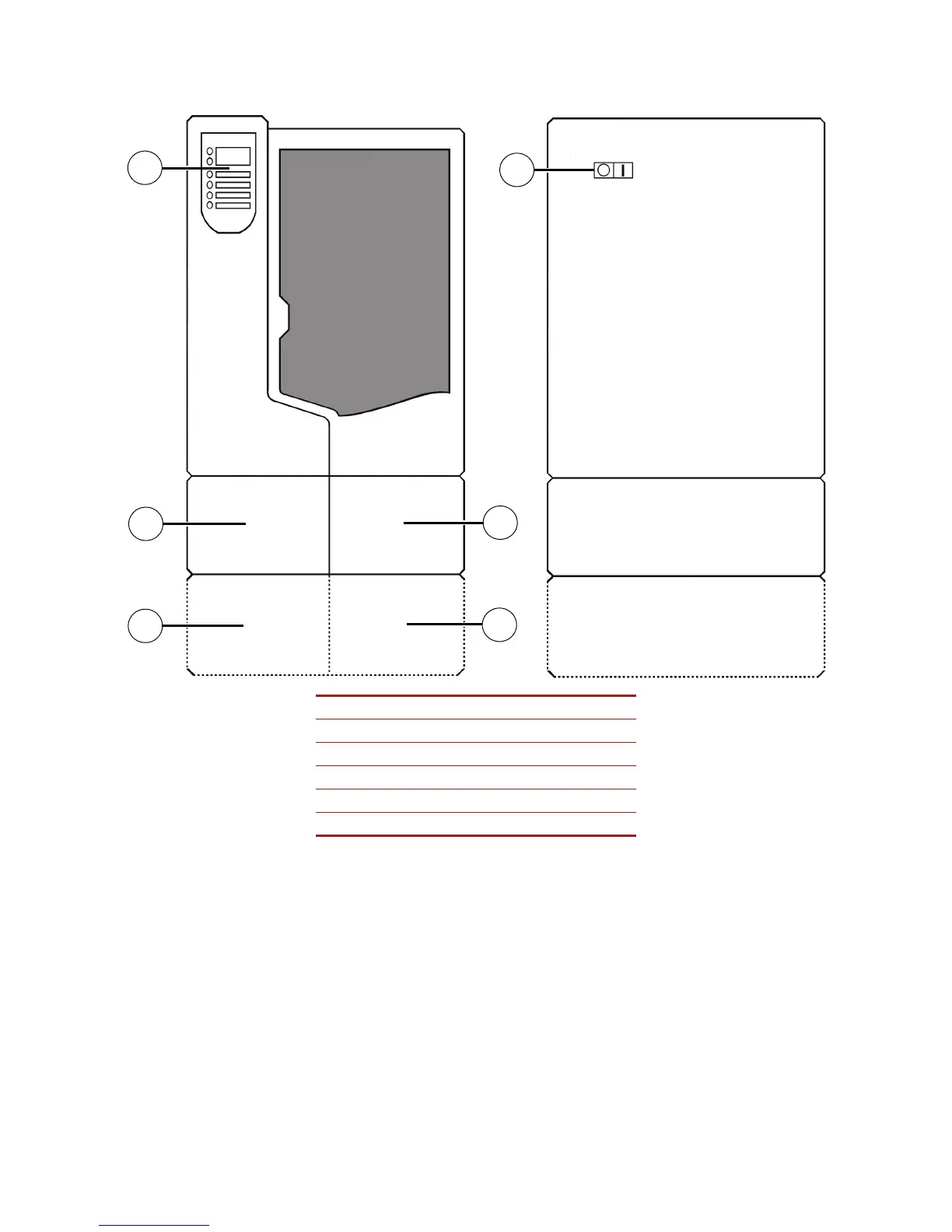
Figure 1 Front and left side view of printer.
1Display Panel
2 Material Bay, Support Side
3 Optional Material Bay, Support Side
4 Optional Material Bay, Model Side
5 Material Bay, Model Side
6Power ON/OFF Switch
Front view
Left side view
2
3
4
5
1
6














 To Next Page