S CLASS™ 2 cutter User’s Manual
Setup 1-14
1.5.1.2 Connecting the S CLASS 2 cutter to a Mac using a USB cable
Mac OSX
Most recent cutting software does not need a driver installation when a computer is
connected to the cutter. The software that controls the driver is built into the cutting
software.
1.5.2 Ethernet connection
A couple of parameters need to be set when connecting a cutter to the Ethernet. It is best to
check a couple of network settings or ask the network administrator for following info:
Is the network working with a DHCP server or not?
If so, what is the lease time and what is the IP pool range of the DHCP server.
If not, then find out what the used IP range is.
Also ask for the value of the subnet mask.
If the network administrator can already provide a free IP address and the value of the
subnet mask, then go directly to the procedure Case set everything manual
.
If the values are not known at front and need to be searched for, then follow the below
procedure.
In case the DHCP server is used:
If no lease time is set (the lease time is infinite) then no parameters have to be set on the
cutter. Just connect the cutter and write down the IP address to set up the cutting software.
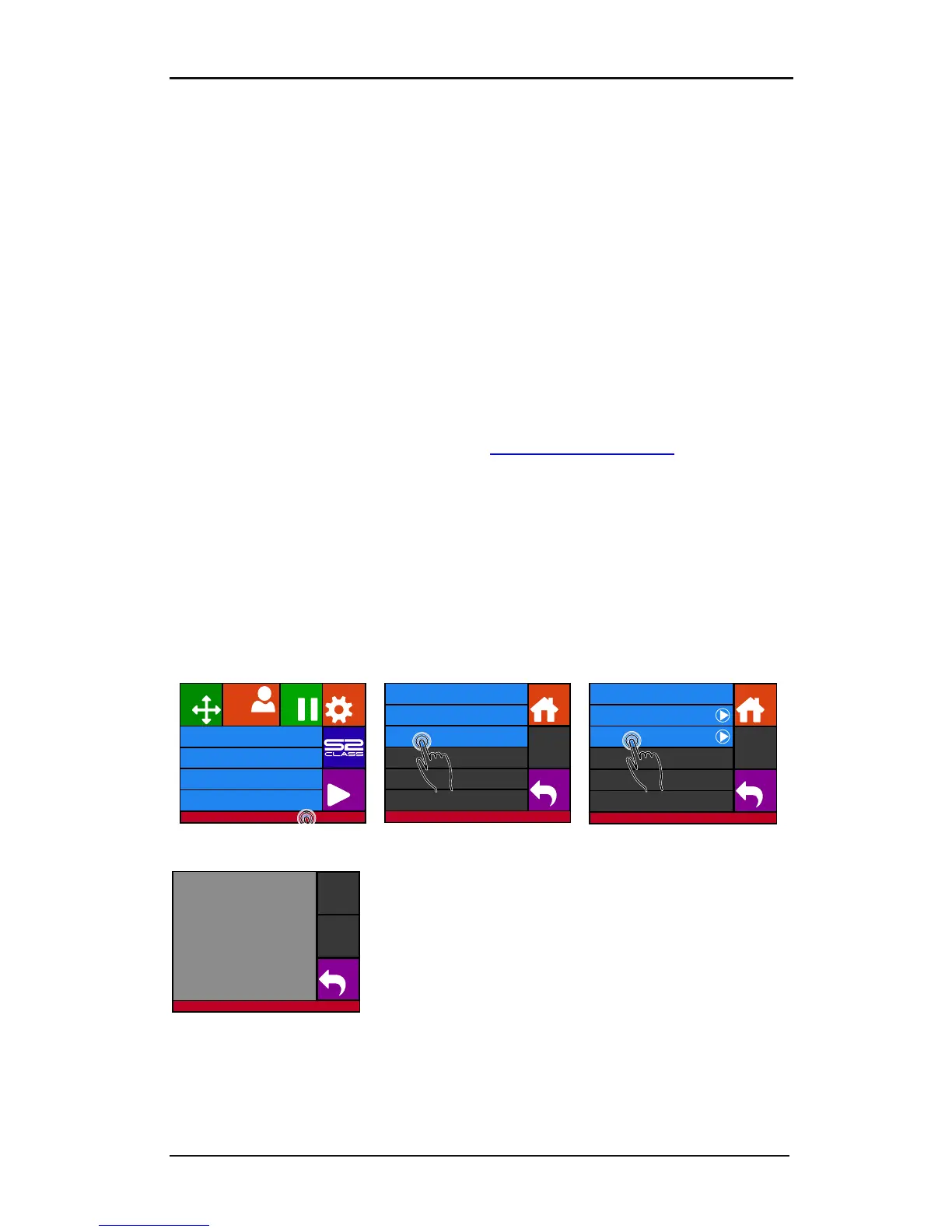
Check the IP address in the communication menu:
1. Power on the cutter (see section 1.4) and connect the Ethernet cable.
If a lease time is set, then use a static IP address. If the IP pool range is known, use an
address outside this range. If this is not possible, try and change the IP pool range of the
network so a couple of addresses are vacant to be used as a static address.











 To Next Page