S CLASS™ 2 cutter User’s Manual
Detailed Operation 4-2
4.2.3 Home
Click Home to leave the action menu.
4.2.4 Cut Tests
Click Cut Tests to go to the internal test menu. Currently, there are two internal tests
available.
The DIN A4 test
The DIN A4 Test performs an electrical and mechanical test of the cutter in order to check
the cutting quality. It also provides feedback on knife setting, knife pressure, knife offset,
and cutting depth.
This cut is always run as a DIN A4 portrait/A-size image, regardless of the actual size of the
loaded media. If the loaded media is smaller than a DIN A4/A-size, a part of the outer box
will be clipped (not cut).
The confidence test
The confidence test performs a quick electrical and mechanical test of the cutter to make
sure that the cutter is fully operational. A media sheet of at least A3/B-size should be used
for this plot. This test is always cut at the left side of the loaded media.
4.2.5 Open file
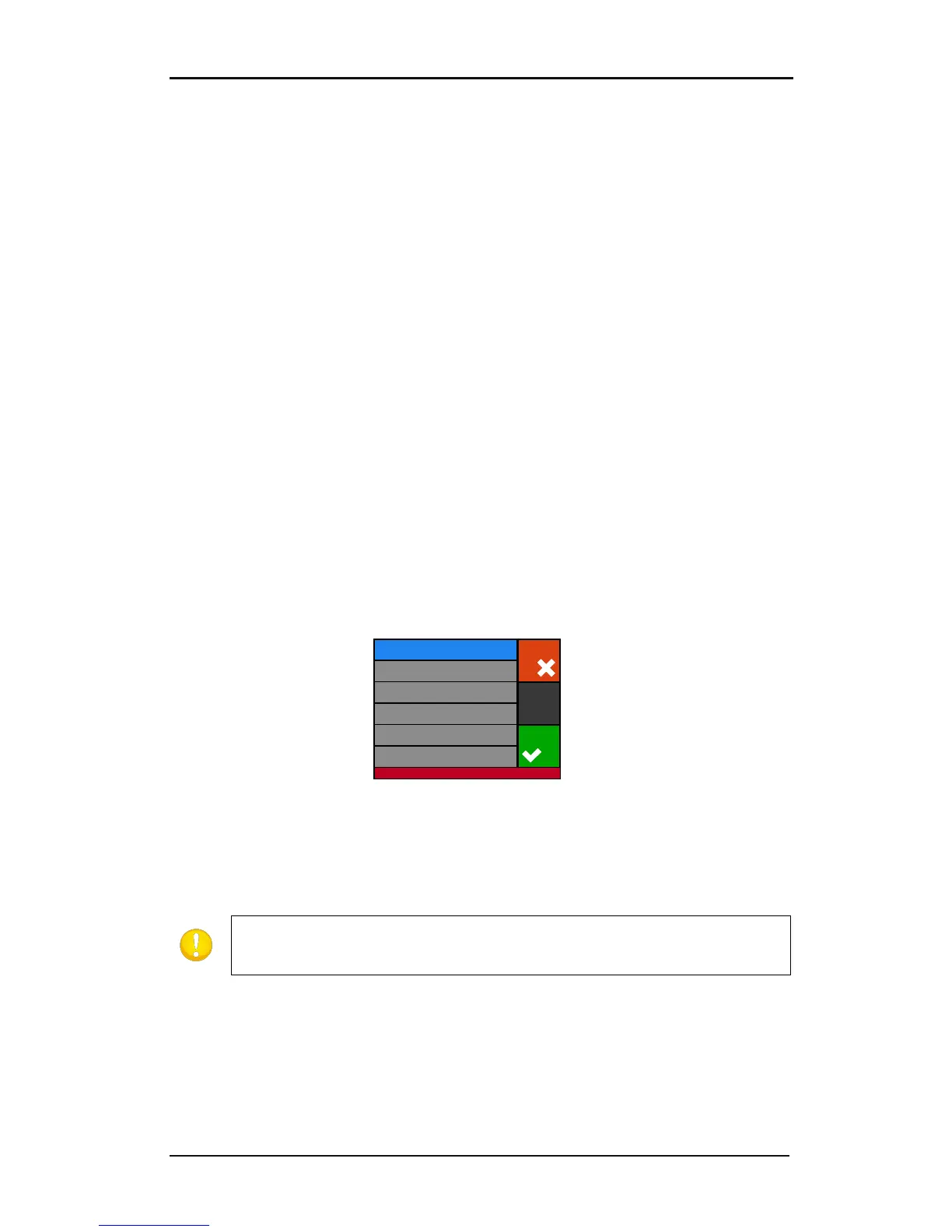
Use this option to cut directly from the USB flash drive or to upgrade the cutter. Click on the
icon to see the list of the files that are present on the USB stick.
The cutter now cuts out the file. If the file has a new version of firmware, then the firmware is
upgraded. However, it is recommended to upgrade with the program Summa Cutter Control, if
possible.
4.2.6 Replot
Each job is stored in the cutter’s memory until a new job is sent. Pressing replot allows the
job to be replotted. After this button is pressed, the user can choose the number of replots.
The replot button does not work if there is no job in the memory or if the previous job was
larger than the cutter’s memory.
can have .plt, dmp, .hpg, hgl or .hgp.











 To Next Page