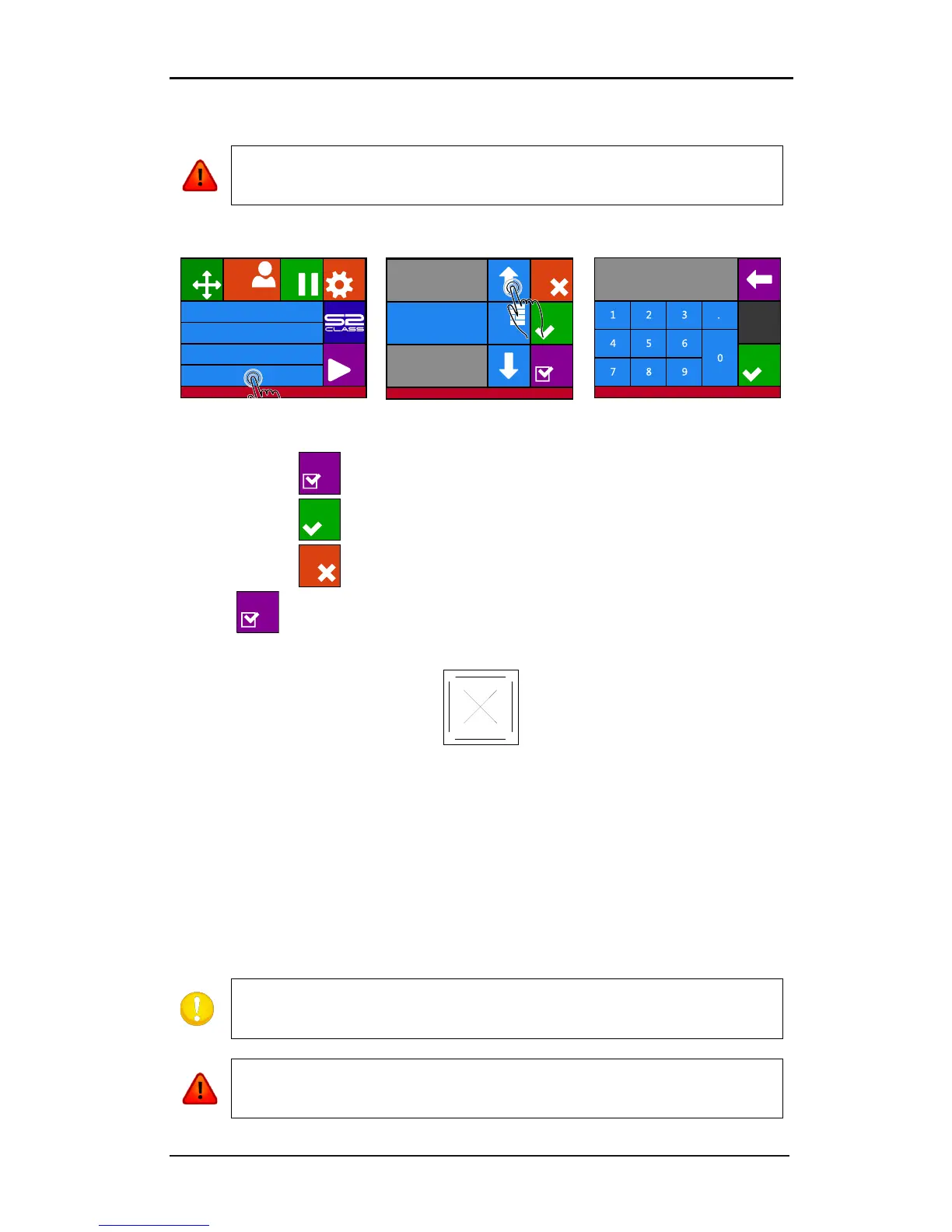
Each keystroke can initiate an internal test or movement of the
head or media. Keep fingers and other body parts away from the cutting area.
after pressing Numpad.
1. Press to perform the internal knife pressure test.
2. Press to confirm the chosen knife pressure and exit the menu.
3. Press to leave the pressure unchanged.
Once is pressed, the current knife pressure value will be set automatically to the
new value and the cutter will cut the knife pressure test pattern.
FIG 1-27
1-27 KNIFE PRESSURE TEST PATTERN
Peel out the rectangle and inspect the media backing.
The knife depth is set correctly when the test pattern cuts completely through the vinyl.
and the blade tip visibly scratched the front side of the media backing when the vinyl is
removed. The blade should never cut in the backing but should only slightly scratch the
silicon coating and first few fibers of the backing material. Because the knife pressure
setting depends on the thickness and type of the media, adjusting the knife pressure will
require some practice. In general, the knife depth must be increased when using thicker
types of vinyl and decreased when using thinner types of vinyl.
Do not operate the cutter if the knife blade cuts through the media
backing, as this will seriously damage the cutter's rubber cutting strip and the











 To Next Page