Detailed Operation 4-1
4 Detailed Operation
4.1 Introduction
This section is a detailed list of all parameters that can be changed and of tests that can be
initiated from the touch screen.
Section 1 and 2 of this manual describe in detail the most commonly used touch screen
manipulation.
This section can be used as a reference for locating a certain parameter setting or test. The
less frequently used parameters are also explained in this section.
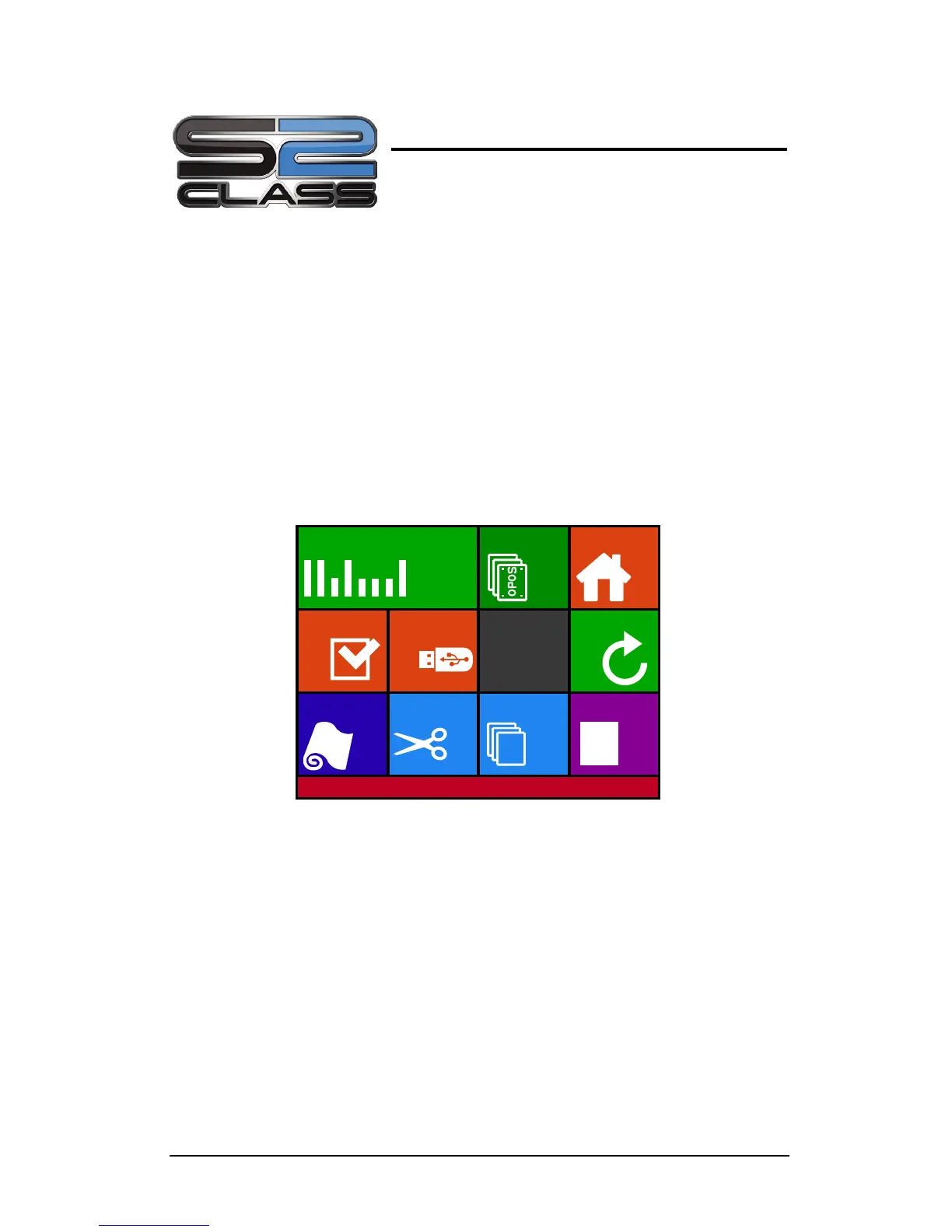
4.2 Action Menu
FIG 4-1
4-1 ACTION MENU
4.2.1 OPOS Barcode
Click this to start the barcode workflow (see section 3.4.3).
4.2.2 OPOS sheet mode
This button is a shortcut to activate the OPOS sheet mode (see section 3.4.2).











 To Next Page