S CLASS™ 2 cutter User’s Manual
Basic Operation 2-14
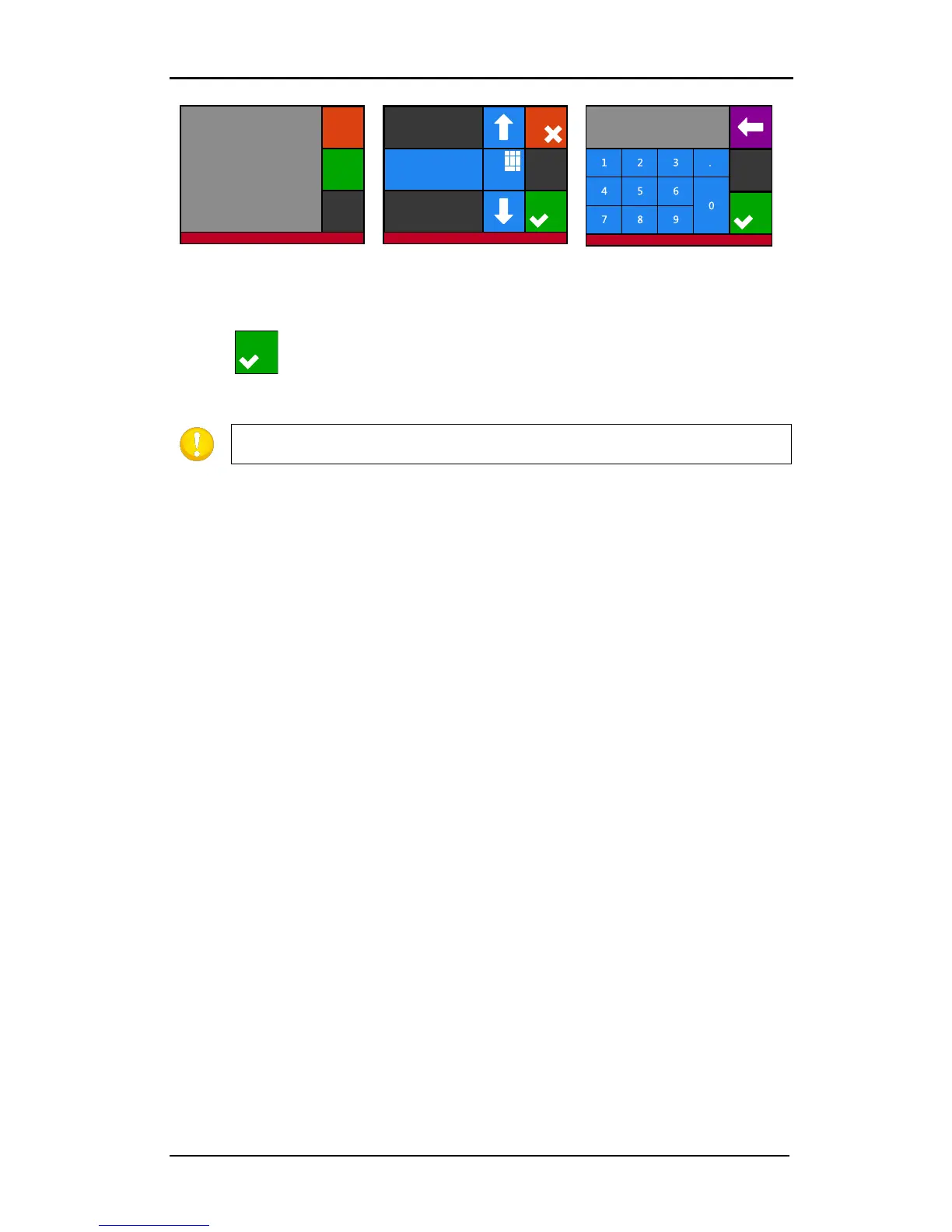
5. Press Measure lines to fill
in the value or Abort without
changing.
6. Use the arrow to
change the value or press
Numpad to fill in the value
with the arrow, press Apply
to confirm the value.
8. Press to confirm the value of the measured length.
TIP: Once this user is calibrated, change the user name. This makes it easy for
future reference.
Settings | length calibration
Measure
lines
Length calibration
Abort
Cancel
Numpa d
Value: 900.000 mm
Apply
Settings | length calibration
Apply
900.000█
Settings | length calibration











 To Next Page