Chapter 3 Installing the Server Into a Rack With Slide-Rails 71
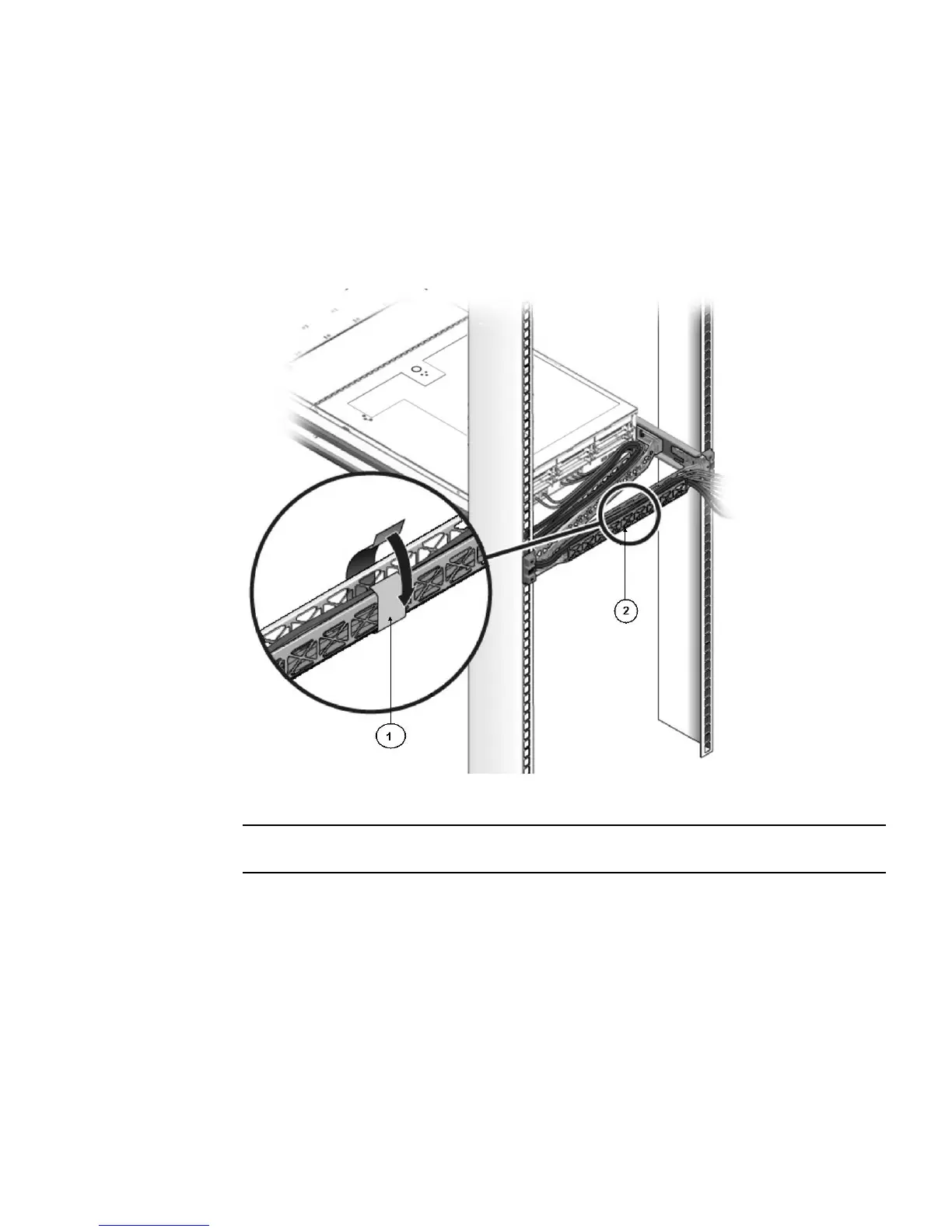
10. Attach the cable hook and loop straps to the CMA, and press them into place to
secure the cables (see
FIGURE 3-14).
For best results, place three cable straps, evenly spaced, on the rear-facing side of
the CMA and three cable straps on the side of the CMA nearest the server.
FIGURE 3-14 Installing CMA Cable Straps
Figure Leg end
1 CMA cable strap
2 CMA arm















 To Next Page