Chapter 6 Page 95
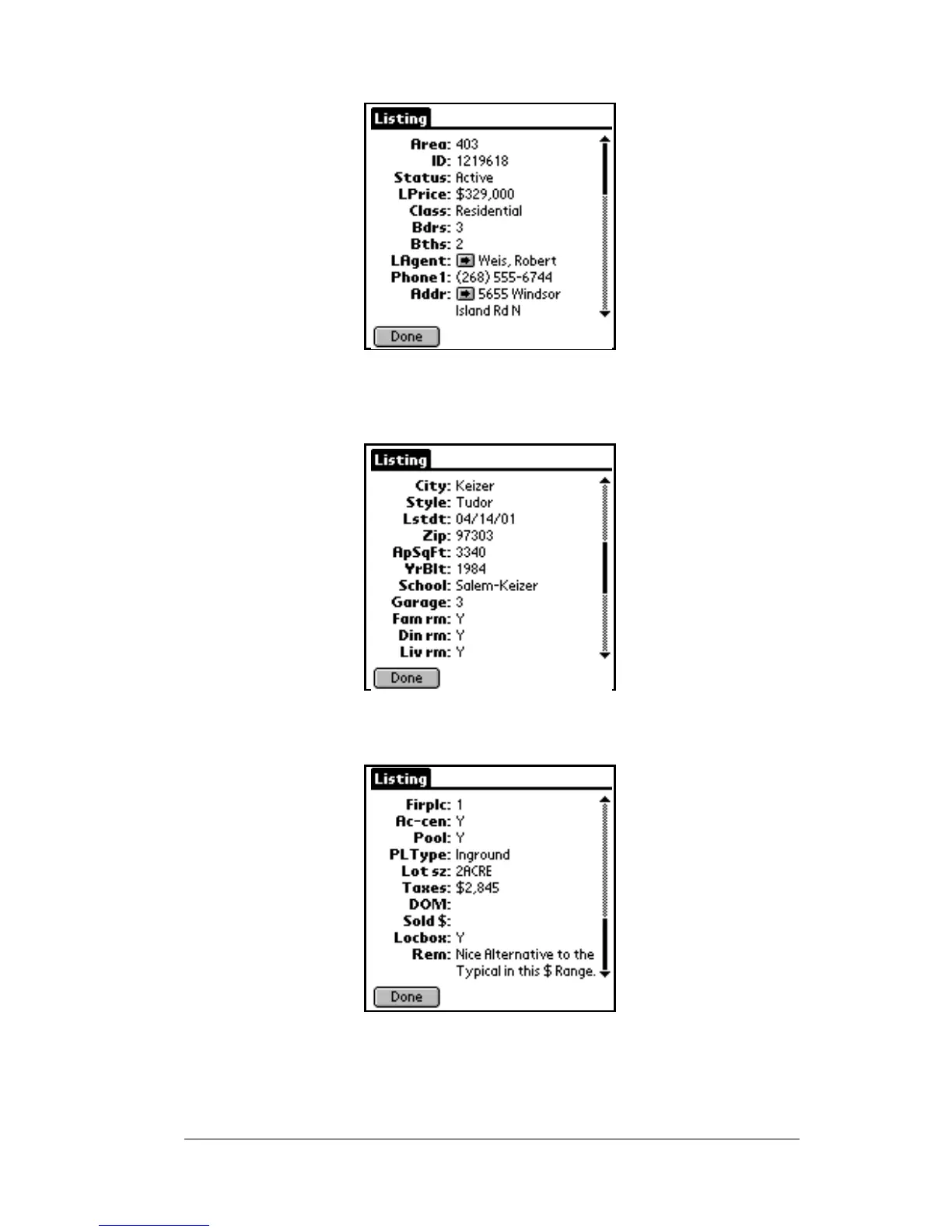
listing information is displayed.
5. Use the scroll bar on the right to display additional fields chosen
by your Association/MLS.
6. Tap the downarrowagain to view additionalfields chosen by your
Association/MLS.
Note: You may have a different number of pages of information for
each listing based on the fields and the number of characters
in each field displayed as chosen by your Association/MLS.



 To Next Page