Page 68 Using the eKEY Application
below the viewing area.
9. Tap
Done
when you are finished reading new KeyBox activity
information.
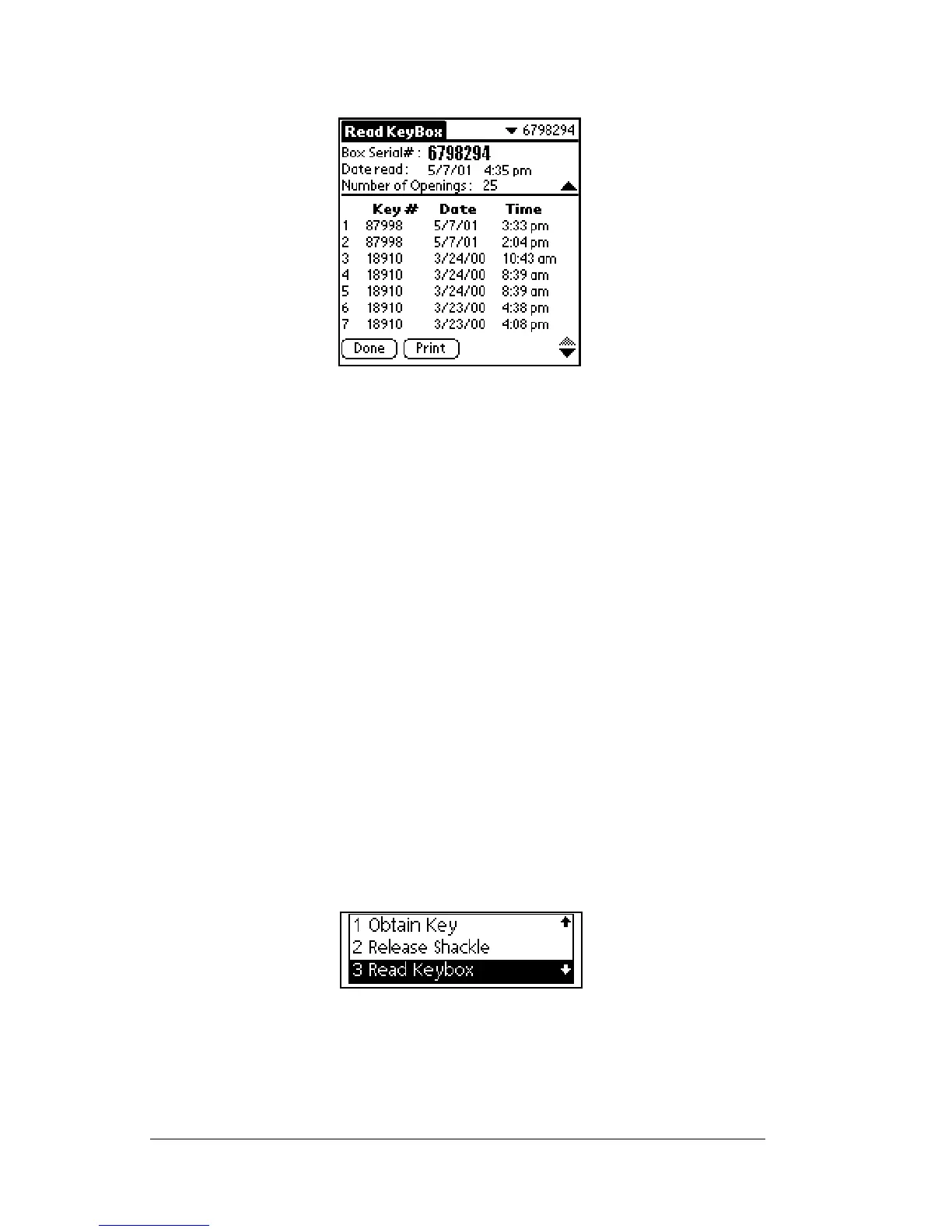
The eKEY displays up to 43 showing entries beginning with the most
recent KeyBox access. Use the arrow keys on the keypad to scroll up
and down to view showing information. Entries contain the showing
agent's Key serial number and the date and time the listing was
shown.
Call KIMvoice to hear the name and contact phone number of the
agent assigned to the serial number or to request a fax report. See
Names of showing agents in Chapter 8 for instructions on using
KIMvoice.
Reviewing KeyBox access information
Your eKEYstores informationforthelastfiveKeyBoxes youhave read
so you can review it later.
1. Close your eKEY shell.
2. Press the
on
button.
3. Highlight the
Read Keybox
option.
4. Press
enter
. The sub-option list appears.



 To Next Page