Page 8 Introducing the SUPRA
System Components
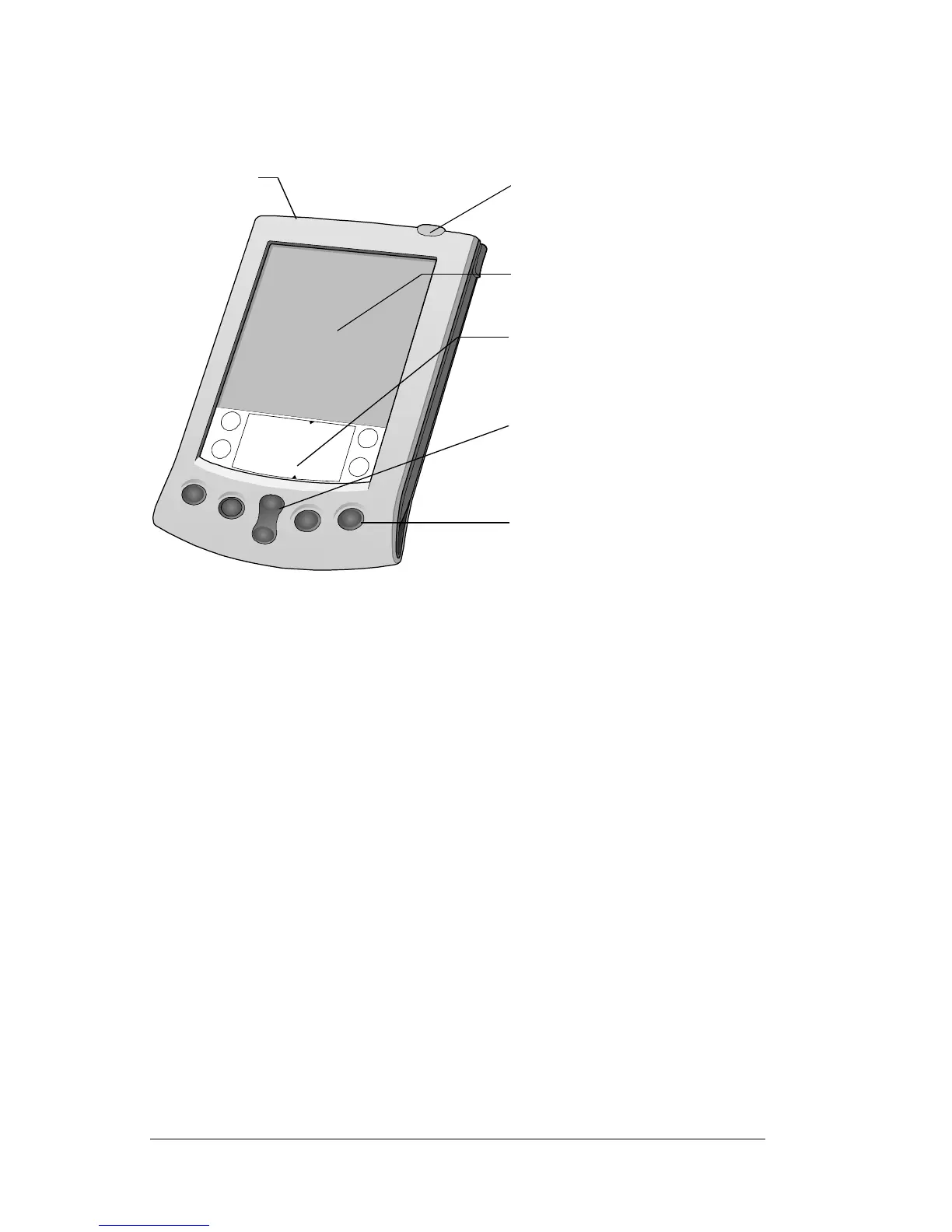
SUPRA handheld computer components
Locating front panel controls
Contrast
control
button
Turns on the onscreen contrast control. This enables
you to adjust the screen for the clearest screen display
as required by the lighting conditions or
environmental temperature where you use your
handheld. See Using the onscreen contrast control
following this table for more information.
Power
button/
Backlight
control
Turns your SUPRA handheld computer on or off and
controls the backlight feature.
If your handheld is turnedoff, press the power button
to turn on the handheld. The last screen you viewed
is displayed. Press the power button to turn off the
handheld.
If you have difficulty seeing the information
onscreen, use the backlight to illuminate your screen.
Press the power button and hold it down for about
two seconds to turn the backlight on or off.
Screen
Graffiti writing area
Application buttons
Scroll button
Power button
on
ras
control button



 To Next Page