Chapter 2 Page 31
4. SelectthenamethatcorrespondstoyoureKEY in the
User
drop-
down list.
5. Click
Add
.
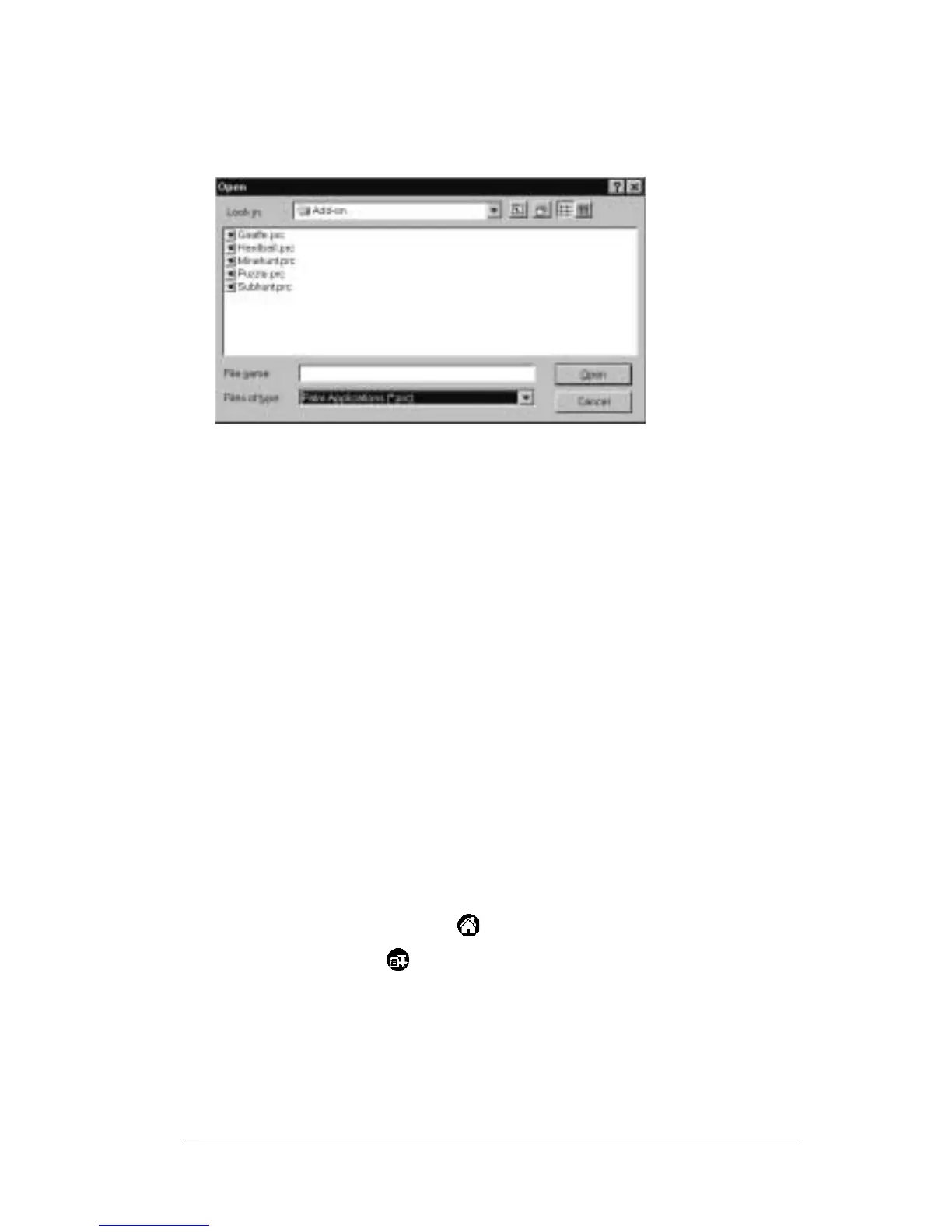
6. Select the application(s) that you want to install on your handheld.
7. Click
Open
.
Note: Review the list of applications you selected in the
Install
Tool
dialog box. If you do not want to install an
application, select it, and then click
Remove
.(Thisdoesnot
remove the application from your PC; it simply removes
it from the list of applications to install.)
8. Perform a HotSync operation to install the application(s) you
selected in Step 6.
Removing applications
Remove applications from your handheld if you run out of memory or
decide that you no longer need an application. Only add-on
applications,patches,andextensionsthatyouinstall mayberemoved.
You cannot remove the applications that reside in the ROM portion of
your handheld.
To remove an add-on application:
1. Tap the APPLICATIONS icon .
2. Tap the
MENU icon .
3. Tap
App
,andthentap
Delete
.
4. Tap the application that you want to remove.



 To Next Page