Chapter 3 Page 35
Opening applications
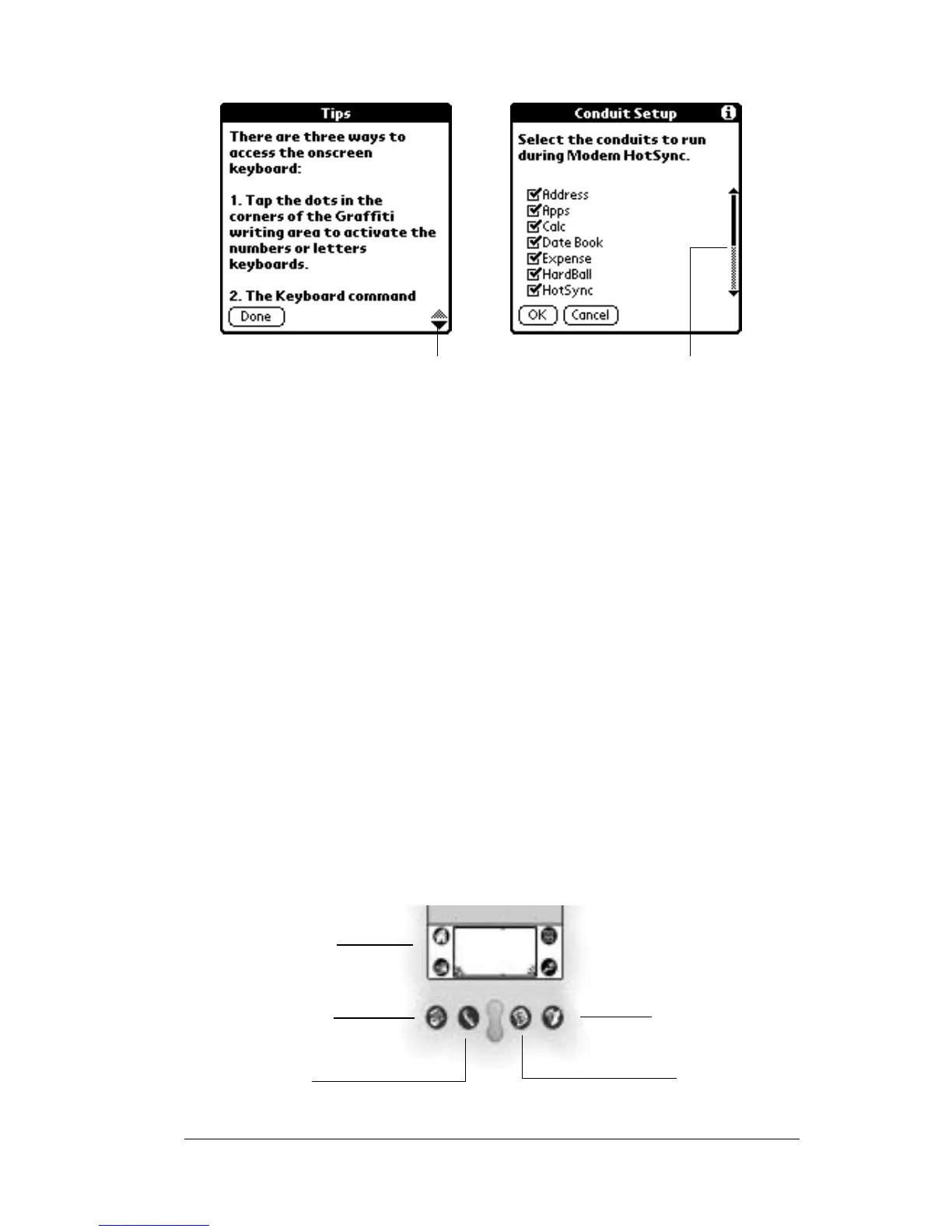
Use the Applications Launcher to open any application installed on
your SUPRA handheld computer. Open the four main applications —
Date Book, Address Book, To Do List, and eKEY — with the
application buttons on the front panel of your handheld.
Scroll bar Drag the slider, or tap the top or bottom arrow, to
scroll through the display one line at a time. To scroll
to the previous page, tap the scroll bar just above the
slider.Toscrolltothenextpage,tapthescrollbarjust
below the slider.
You can also scroll to the previous and next pages by
pressing the upper and lower portions of the scroll
button on the front panel of the handheld.
Next/
previous
arrows
Tap the up and down arrows to display the previous
and next page of information. Tap the left and right
arrows to display the previous and next record.
Scroll
bar
Previous/next
arrows
Applications
Launcher
Address
Book
Date
Book
To Do
List
eKEY



 To Next Page