Page 86 Using the eDATA Application
Navigating the eDATA application
All eDATA functions are performed while the shell front is open.
1. Open the eKEY shell.
2. Turn on the SUPRA handheld computer.
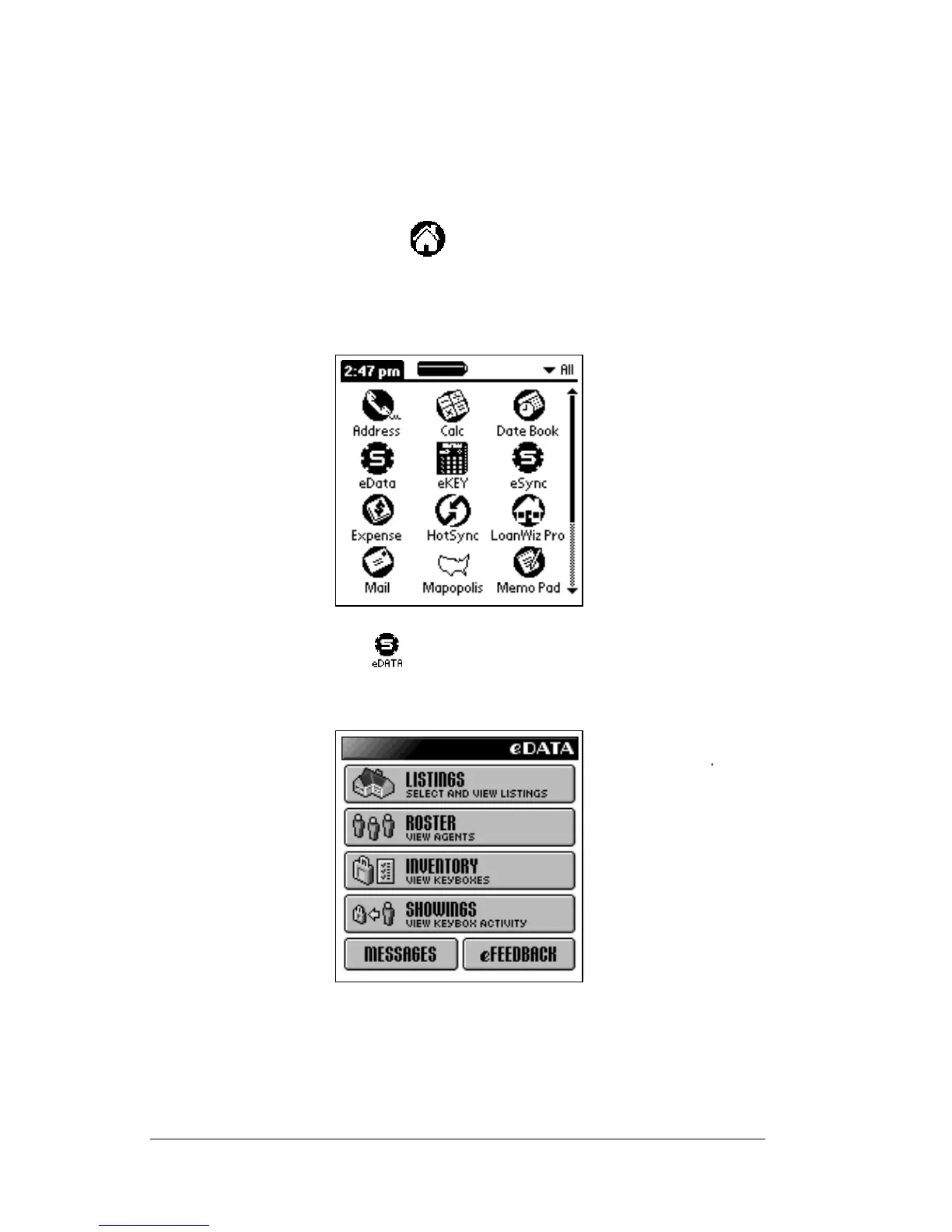
3. Tap the Applications icon until
All
is shown in theupper right
corner.
4. When
All
is showing in the upper right corner all of the icons are
displayed.
5. Tap the eDATA icon to start the application.
6. The main eDATA screen appears.
7. TherearesixoptionsonthemaineDATA screen: Listings, Roster,
Inventory, Showings, Messages, and eFeedback. Tap any of these
options to view related information.



 To Next Page