Chapter 5 Page 71
6. Press
enter
.The
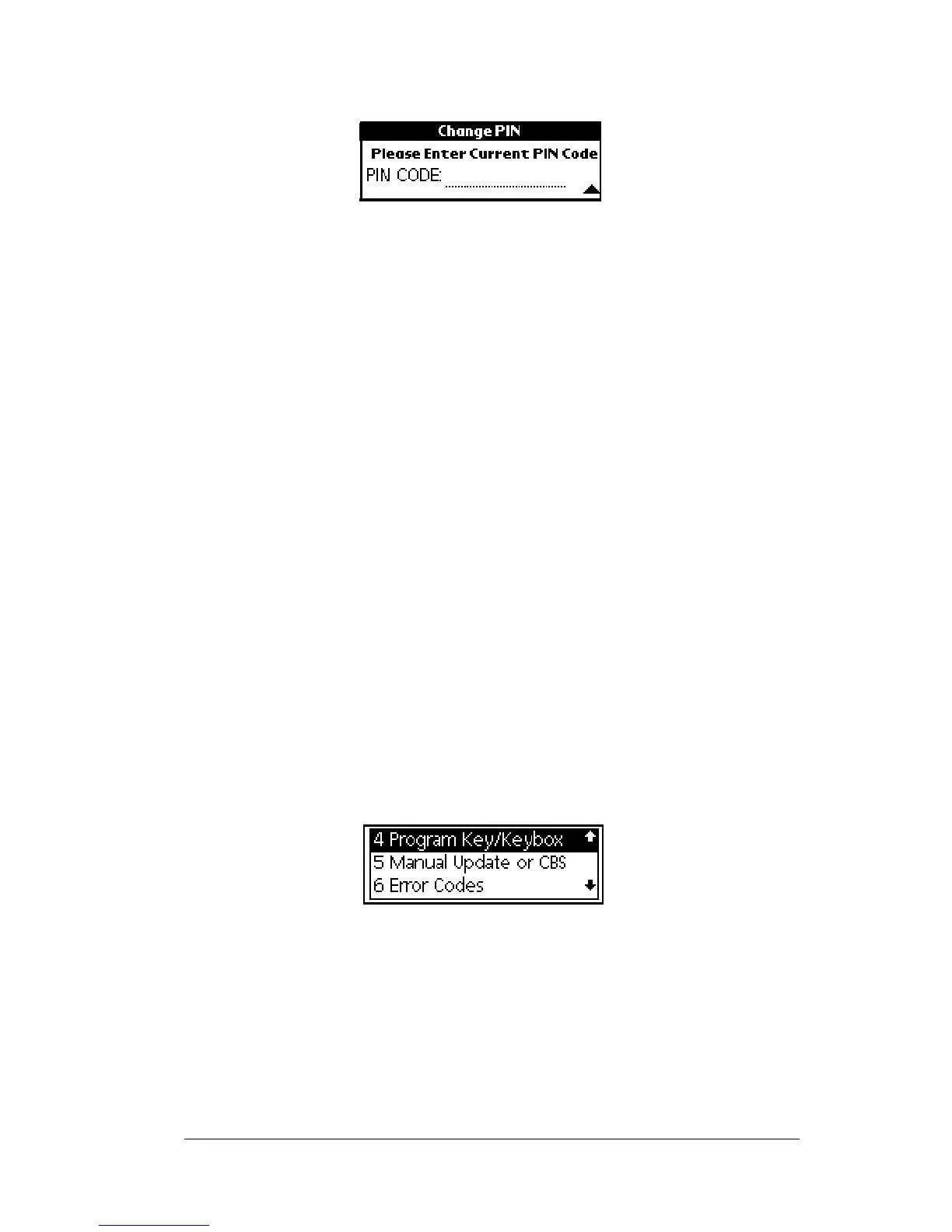
PIN CODE
prompt appears.
7. Enter your current four-digit PIN code.
8. Enter your new PIN code when prompted.
9. Re-enter your new PIN code when prompted. An
Operation
Successful
message appears in the display screen if the new PIN is
changed successfully. If you receive an error message, see Appendix
A: Error Codes for help in determining how to correct the error.
Important! You can use your new PIN right away however, you must
eSYNC before the new PIN code is recorded in KIMnet.
Changing the shackle code in a KeyBox
Each KeyBox has a four-digit shackle code that is used to place or
remove a KeyBox, set a KeyBox to open during assigned timed access
hours or 24 hours a day, and to read a KeyBox.
You received the KeyBox shackle code when you received your
KeyBox. You can reprogram your KeyBox with a different shackle
code if you prefer.
Important! DO NOT attach shackle codes to your KeyBoxes in any
way. Keep your shackle codes confidential.
1. Close your eKEY shell.
2. Press the
on
button.
3. Highlight the
Program Key/Keybox
option.
4. Press
enter
.
5. Highlight the
Change Shackle Code
option from the Programming
sub-menu.



 To Next Page