Page 88 Using the eDATA Application
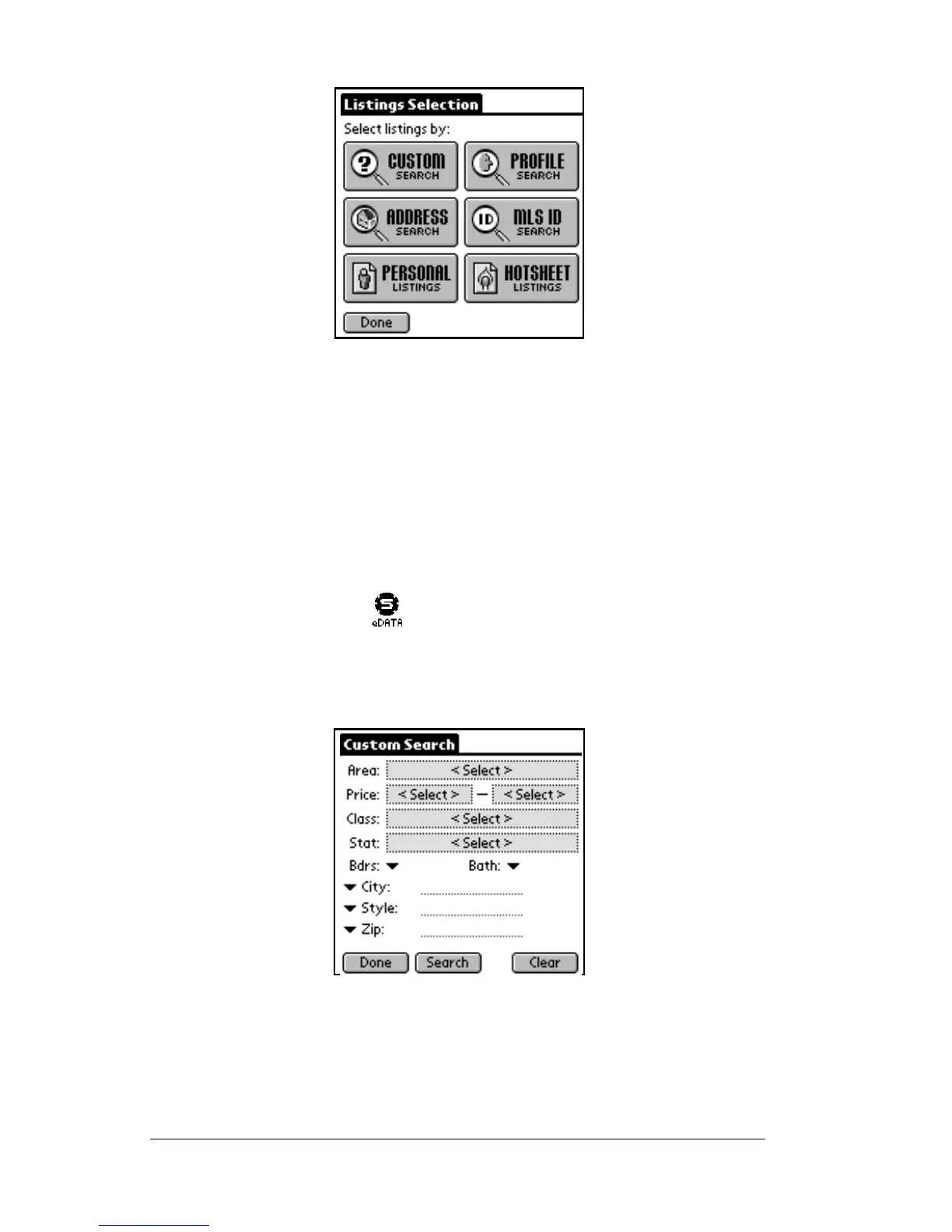
There are six options on the listings screen: Custom Search, Profile
Search, Address Search, MLS ID Search, Personal Listings, and
Hotsheet Listings. Tap any of these options to view related
information.
Performing a custom search
The custom search allows you to specify which listings in your
database to view.
1. Tap the eDATA icon from the SUPRA handheld computer
main menu to start the application.
2. Tap the
LISTINGS
buttononthemaineDATA screen.
3. Tap the
Custom Search
button on the
Listing Selection
screen.
4. You can create a custom search to display listings by specific areas,
price ranges, classes, statuses, minimum number of bedrooms,
minimum number of bathrooms, and up to three of the additional
searchable fields.



 To Next Page