Chapter 6 Page 87
Using the Listings Database
The listings database contains the listings determined by the selection
of areas, classes, statuses, and the price range you chose for your
market area in KIMweb. The detailed information displayed for each
listing is chosen by your Association/MLS. Due to storage capacity,
the listing database is not an exact mirror of the MLS system but is
intended to be a portable collection of listing records that fit your
usage criteria.
Note: No data appears in the listings function on your eKEY until
your market area has been created in KIMweb and you have
performed a manual eSYNC. See Defining your Market Area in
Chapter7formoreinformation.
Viewing the listing menu
1. Open the eKEY shell.
2. Turn on the SUPRA handheld computer.
3. Tap the Applications icon .
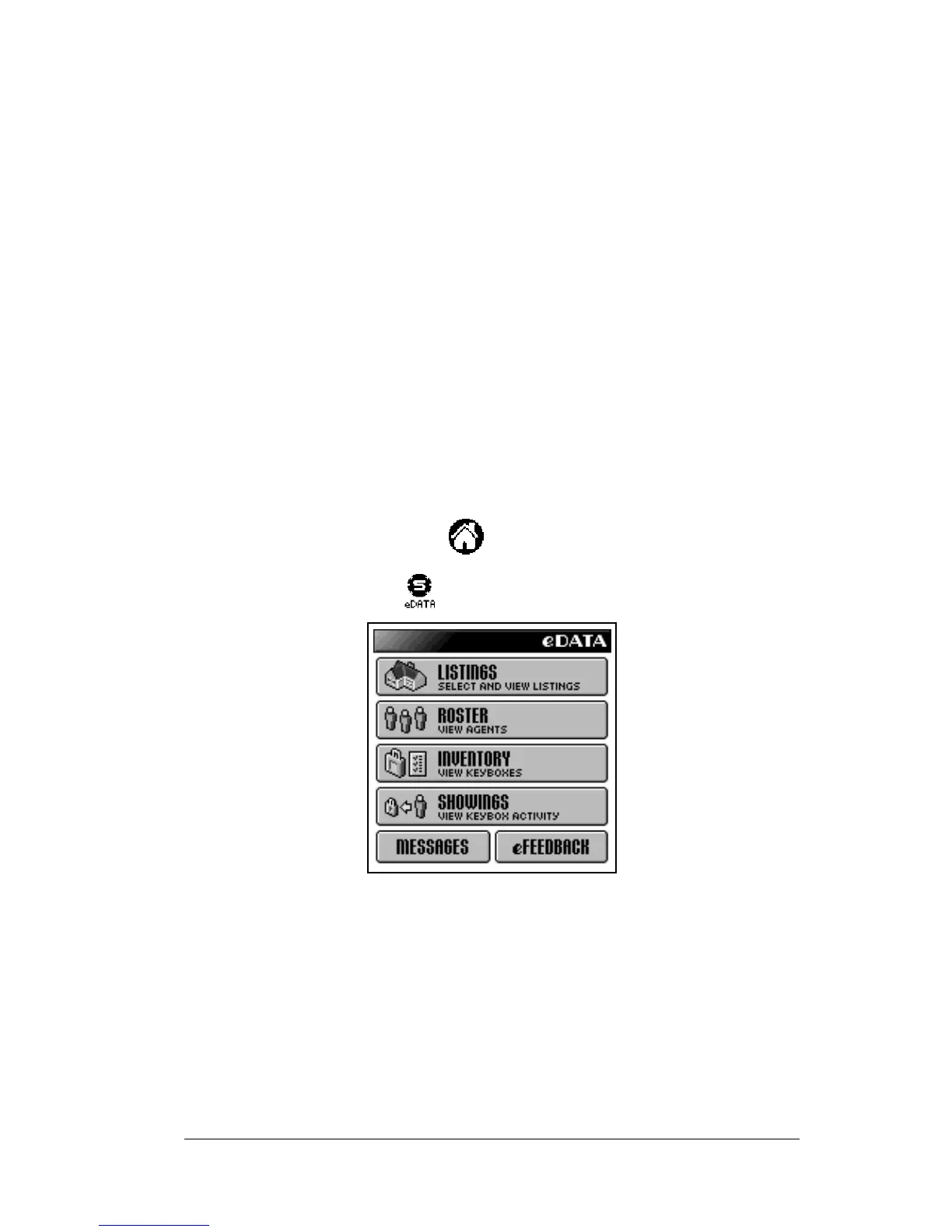
4. Tap the eDATA icon to start the application.
5. Tap the
LISTINGS
button on the main eDATA screen.



 To Next Page