Page 12 Introducing the SUPRA
System Components
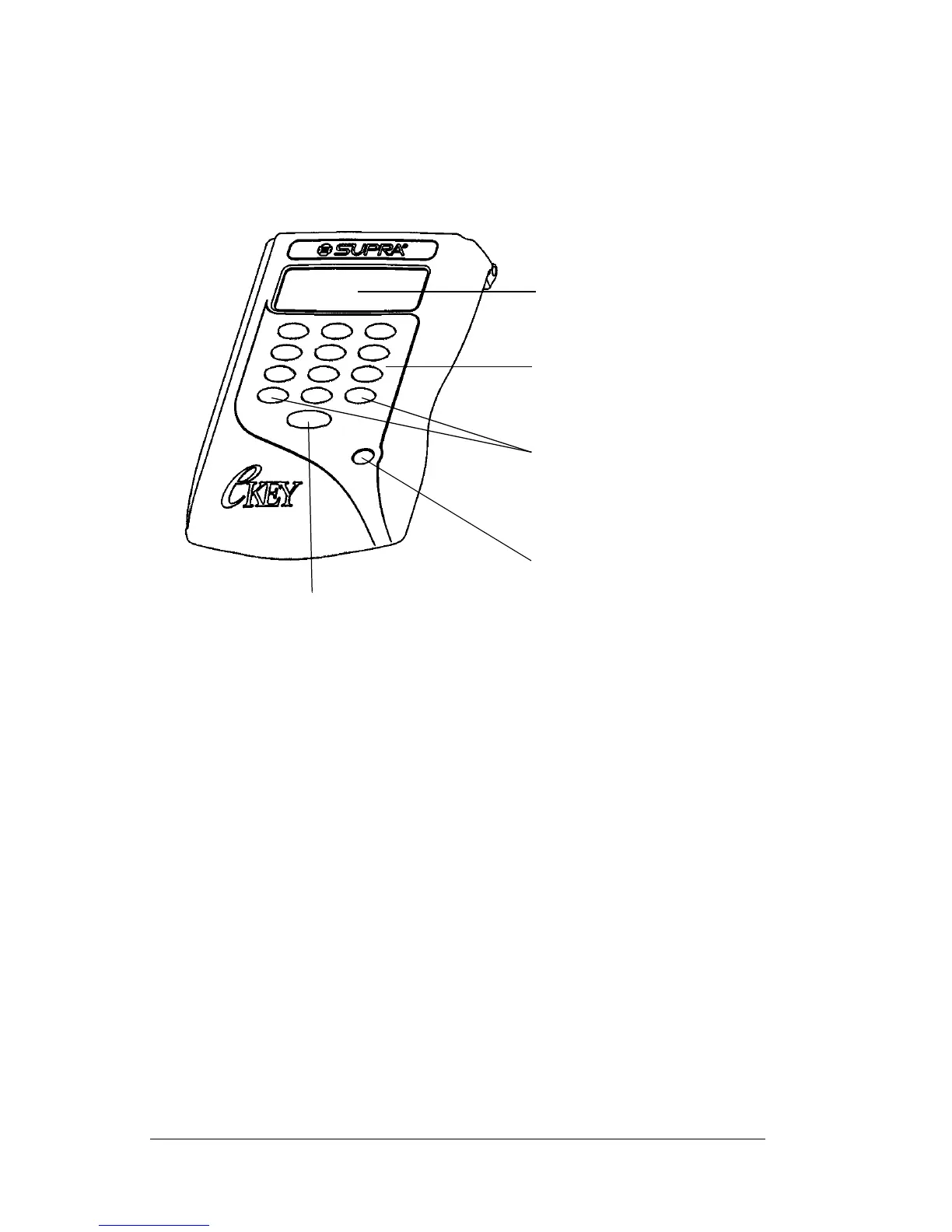
eKEY shell
The eKEY shell case is plastic and fits over the SUPRA handheld
computer. It consists of two pieces.
Shell front
Viewing Port Anopening on thefrontof theshellallowsyou to
viewa portionof theSUPRAhandheld computer
screen when the shell front is closed.
Numeric
Buttons 0
through 9
Enable you to enter various numeric codes for
eKEY menu options.
Arrow Buttons Enable you to scroll through the eKEY's menu
options.
On Button Turns the eKEY on and off.
Enter Button Allows you to select menu options.
Viewing
port
Numeric
buttons
Enter button
On button
Arrow
buttons



 To Next Page