Page 110 Using the eDATA Application
Using the Showing Activity function
The Showing Activity function provides you with a report of every
agent who has accessed a KeyBox that you have assigned to your
record in KIMweb. You can view the previous two weeks of showing
information for up to 50 KeyBoxes in eDATA.
Important! To have showing information delivered to your eKEY,
you must first designate in KIMweb the KeyBoxes you
want to receive information on during each eSYNC. See
SettingKeyBoxAssignmentsin Chapter 7 for instructions
on selecting KeyBoxes for eSYNC.
Viewing showing activity
1. Open the eKEY shell.
2. Turn on the SUPRA handheld computer.
3. Tap the Applications icon .
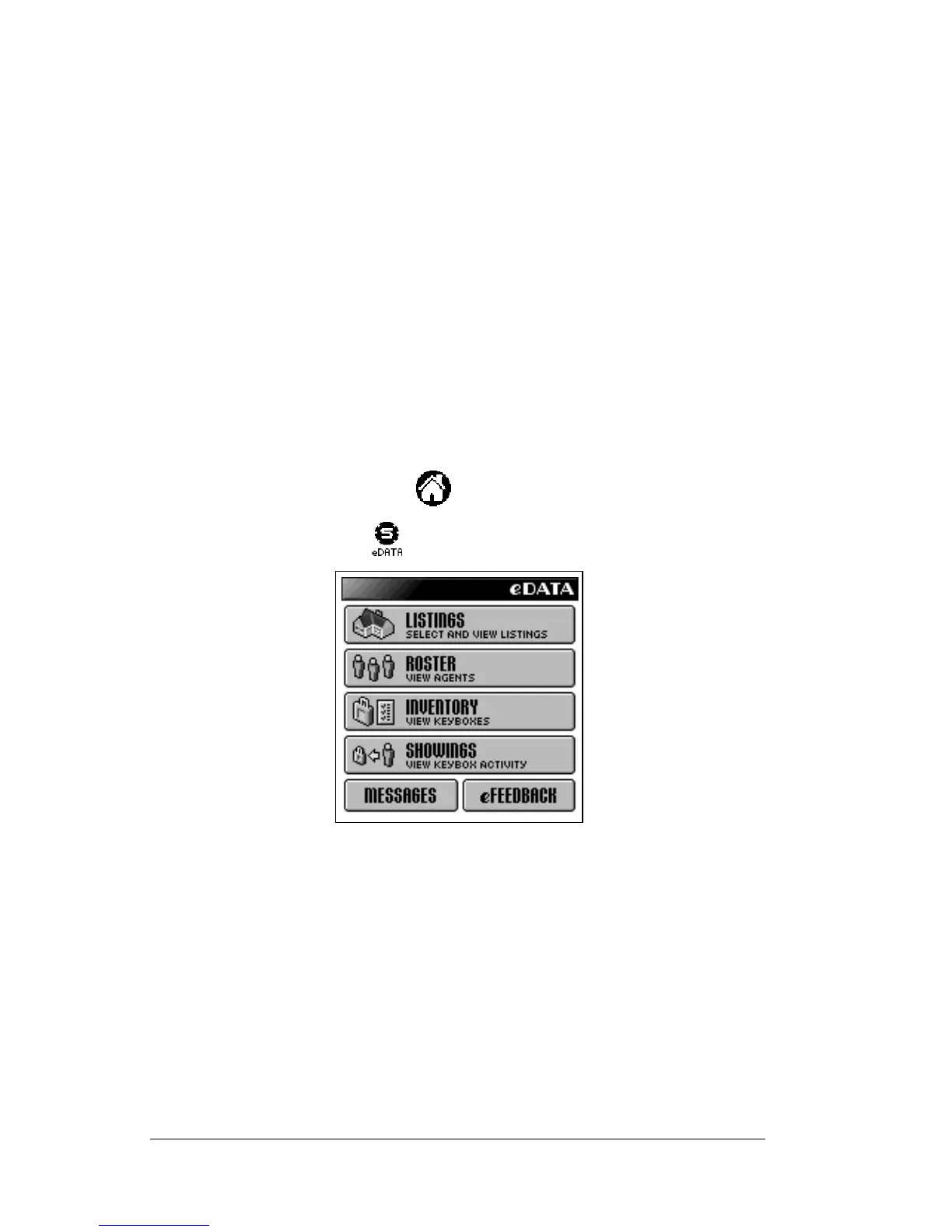
4. Tap the eDATA icon to start the application.
5. Tap the
SHOWINGS
button on the eDATA main menu screen. The
Showing Activity list screen displays the last 14 days of showing
activity delivered during the last eSYNC.



 To Next Page