Chapter 4 Page 55
Configuring whether to download listings and roster
You may choose whether or not to receive listing and roster changes
during an eSYNC. Your eKEY is automatically configured to receive
listing and roster changes. You may elect not to download listing or
roster changes to save time during an eSYNC or to save space on your
SUPRA handheld computer.
To set your eKEY to not receive listing or roster changes:
1. Open the eKEY shell front and turn on the SUPRA handheld
computer.
2. Tap the Applications icon .
3. Tap the eSYNC icon .
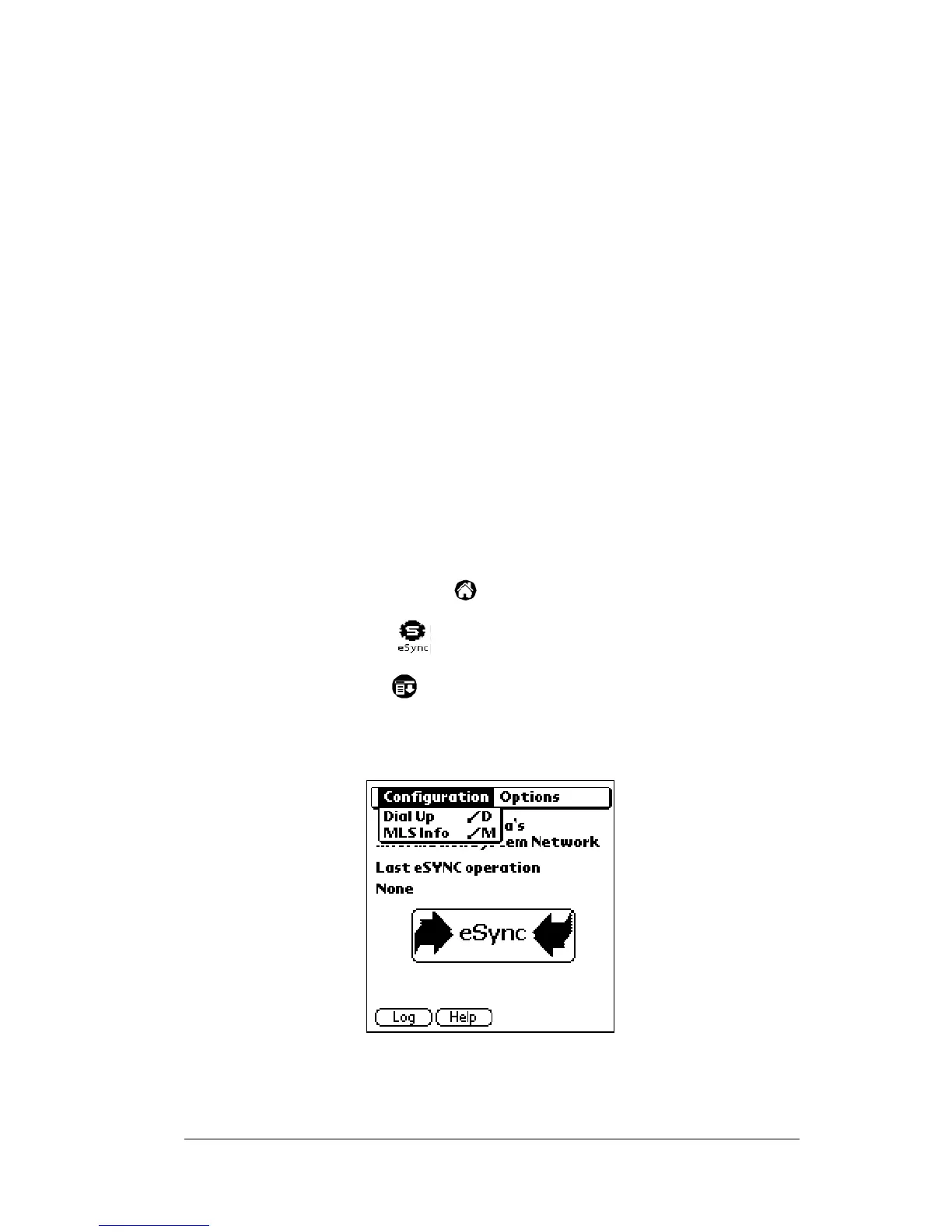
4. Tap the Menu icon . A menu bar displays two options:
Configuration
and
Options
. Tap the Configuration option if it is not
already highlighted. Two options,
Dial Up
and
MLS Info
appear in
the drop down list.
Disable
Call waiting
Check this box to disable call waiting and enter the
appropriate code determined by your telephone
service in the space provided.
Wait for
Dial Tone
Check this box and enter a number from 1 to 99 to
have the eSYNC Cradle wait the specified number of
seconds for a dial tone before dialing KIMnet. This
can be used if your telephone service uses voice
messaging.



 To Next Page